Image Tools Suite
Free WebP to JPG offers a comprehensive suite of image conversion and optimization tools. The platform supports conve...
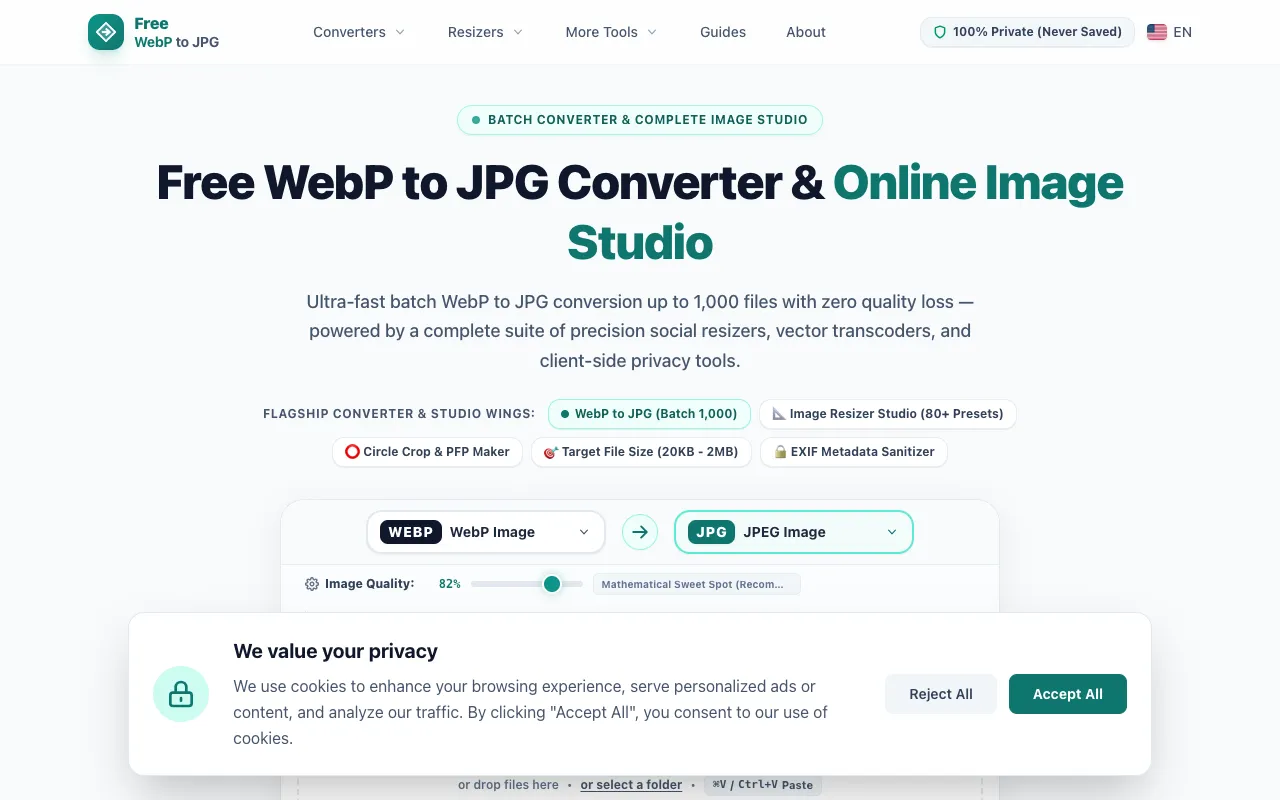
What Image Tools Suite does
Free WebP to JPG is a browser-based image conversion and optimization platform that transforms WebP files into JPG, PNG, GIF, SVG, and other formats. Beyond simple format switching, the suite includes tools for resizing, compressing, and merging images into PDFs. Users receive optimized output files ready for web or print use, with all processing handled privately in the browser without requiring account creation.
How to use the Free WebP to JPG Image Tools Suite
- 1
Select WEBP files or drop files into the upload area, or choose a folder for batch conversion
- 2
Choose the desired output format (JPG, PNG, GIF, SVG, or PDF) and adjust image quality settings
- 3
Optionally configure page size, margins, or merge multiple images into a single PDF document
- 4
Initiate conversion and download individual files or a compressed ZIP archive containing all processed images
Best for
Ideal for web developers, designers, and content creators who need to convert multiple WebP images to JPG or other formats while maintaining control over size, quality, and layout through batch processing capabilities.
Limitations
- No unit switching between measurement systems for resizing
- Batch limits may vary based on server load during peak usage
- Advanced editing features like layers or filters are not available
Image Tools Suite FAQ
- Can I convert WebP files to JPG while keeping the original image quality?
- Yes, the platform offers quality adjustment settings that preserve visual fidelity during format conversion, and processing occurs in isolated temporary storage with automatic deletion after one hour.
- Is there a limit on how many images I can convert at once?
- The service supports batch conversion of up to 1,000 images in a single session, with files processed in memory and exported as a downloadable ZIP archive.
- Do converted images retain metadata like EXIF data or camera information?
- The platform includes an option to remove metadata from photos during conversion, including EXIF, IPTC, and XMP data, for users who prioritize privacy or smaller file sizes.
- Are my uploaded images stored or used for training AI models?
- No account is required, and all uploads are handled with privacy in mind; files are automatically purged after one hour and the service explicitly states zero tracking and zero AI training.
More Image Tools Suite tools
- 0124Picture24picture.com
Image Tools Suite offers users an array of functionalities for manipulating and enhancing image resolution directly i...
- 02ImageConverimageconver.com
ImageConver is a free online toolkit for image manipulation, offering dedicated tools for converting between formats,...
- 03MakeroRymakerory.com
MakeroRy is a free online image editing and conversion platform accessed directly through your web browser. The toolk...
Similar tools
Based on shared tags