Image Format Converter
Convert JPG, PNG and WebP images locally in your browser without uploading them.
What Image Format Converter does
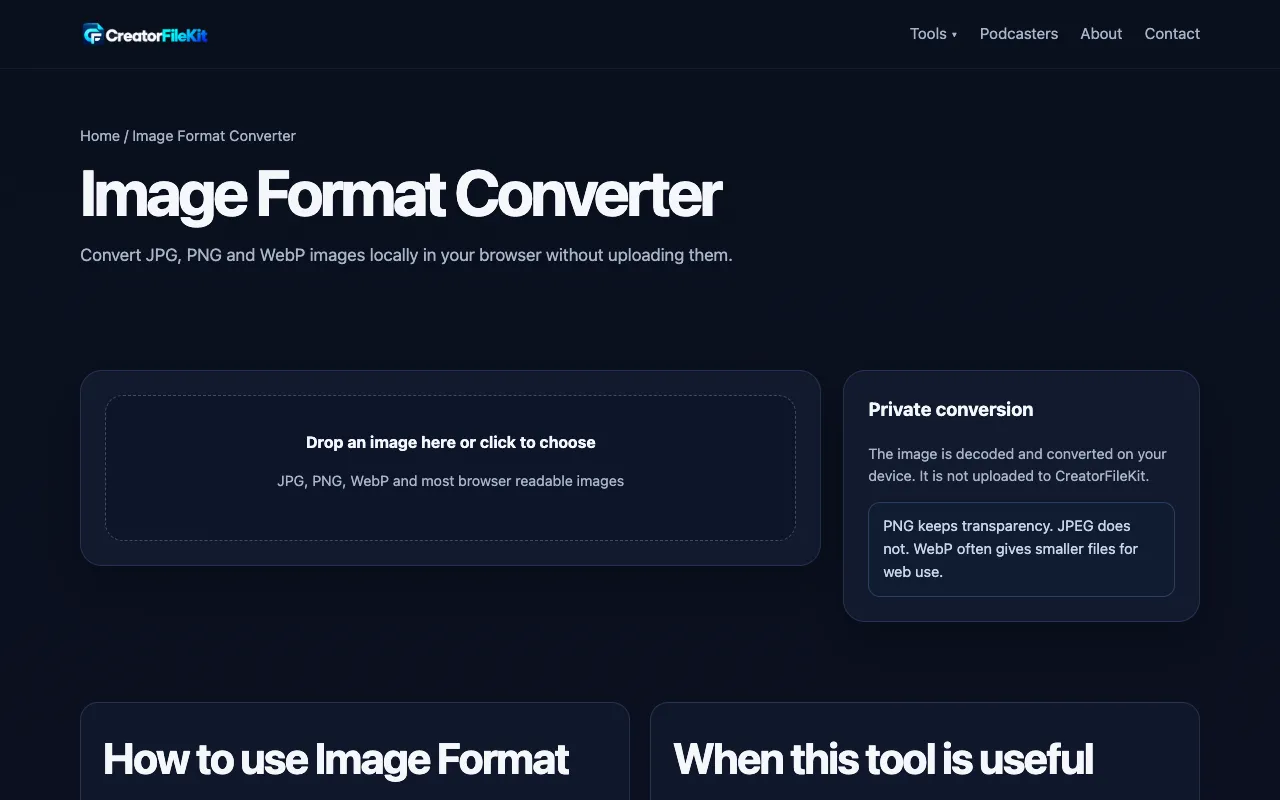
Image Format Converter is a browser-based utility that transforms images between JPG, PNG, and WebP formats without requiring uploads to a server. Users receive a converted copy of their file, ready for download, while the original remains untouched. The tool addresses common compatibility challenges, allowing creators to standardize images for websites, social media, thumbnails, or online forms where specific formats are required. What distinguishes this particular implementation is its strict local processing model. Unlike many converters that demand file uploads, this tool performs all decoding and encoding entirely within the user's browser. The interface presents a straightforward drop zone with a clear output format selector and quality slider, avoiding the clutter of unnecessary options. It explicitly acknowledges the limitations of browser-based decoding, particularly for newer formats, and provides honest guidance on maintaining the original file until the converted version is verified.
How to use the CreatorFileKit Image Format Converter
- 1
Drop an image here or click to choose JPG, PNG, or WebP
- 2
Select the desired output format from the dropdown menu
- 3
Adjust quality settings if needed using the provided slider
- 4
Convert and download the new copy while keeping the original file
- 5
Open the result in the target platform to verify compatibility
Best for
Developers and designers who need to quickly standardize image files across different platforms without uploading sensitive assets to external servers, ensuring privacy and fast local processing.
Limitations
- Browser decoding support varies, especially for newer formats like HEIC or AVIF
- Converting a lossy image to a lossless format does not restore detail already removed by earlier compression
- Only supports JPG, PNG, and WebP formats; other formats listed in task category are not currently available in this specific tool implementa
Image Format Converter FAQ
- Does Image Format Converter upload my file to the server?
- No, image processing happens entirely in your browser. The tool is designed to keep your files local and private without uploading them to a server.
- Will the converted image look exactly the same as the original?
- Not always. Resizing and lossy formats such as JPG can change detail. It is recommended to compare the new image with the original at the size where it will actually be used.
- Should I delete the original file after conversion?
- Yes, keep the source file until you have opened, reviewed, or verified the result in the app or platform where it will be used.
- What image formats does this converter support?
- This tool supports JPG, PNG, and WebP images. Browser decoding support varies, especially for newer formats, so not all formats listed in the task category may be available in this specific implementation.
More Image Format Converter tools
Similar tools
Based on shared tags