Word Counter & Reading Time
A free word counter tool that analyzes text directly in your browser without requiring signup or uploading your conte...
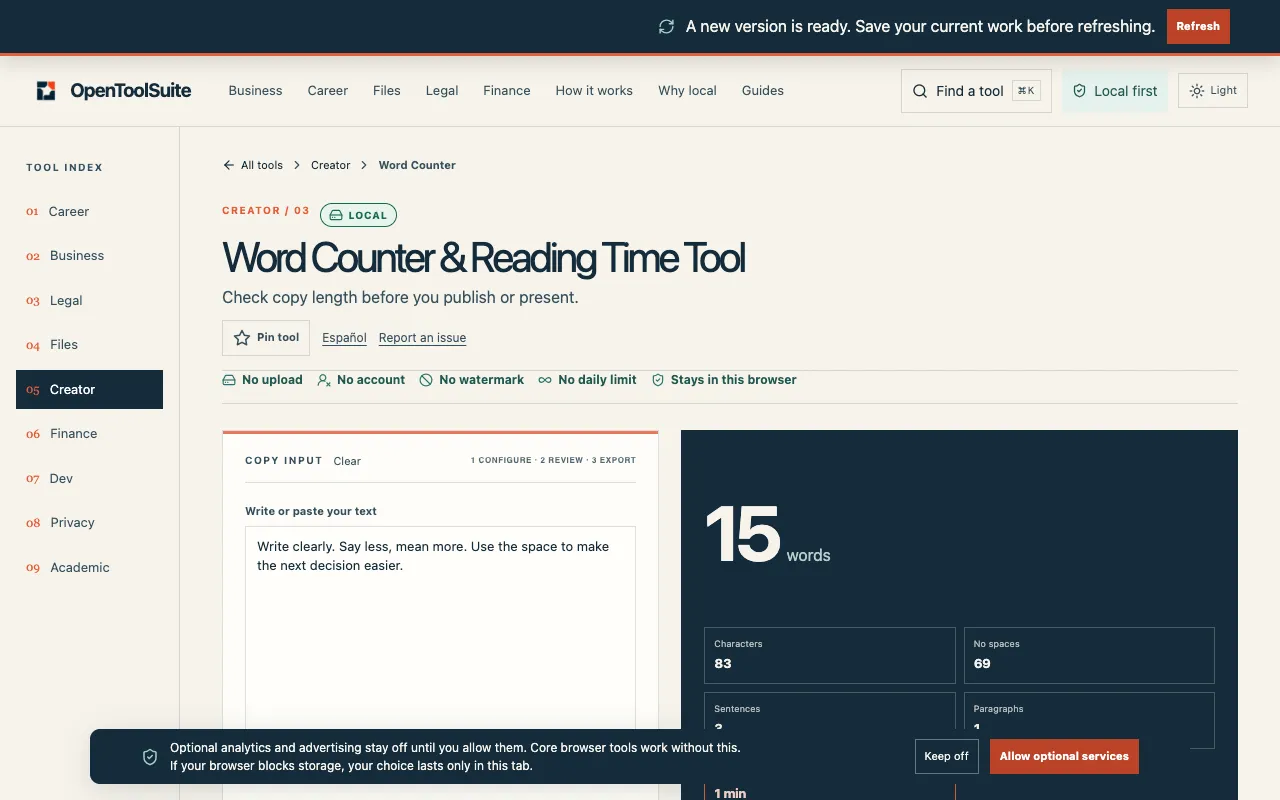
What Word Counter & Reading Time does
Word Counter & Reading Time is a free tool on OpenToolSuite that analyzes text directly in the browser. It provides immediate word count, character count, sentence count, and an estimated reading time for your draft. All processing happens locally, so your content never leaves your device, making it suitable for private or sensitive writing. The interface is straightforward, with live totals updating as you type or paste, and the results are presented clearly without requiring an account or file upload. It is designed for quick text analysis and offers a simple way to check length and reading pace before publishing or submitting work.
How to use the OpenToolSuite Word Counter & Reading Time
- 1
Paste the draft you will actually publish or present into the tool's text area.
- 2
Read the live figures for words, characters, sentences, and estimated reading time displayed on the page.
- 3
Use the totals to trim or adjust your opening if the count exceeds your target limit.
- 4
Edit your document in your own editor, then paste again if you need a second check of the revised text.
- 5
Review the reading time estimate and character count before finalizing your piece for the intended format.
Best for
Writers, students, educators, and professionals who need quick, private text analysis without uploading content or creating an account.
Limitations
- Reading time is an estimate based on word count and not a precise measure of how fast a specific reader will finish.
- The tool counts spaces and punctuation in character totals; it does not exclude them.
- No unit switching is available; results are displayed in standard word, character, and sentence counts only.
Word Counter & Reading Time FAQ
- Does Word Counter upload the draft to a server?
- No. Counting runs entirely in the current browser session; your text never leaves your device.
- Is the reading time exact?
- No. It is an estimate from word count. Actual pace depends on the reader and the material.
- Does it count spaces or markdown?
- Spaces and punctuation are included in character counts. Use the live totals on the page for accurate figures.
- Can I use this tool for a blog post with a word limit?
- Yes. Check the word count against your brief (e.g., 800–1,000 words) and edit the opening if the count is past the limit you care about.
Similar tools
Based on shared tags