Text & String Tools3 options compared

Font Generator

Generates custom fonts by allowing users to upload their own text, choose from various font styles, adjust size, color, and other attributes, then download the resulting font file in formats like TTF or OTF. Ideal for designers, developers, educators, and anyone needing personalized typography for projects.
Editors’ Top PickBased on community votes
Other OptionsRanked by votes
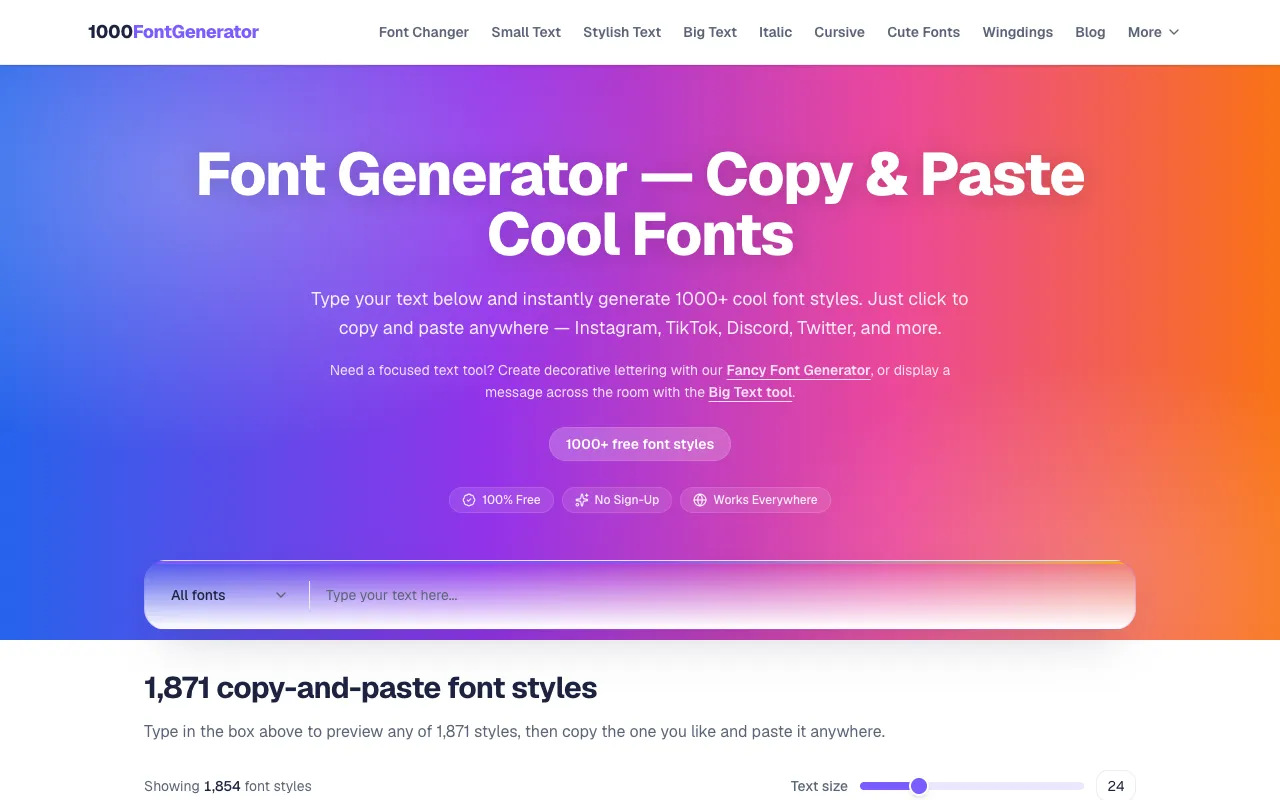
  1. Screenshot of 1000 Font Generator
    02
    1000 Font Generator
    1000fontgenerator.com

    1000 Font Generator is a free Unicode font converter that transforms plain text into various decorative styles for so...

Side by side

Font Generator options compared

ToolBest forStrengthsLimitations
CodeBeautify
codebeautify.org
Quick stylized text variants
  • Shows multiple rendered examples at once
  • Handles plain ASCII input
  • Ads on the page
  • Fewer unit options
1000 Font Generator
1000fontgenerator.com
Wide variety of copy-paste styles
  • Over 1,800 font styles
  • No signup or download needed
  • Output is Unicode text, not a font file
Coolors
coolors.co
Social media and headline text
  • Part of Coolors design suite
  • Generates stylized text for graphics
  • No live page excerpt available
  • Likely limited style count compared to 1000 Font Generator

Buyer's guide

How to choose a font generator

If you need a font file like TTF or OTF for design software, none of these tools deliver that β€” they all output decorative Unicode text for copy-pasting. Choose 1000 Font Generator for the widest style selection with no account needed, or CodeBeautify if you want to see many rendered examples at once and don't mind ads. Coolors Font Generator is worth a look if you already use Coolors for palette planning and need integrated text styling.

Questions

Font Generator FAQ

Can these tools create actual font files like TTF or OTF?
None of the listed tools produce TTF or OTF files; they all output Unicode text for immediate use in social media, documents, or messaging apps.
Do I need to create an account to use these font generators?
1000 Font Generator and CodeBeautify Font Generator do not require signup, while Coolors Font Generator's account needs are not specified in the available information.
Which tool offers the most font styles?
1000 Font Generator offers over 1,871 styles, while CodeBeautify and Coolors do not list a specific style count in the provided material.
Can I use the generated text on Instagram or Twitter bios?
Yes, the Unicode-style text produced by these tools can typically be pasted into Instagram, Twitter, and other social media bio sections that accept special characters.
What is the main difference between CodeBeautify and 1000 Font Generator?
CodeBeautify shows you many rendered examples simultaneously for visual browsing, whereas 1000 Font Generator organizes styles into a large list that you copy and paste as needed.
Keep Exploring

Related tools in Text & String Tools

View all β†’