Instagram Photo Grid
Split a single photo into nine square tiles for a 3x3 Instagram profile grid layout. The application processes your i...
What Instagram Photo Grid does
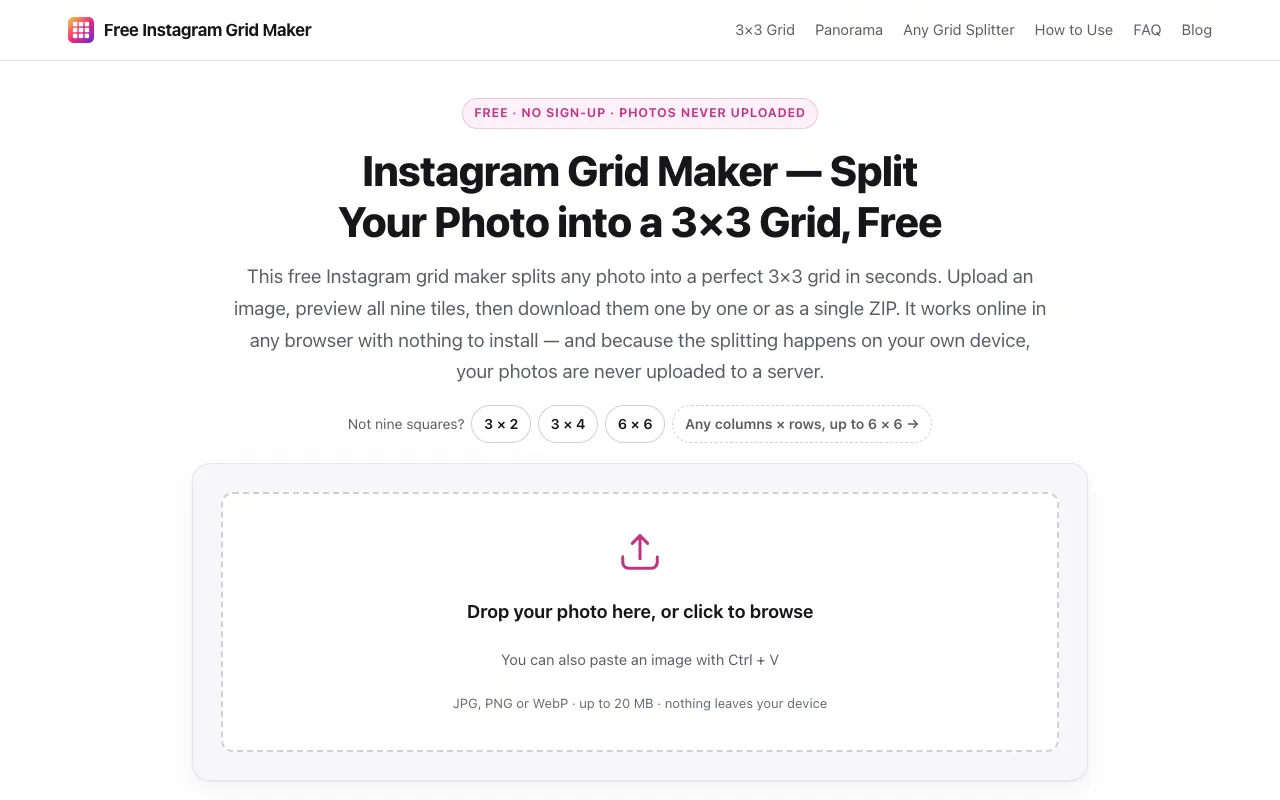
This free Instagram grid maker splits any photo into a perfect 3×3 grid in seconds. Upload an image, preview all nine tiles, then download them one by one or as a single ZIP. It works online in any browser with nothing to install — and because the splitting happens on your own device, your photos are never uploaded to a server. Not nine squares? 3 × 2, 3 × 4, 6 × 6, any columns × rows, up to 6 × 6 →. The interface includes drop zones, crop options, and numbered post previews so you can arrange the sequence before uploading to Instagram. The service requires no account sign-up, adds no watermarks to images, and imposes no daily usage limits, making it an accessible solution for anyone wanting to create an organized, cohesive profile grid. All tiles are pre-named in posting order within a downloadable ZIP file, simplifying the upload process.
How to use the Instagram Grid Maker Instagram Photo Grid
- 1
Upload your photo by dragging a JPG, PNG or WebP onto the drop area, clicking to browse files, or pasting an image straight from your clipboard
- 2
Pick how it is cropped — keep the default centre crop to take the largest square from your photo, or switch to stretch to fit if you want to keep the entire frame
- 3
Preview the 3x3 grid — all nine tiles appear instantly; toggle the seamless view to see exactly how the grid will look once it is live on your Instagram profile
- 4
Download the tiles individually or as a single ZIP file numbered in posting order, then upload them to Instagram in sequence to recreate the complete grid effect on your profile
Best for
Best for Instagram users who want to split a single image into a 3×3 grid without installing software, signing up, or paying fees, especially those prioritizing photo privacy since processing happens locally in the browser.
Limitations
- No unit switching beyond preset column/row combinations up to 6×6
- Image size limited to 20 MB per upload
- No advanced editing features beyond basic crop and stretch options
Instagram Photo Grid FAQ
- Do I need to create an account to use the Instagram Grid Maker?
- No account sign-up is required. The tool is completely free to use without providing an email address.
- Are my photos uploaded to the server when I use this tool?
- No, the application processes your image locally in your browser, keeping your photos private and never uploading them to any server.
- Can I split a photo into a grid other than 3×3?
- Yes, the tool supports various column and row combinations including 3×2, 3×4, 6×6, and any columns × rows up to 6×6.
- What file formats and sizes are supported for upload?
- JPG, PNG or WebP files up to 20 MB are supported. Files are processed entirely on your device.
Similar tools
Based on shared tags