Content Creator Suite
CreatorKit Studio is a browser-based toolkit designed for content creators and marketing professionals seeking to str...
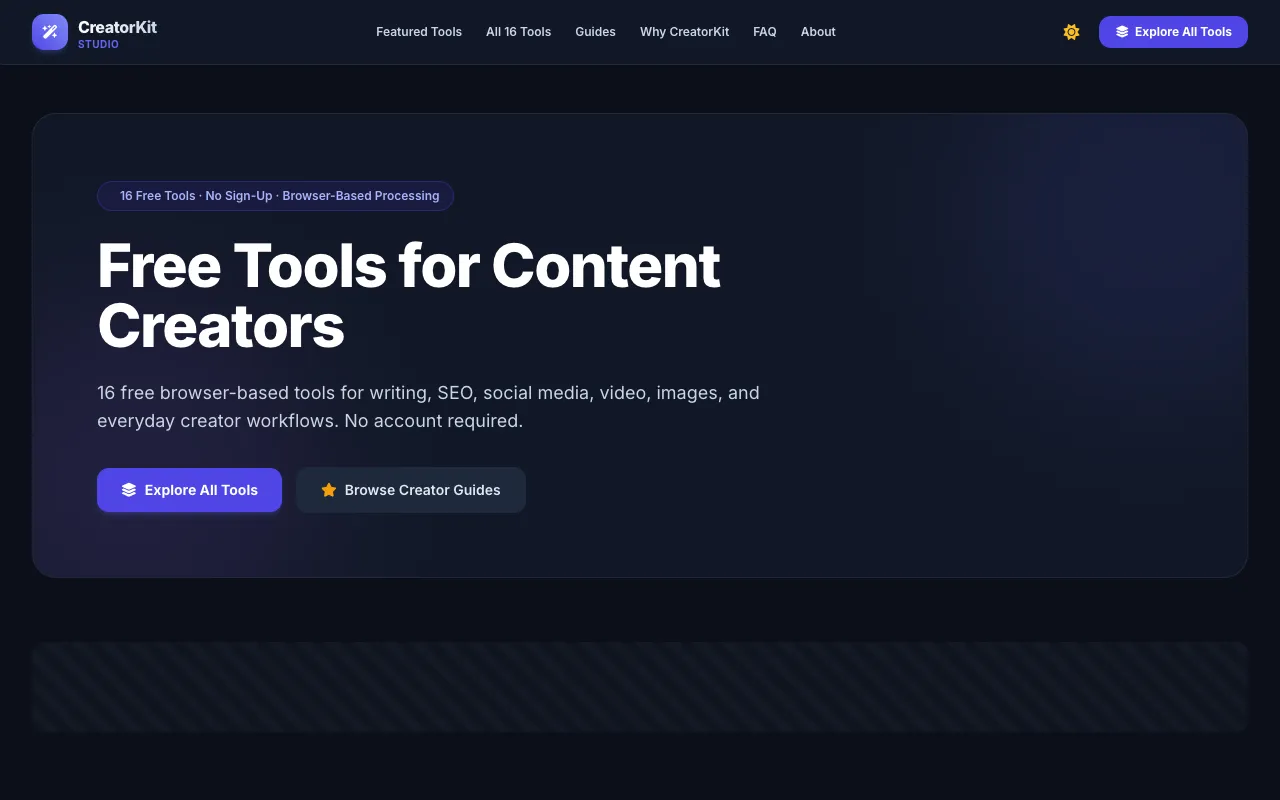
What Content Creator Suite does
CreatorKit Studio is a browser-based toolkit that consolidates 16 free utilities for content creators, covering writing, SEO, social media, video, and image tasks. Users gain access to tools like a line break fixer, hashtag generator, SRT cleaner, readability checker, image resizer, and SEO slug generator without creating an account. The platform aims to streamline digital content workflows by offering an integrated environment that reduces the need to switch between multiple applications for common creator tasks.
How to use the CreatorKit Studio Content Creator Suite
- 1
Open the CreatorKit Studio website and select a utility from the catalog
- 2
Input your content, such as social captions, article titles, or subtitle files, into the tool's interface
- 3
Adjust any available options, such as target platform or reading level, to tailor the output
- 4
Review the processed result displayed on screen, which may include cleaned text, generated hashtags, or converted file formats
- 5
Copy or download the output for use in your content workflow
Best for
Content creators, copywriters, video editors, and social media managers who need a no-sign-up, browser-based set of utilities to format, optimize, and repurpose digital content quickly.
Limitations
- Tools are web-based and require internet access to function
- Processing relies on browser memory, which may limit very large files or complex operations
- As a free suite, advanced features or premium integrations may be absent compared to paid alternatives
Content Creator Suite FAQ
- Do I need to create an account to use CreatorKit Studio tools?
- No, all 16 tools are accessible immediately without signing up or logging in.
- Can I use CreatorKit Studio tools on a mobile device?
- Yes, the tools are browser-based and designed to work across desktop and mobile browsers, though some image and video utilities may perform best on larger screens.
- What types of files can the SRT Caption Cleaner process?
- The SRT Caption Cleaner accepts .SRT and WebVTT subtitle files, converting them into clean readable text with timecodes removed.
- Are the tools in CreatorKit Studio truly free to use?
- Yes, the platform offers 16 free browser-based utilities with no sign-up required, though some advanced features may be limited compared to paid content creation software.
Similar tools
Based on shared tags