101 tools
Applies Instagram-style filters to your photos, mimicking the popular social media platform's look directly in your browser without uploading them anywhere. Perfect for photo enthusiasts looking to quickly enhance their images with classic Instagram aesthetics, this tool offers a fun way to experiment with different looks and see how they transform their visuals. Ideal for bloggers, social media managers, and anyone interested in creating visually appealing posts without the need for complex editing software or internet uploads.
Generates mock Instagram feed posts with customizable username, image, caption, and like count for design comps or jokes. Users input desired details to create realistic-looking posts that can be used for various purposes including visual testing, humor, or branding exercises. Designers, marketers, social media managers, and anyone looking to test the look of a potential Instagram post without actual content will find this tool helpful. It allows users to visualize how their posts might appear to their audience before posting live, making it an invaluable resource for those in need of quick, creative solutions.
Generates fake Instagram stories with customizable user profiles, texts, and visuals for mockups or pranks. Choose from various templates and personalize each story element to create authentic-looking content without needing an actual Instagram account. Ideal for graphic designers, marketers, and content creators looking to test ads, social media posts, or prank ideas on a large scale without the risk of real user data exposure.
Generates fake Instagram DM screenshots for design mockups, useful for testing layouts and messaging designs without using real conversations. Designers, marketers, and creatives would use this tool to create realistic-looking Instagram Direct Message screens in their projects, aiding in the planning and execution of social media campaigns and content strategies.
Downloads public Instagram post images directly from their URL, preserving the original resolution for high-quality viewing and sharing on other devices. Perfect for users looking to save images from Instagram posts for offline access, whether for personal use or to create collages without needing an internet connection. Ideal for content curation, organizing photos, or simply enjoying media without being online.
Generates realistic mock tweets by providing comprehensive customization options for various elements of a social media post. Users can define fake usernames, select avatars, craft custom tweet bodies, and set specific engagement counts to simulate real online activity. This tool allows individuals to create fully detailed, yet entirely fabricated, digital representations of Twitter content for design and conceptual purposes. Digital marketers and social media strategists utilize this resource to build high-fidelity mockups quickly, facilitating visual testing of campaigns or website layouts without needing actual posting data. Furthermore, anyone seeking humorous or creative content can generate engaging fake posts for personal projects, presentations, or entertainment.
Converts text from tweets into professional, customizable visual images. Users input tweet content, whether real or fictional, and then select from various background options to give their message a polished aesthetic. The tool automatically formats the text within an image template, ensuring that your quoted content is presented in a clean, shareable format suitable for online platforms. Social media enthusiasts, digital marketers, and anyone needing engaging visual content benefit greatly from this converter. It provides a quick way to transform simple text into eye-catching graphics without needing advanced design software. Users can easily create unique social posts that draw attention and enhance the presentation of their thoughts or quotes across any platform.
Generates fake X/Twitter ad-revenue payout screenshots for parody and entertainment purposes. Users looking to create humorous social media posts or share exaggerated financial metrics can utilize this tool. By inputting basic information, such as earnings amount and date, users receive a generated screenshot that mimics an official Twitter ad revenue report. Ideal for content creators, marketers, and individuals seeking a lighthearted look at their financial growth through fictional advertising revenue.
Generates fake WhatsApp chat screenshots with customizable participants, timestamps, and message styling. Users input details like sender names, messages, and timeframes to create realistic-looking chats for various purposes, such as social media posts, marketing campaigns, or entertainment. Ideal for content creators, marketers, and anyone looking to add a touch of authenticity to their digital content without revealing personal conversations.
Generates fake iMessage conversation screenshots with iOS-accurate styling for mockups and design work. Users can input messages, customize sender details, and select from various themes to create realistic-looking chat mockups for their projects. Designers, marketers, and developers who need to showcase or test user interfaces involving iMessages will find this tool invaluable. It saves time by allowing them to quickly generate professional-looking chat screenshots without the need for actual devices or complex design software.
Extracts thumbnail images from a Vimeo video URL in multiple resolutions. Helps users quickly find visually appealing thumbnail images for videos shared on Vimeo, whether for social media posts, presentations, or blog articles. Simply input the video URL, select desired resolution, and download the thumbnail immediately. Perfect for content creators looking to enhance the visual appeal of their online content.
Generates Open Graph meta tags based on input title, description, image, and URL to ensure correct rendering of social media link previews. Developers and content creators would benefit from using this tool to improve the visibility and engagement of their online content across various social platforms.
Generates strong random passwords tailored to user preferences, offering adjustable length and character set options. Features a live strength meter to assist in creating secure credentials. Ideal for individuals and organizations needing robust password management, ensuring compliance with security best practices and protecting sensitive data from unauthorized access.
Generates valid-formatted but fictional IBAN numbers for testing payment integrations and form validation. Users simply visit the website, click "Generate," and receive a new fake IBAN each time. Perfect for developers and testers to ensure their systems handle different payment formats correctly without using real account details. Developers and testers use this tool to validate forms, test payment processing, and ensure their applications handle various IBAN scenarios seamlessly. It helps in creating realistic testing environments without the need for actual bank accounts.
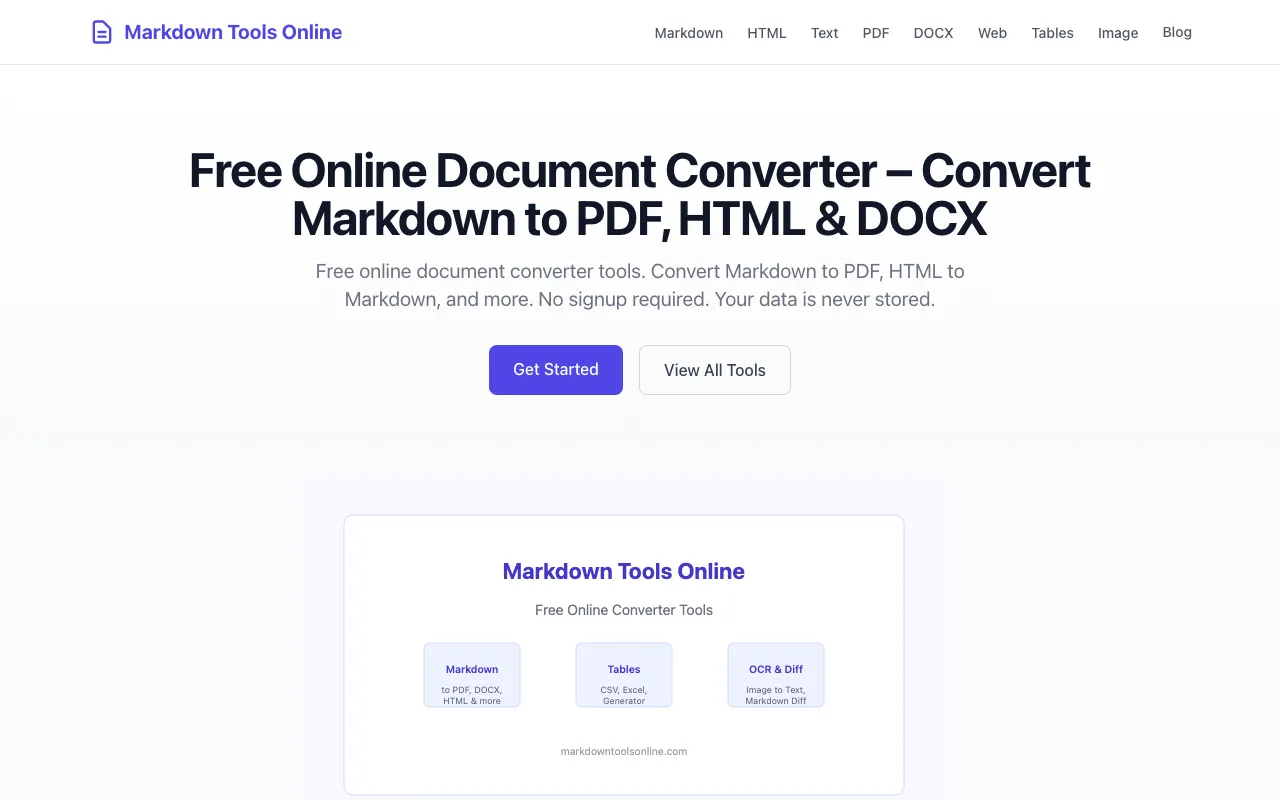
Markdown Tools Online is a free, privacy-first document converter toolkit featuring 16 browser-based tools designed for content professionals and developers. It supports seamless conversion between Markdown, PDF, HTML, DOCX, plain text, CSV, Excel, and multiple image formats. All processing happens locally within your browser with zero server uploads for most formats, ensuring complete privacy and protecting sensitive data from external transmission. The platform requires no user signup and stores no data on its servers. Documents are converted directly in your browser without being transmitted to external servers, making it ideal for users handling sensitive information. This is particularly valuable for professionals who need quick and secure document format conversions while maintaining complete control over their files and intellectual property.
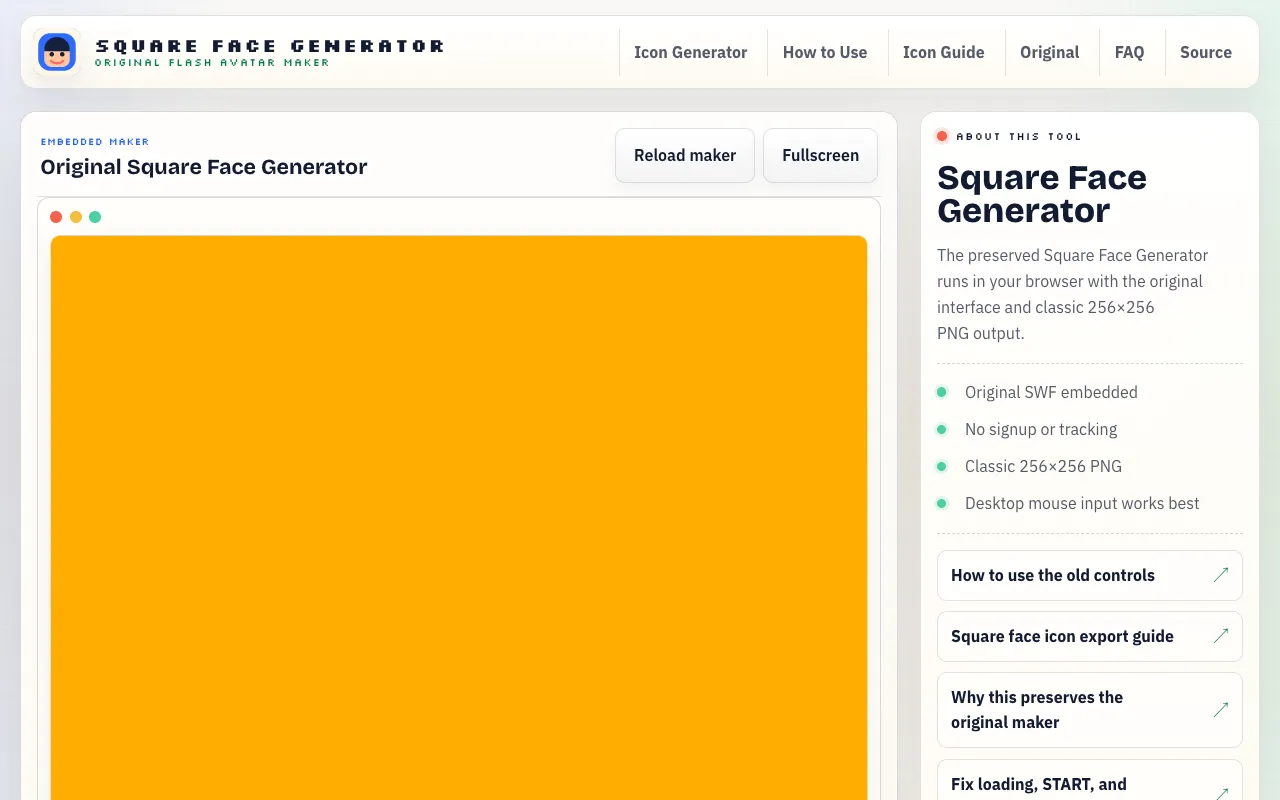
Square Face Generator is a free online avatar maker for creating cute square-faced characters with a distinctive retro aesthetic. Users can design and customize their own character avatars by selecting from various customization options. Generated avatars can be saved as PNG images in the classic 256x256 pixel format, making them perfect for profile pictures, social media avatars, and digital identities. The platform requires no account or login to access, providing instant availability to avatar creation tools. Generated avatars can be downloaded locally as PNG files and are ready to use across web and social media platforms. The tool is designed to make avatar creation quick and accessible for anyone seeking a fun and easy way to represent themselves online with a personalized character design.
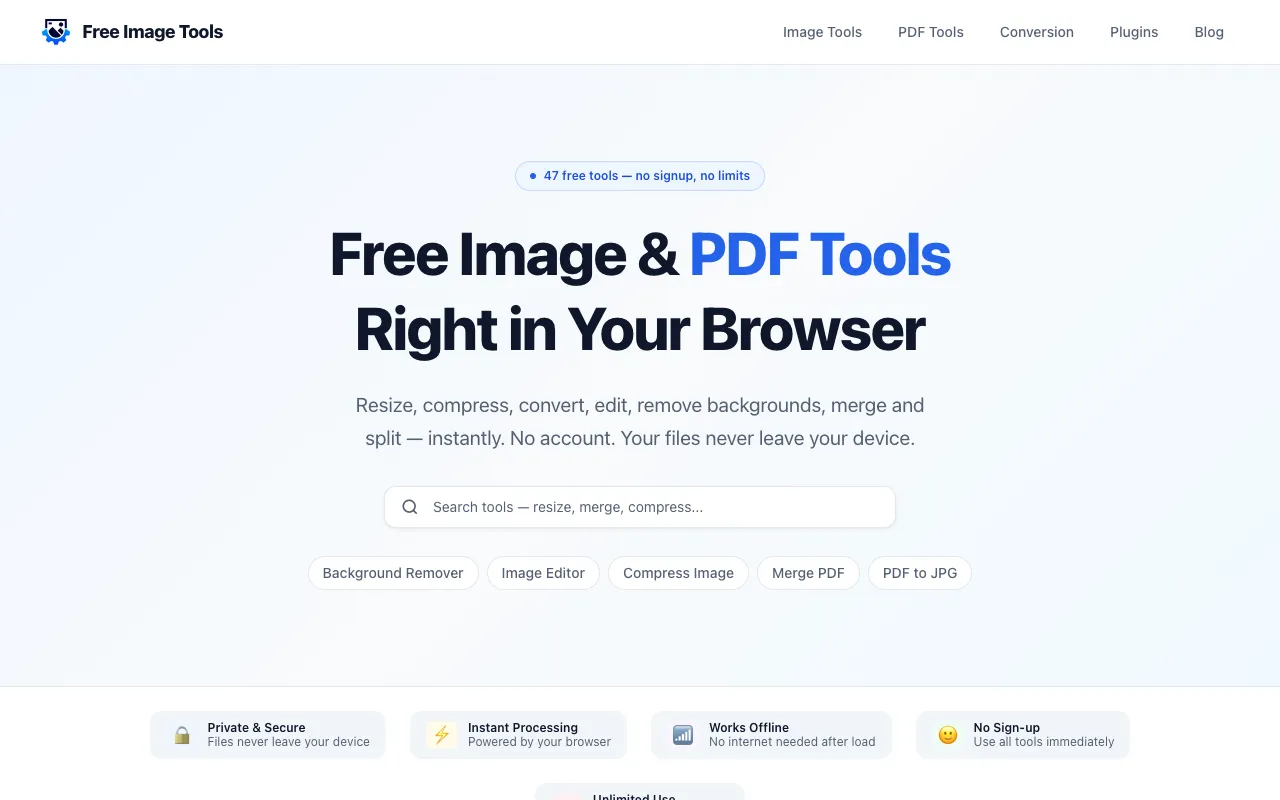
Free Image Tools is a browser-based suite for image and PDF editing, designed for users who need quick file operations without installing desktop software. The platform handles common tasks including image resizing, compression, cropping, format conversion, watermarking, and background removal, alongside PDF functionality like merging, splitting, page rotation, and compression. Processing happens locally in your browser, eliminating privacy concerns about file uploads. The service requires no signup, account creation, or confusing workflows—simply open the tool, add your file, adjust settings, and download the result. Ideal for creators, students, developers, marketers, and small business owners who regularly perform routine image and document editing.
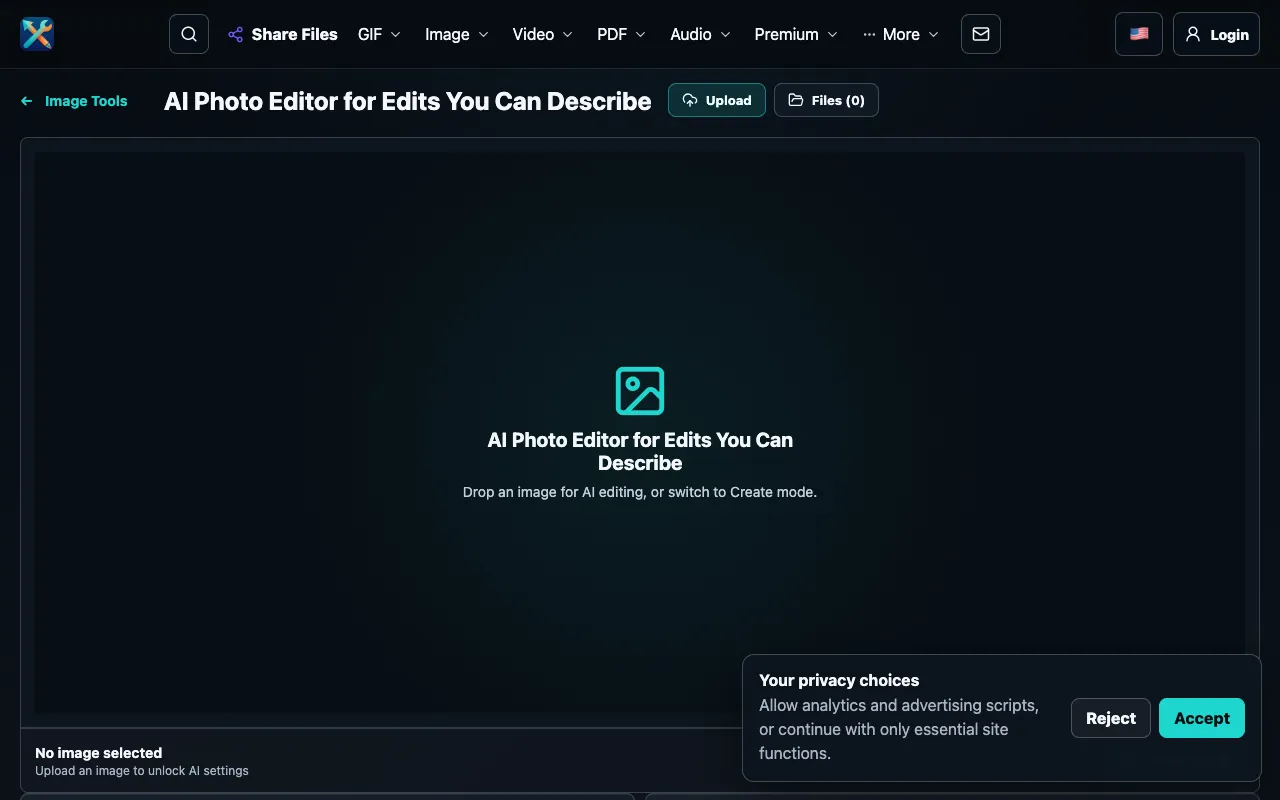
Edit existing photos or generate new images entirely by describing the desired result in plain language. Type your vision and the AI transforms it into visual output, whether modifying an existing photo or creating from scratch. No design experience, specialized skills, or prior training required to use this AI-powered editor. The streamlined browser interface operates without requiring account creation or login, allowing immediate access. The underlying AI engine interprets natural language descriptions to generate accurate visual results, whether making adjustments to existing images or creating completely new images from text descriptions. Useful for quick creative iteration, visual prototyping, and exploring AI image generation capabilities.
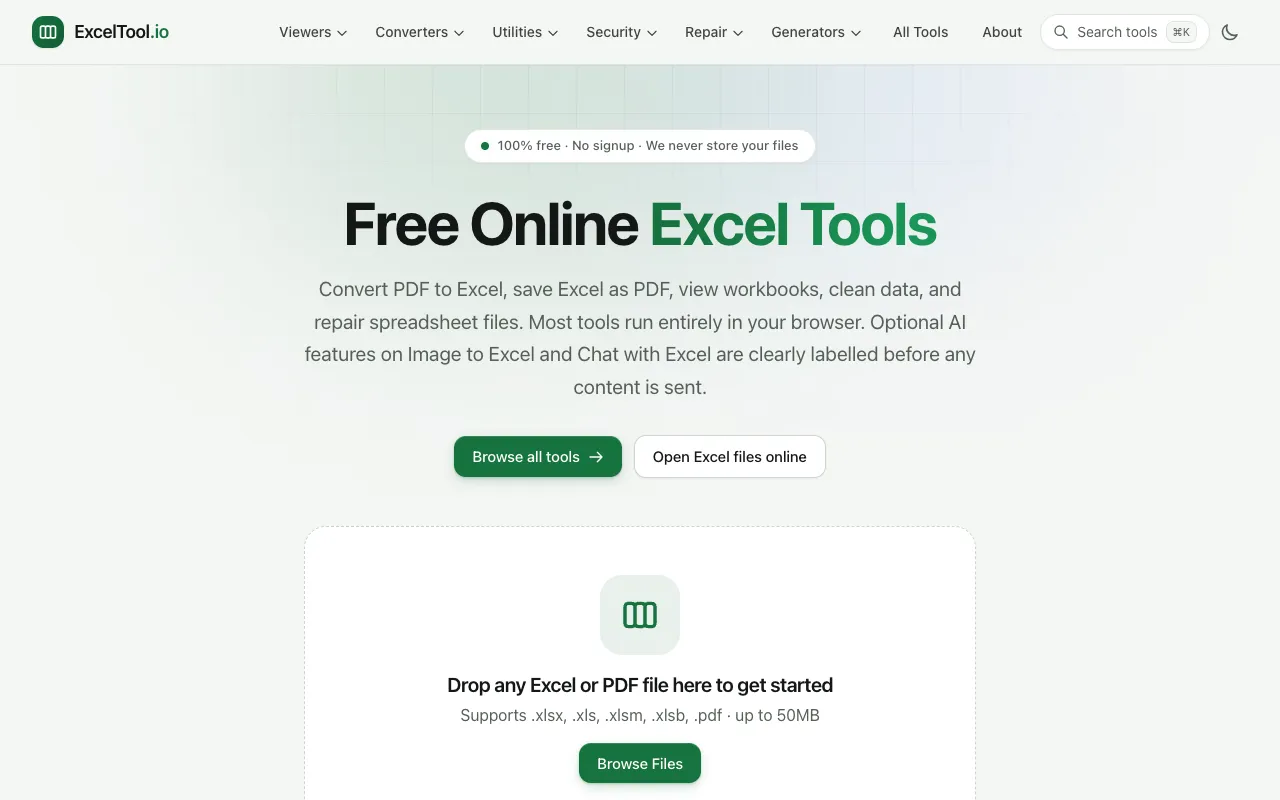
ExcelTool is a free online platform providing a comprehensive suite of tools specifically designed for working with Excel spreadsheets and related file formats. Among its key features is PDF to Excel conversion, which enables users to extract data from PDF documents and transfer it seamlessly into Excel workbooks. The platform also supports viewing and editing of Excel files directly within a web browser, eliminating the need for any desktop software installation. The complete suite additionally includes data cleaning tools for organizing and standardizing spreadsheet content, as well as repair functionality for recovering damaged or corrupted spreadsheet files. All tools operate within the browser environment and require no signup or account creation, providing immediate access to these utilities for both quick data conversions and ongoing spreadsheet management needs.
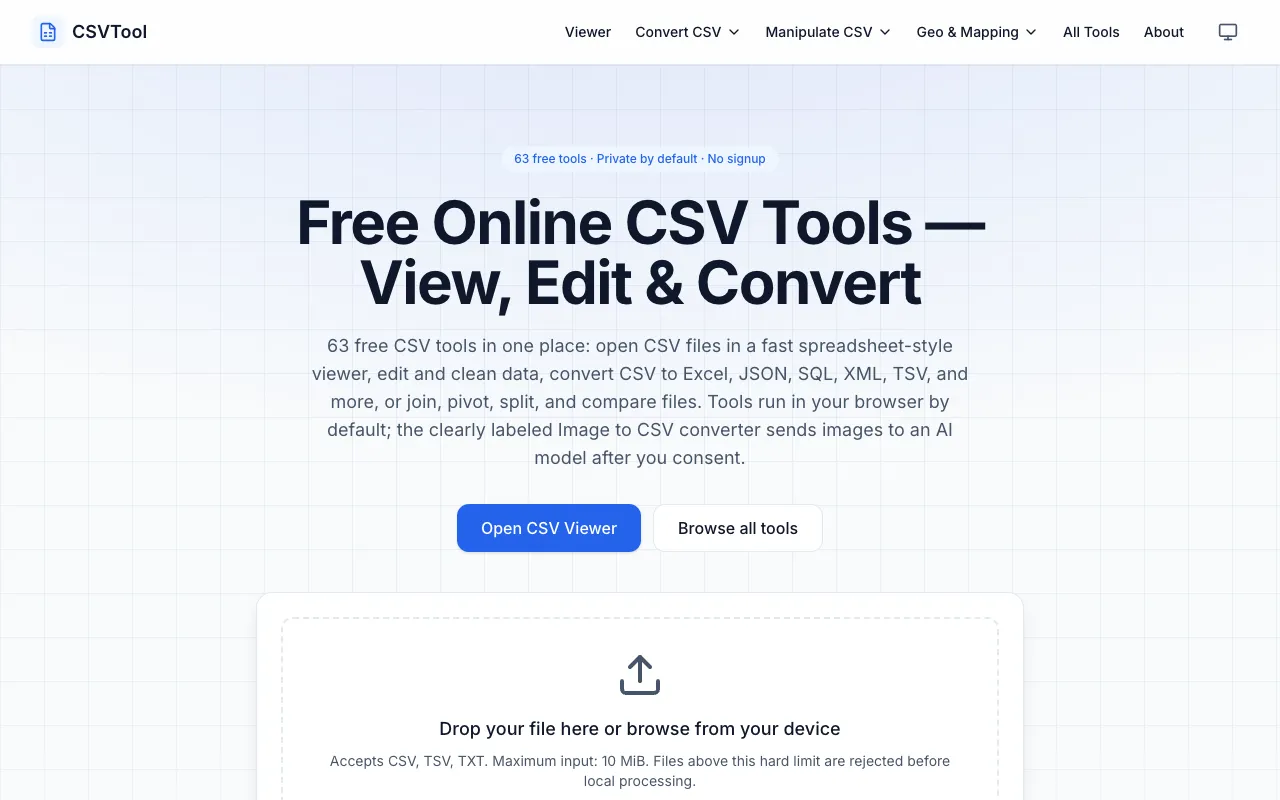
CSVTool is a comprehensive, browser-based suite of 63 free utilities designed for working with CSV files. It provides essential tools including a CSV viewer, editor, and converters that transform CSV data into multiple formats including Excel, JSON, and SQL. Beyond basic conversion, the suite includes advanced data manipulation capabilities such as joining multiple files, pivoting data, splitting records, and comparing datasets. All processing happens entirely within your browser with complete privacy—no account signup is required and your data never leaves your device. The extensive collection covers the entire workflow of CSV operations, from simple viewing and editing to complex transformations and comparative analysis.
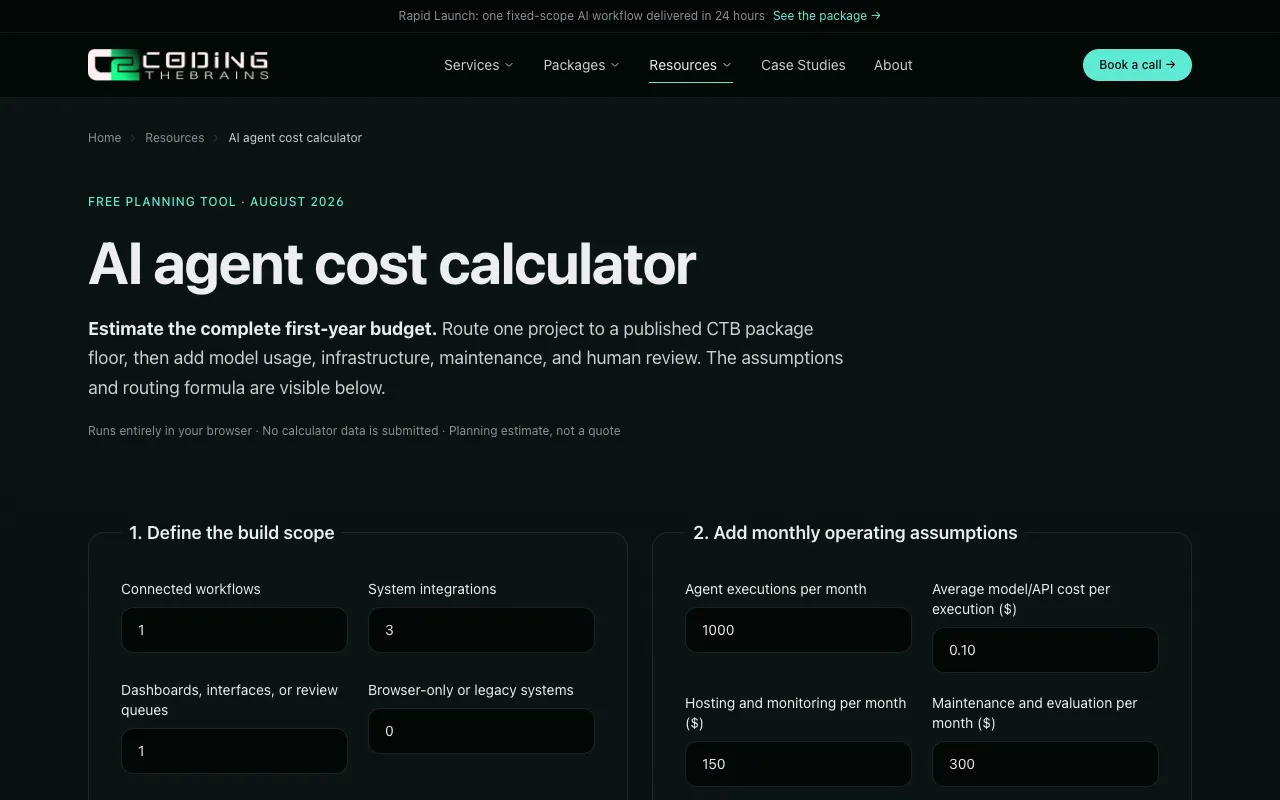
A free browser-based calculator designed to estimate the true cost of building and running an AI agent. It helps you understand the complete financial picture by breaking down costs across multiple dimensions: implementation scope, model usage, hosting infrastructure, monitoring systems, maintenance requirements, and human review processes. The calculator requires no signup and keeps all entered data local to your browser for privacy. By separating implementation costs from ongoing operational expenses, it provides clarity on both the initial build cost and first-year expenses, helping teams budget accurately for AI agent projects.
FreeMoneyIQ offers a comprehensive suite of free online financial calculators specifically designed to support personal finance planning and decision-making. The collection includes tools for mortgage calculations, loan payoff planning, savings goal tracking, compound interest analysis, freelancer rate estimation, and tax withholding calculations. All calculators are accessible instantly without requiring user login, signup, or account creation of any kind. The calculators help users understand various financial scenarios and make better-informed financial decisions. Users can explore mortgage options, model loan payoff strategies, track progress toward savings goals, visualize compound interest growth on investments, calculate appropriate freelancer rates, and estimate accurate tax withholding obligations for their specific situation. Each calculator provides immediate results to support informed personal finance planning and decision-making.
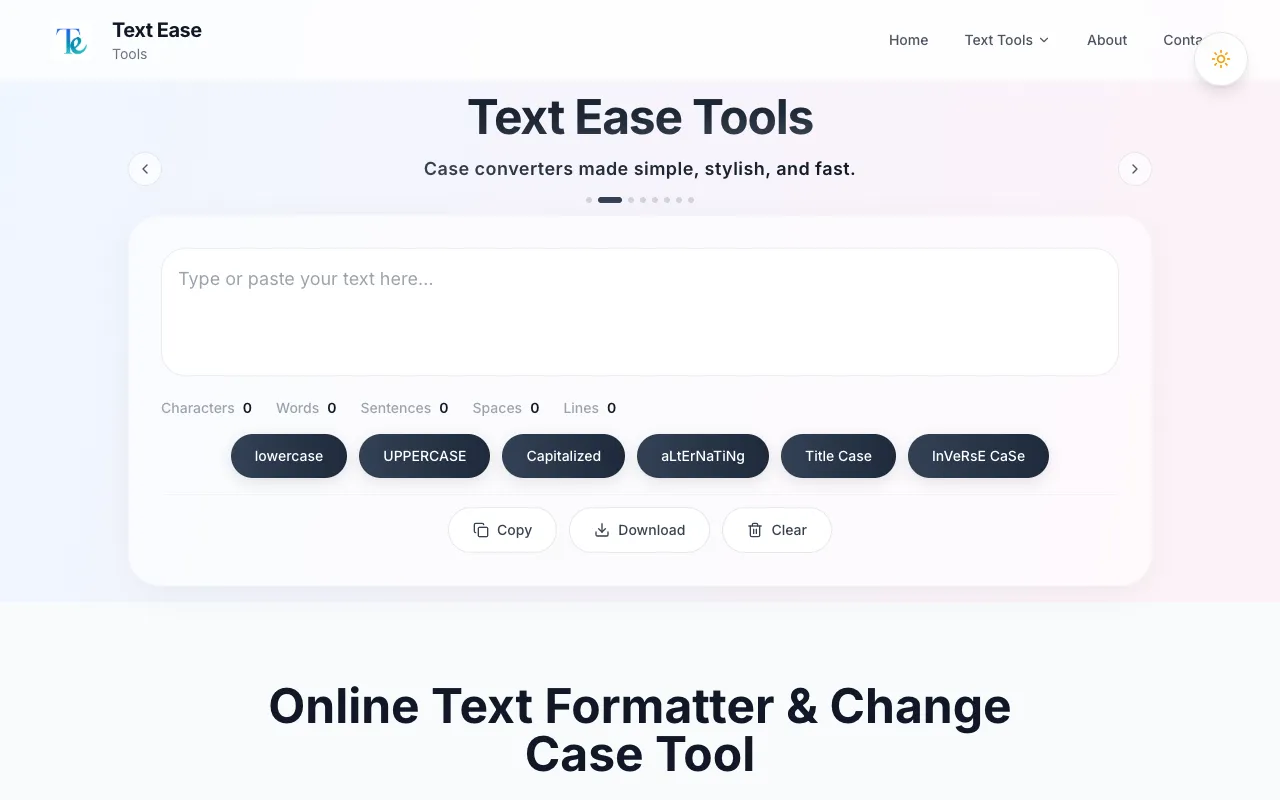
TextEase provides a free collection of text processing tools designed for quick everyday tasks. The suite includes utilities for converting text case (uppercase, lowercase, title case), cleaning and fixing formatting issues, searching for and replacing text, removing extra spaces, and other common text manipulation needs. All tools are accessible instantly without requiring any account creation or signup. The platform emphasizes simplicity and speed, allowing users to process text efficiently without navigating complex interfaces. Results can be easily copied to clipboard or downloaded directly. TextEase is ideal for anyone who frequently needs to adjust text formatting, clean up content from other sources, or make quick text edits without the overhead of traditional text editors or online registration requirements.
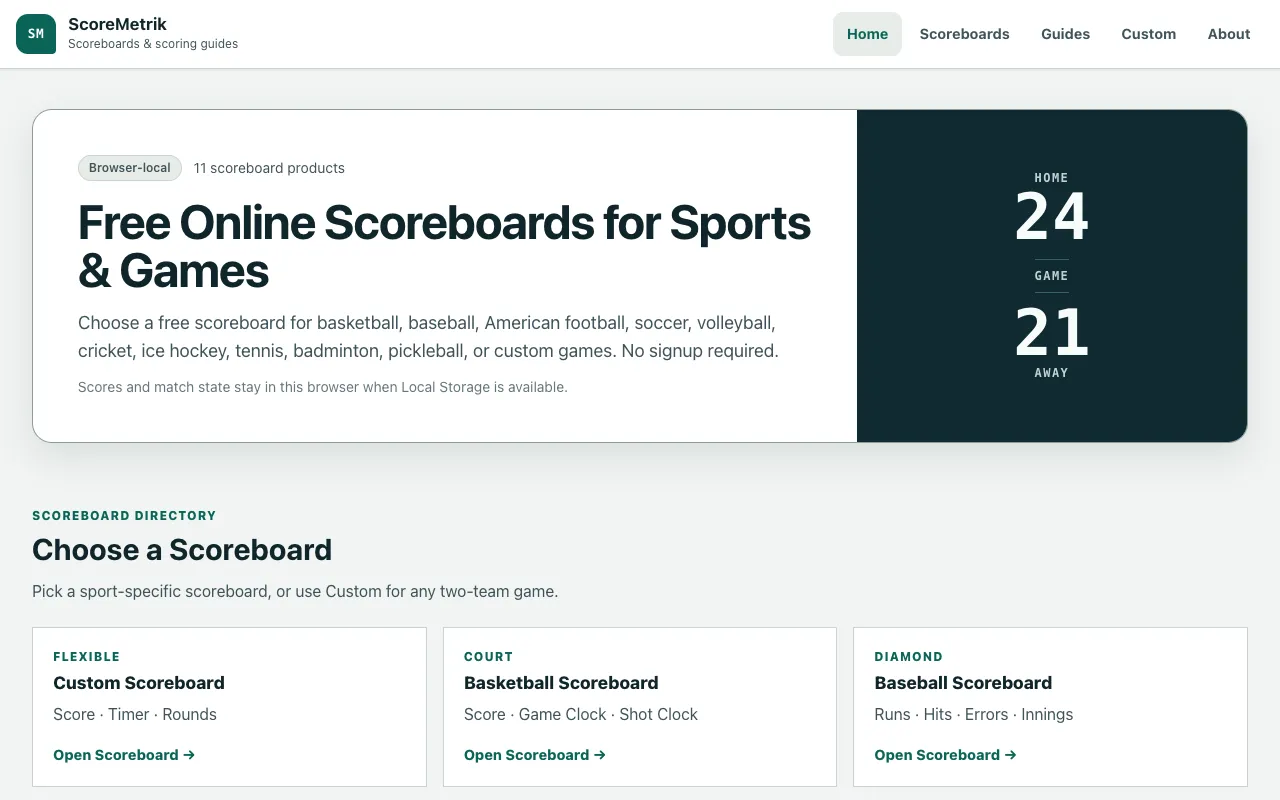
ScoreMetrik provides browser-based digital scoreboards for tracking games and matches across a wide variety of sports. The platform includes dedicated scoreboards for basketball, baseball, American football, soccer, volleyball, cricket, ice hockey, tennis, badminton, and pickleball, allowing teams and individuals to track scores during games. Users can also create custom games with personalized scoring rules and match requirements. All scoreboards are accessed directly through the web browser with no software installation or account creation required. The interface is designed to be intuitive enough for casual use while providing the features needed to track scores, timeouts, fouls, and other game statistics during live play. Works well for coaches, referees, tournament organizers, and scorekeepers who need a quick way to keep score.