Text Processing Tools
TextEase provides a free collection of text processing tools designed for quick everyday tasks. The suite includes ut...
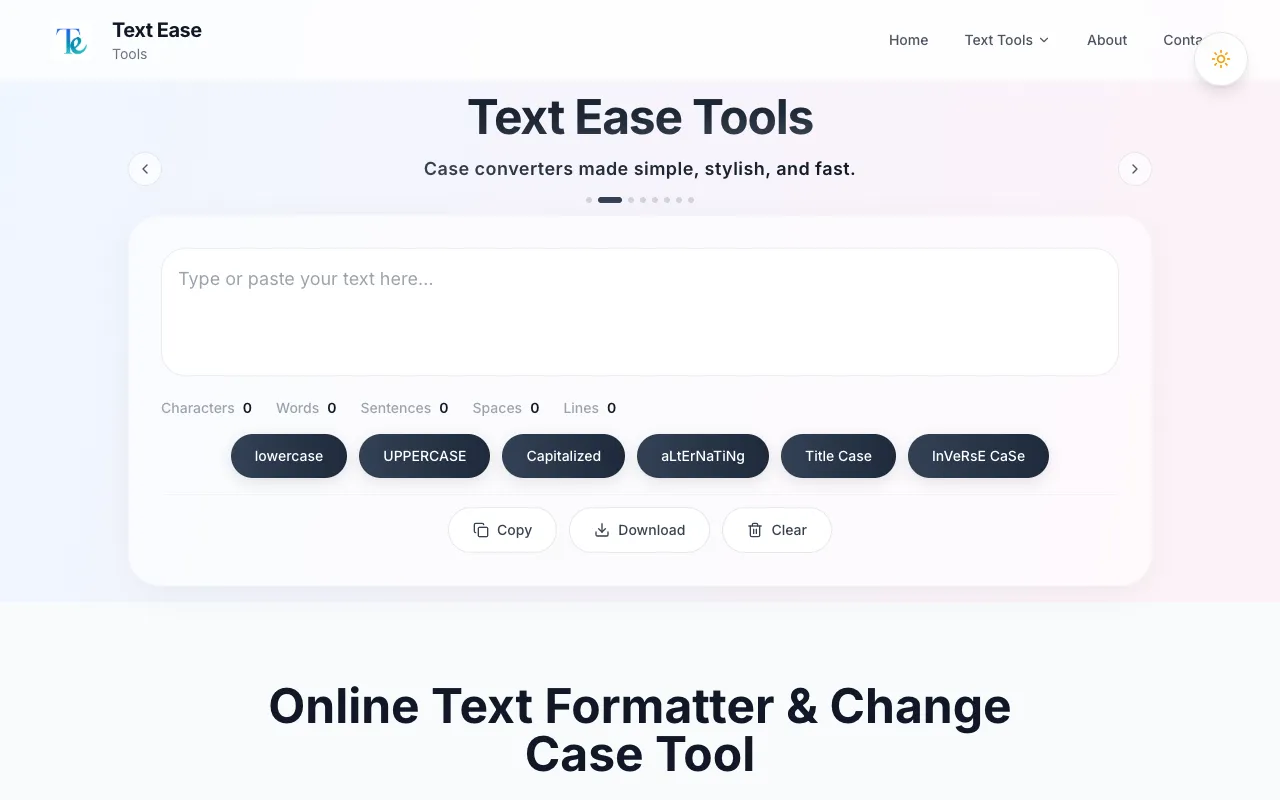
What Text Processing Tools does
TextEase is a free collection of text processing tools hosted at textease.net that handles common everyday tasks without requiring an account. The suite includes utilities for converting text case (uppercase, lowercase, title case), cleaning and fixing formatting issues, searching for and replacing text, removing extra spaces, and other text manipulation needs. All tools are accessible instantly, and results can be copied to the clipboard or downloaded directly. The platform emphasizes simplicity and speed, allowing users to process text efficiently without navigating complex interfaces.
How to use the TextEase Text Processing Tools
- 1
Open the TextEase site and select the desired text processing tool from the suite.
- 2
Paste or type your text into the input box provided.
- 3
Choose the specific processing option, such as case conversion, removing extra spaces, or find-and-replace.
- 4
Click the button to apply the transformation and view the output.
- 5
Copy the result to the clipboard or download the processed text file.
Best for
Beginners and casual users who need quick, no-account-required text manipulation for everyday tasks.
Limitations
- No unit switching or advanced formatting options beyond basic text cleaning.
- Results are estimates and may require manual review for critical edits.
- The site focuses on simplicity, so complex or bulk processing features are absent.
Text Processing Tools FAQ
- Do I need to create an account to use TextEase tools?
- No, all tools are accessible instantly without requiring any account creation or signup.
- Can I process large blocks of text on TextEase?
- The platform is designed for quick everyday tasks; very large blocks may be limited by the interface's simplicity.
- What types of text transformations are available on TextEase?
- Available transformations include converting text case (uppercase, lowercase, title case), cleaning and fixing formatting issues, searching for and replacing text, and removing extra spaces.
- How do I get my processed text from TextEase?
- Results can be easily copied to the clipboard or downloaded directly from the site.
Similar tools
Based on shared tags