101 tools
Converts SVG files to PNG format at user-specified sizes. By uploading an SVG file, users can easily rasterize it into a PNG image for compatibility with platforms that don't support vector graphics. Designers, developers, and content creators would use this tool when needing to convert vector-based SVG images into rasterized PNGs for web or print purposes. It facilitates the process of ensuring graphic files are compatible across different software applications and mediums.
Generates CSS clip-path values for cropping HTML elements into polygons, circles, or custom shapes using a visual interface. Drag points to create unique shapes directly on the page, then copy the resulting CSS code for easy implementation in web designs. Developers, designers, and content creators who need precise control over element layout and presentation can use this tool to enhance their web projects with custom shapes without manual coding.
Generates CSS gradients for linear and radial patterns with multiple color stops, offering real-time previews to help users create visually appealing styles directly in their code. Ideal for web designers and developers looking to enhance their websites with custom color transitions and backgrounds without the need for external images or plugins.
Converts arbitrary text into URL-safe slugs by lowercasing and removing diacritics, with customizable separators. Developers, content creators, and marketers use this tool to create clean, SEO-friendly URLs from titles, product names, or other text inputs. It ensures that your URLs are readable, consistent, and compatible across different web browsers and platforms.
Minifies JavaScript code by removing unnecessary characters such as whitespace, comments, and variable names, thereby reducing its file size without altering its functionality. This tool helps developers optimize their scripts for faster loading times on websites and applications. Developers and web designers would use this tool to streamline their JavaScript files, making them more efficient and improving the overall performance of their projects.
Beautifies HTML with consistent indentation and line breaks, making source easier to read and review. It takes messy HTML code and organizes it neatly, ensuring that each element is properly indented and spaced, with clear line breaks between tags. This enhances readability and makes the structure of web pages more apparent. Developers, web designers, and anyone working with HTML will find this tool invaluable. It saves time by automating the process of cleaning up code, allowing them to focus on other aspects of their projects. The improved readability of formatted HTML also aids in debugging and collaboration among team members.
Splits large PDF files into smaller, manageable pieces by selecting specific pages or ranges. Users can upload a PDF document, specify the desired splits, and download the resulting individual pages as a compressed ZIP file. Helps users organize documents, prepare presentations, or share parts of larger files without downloading entire documents. Ideal for professionals, students, and anyone looking to reduce file size or manage large PDF collections efficiently.
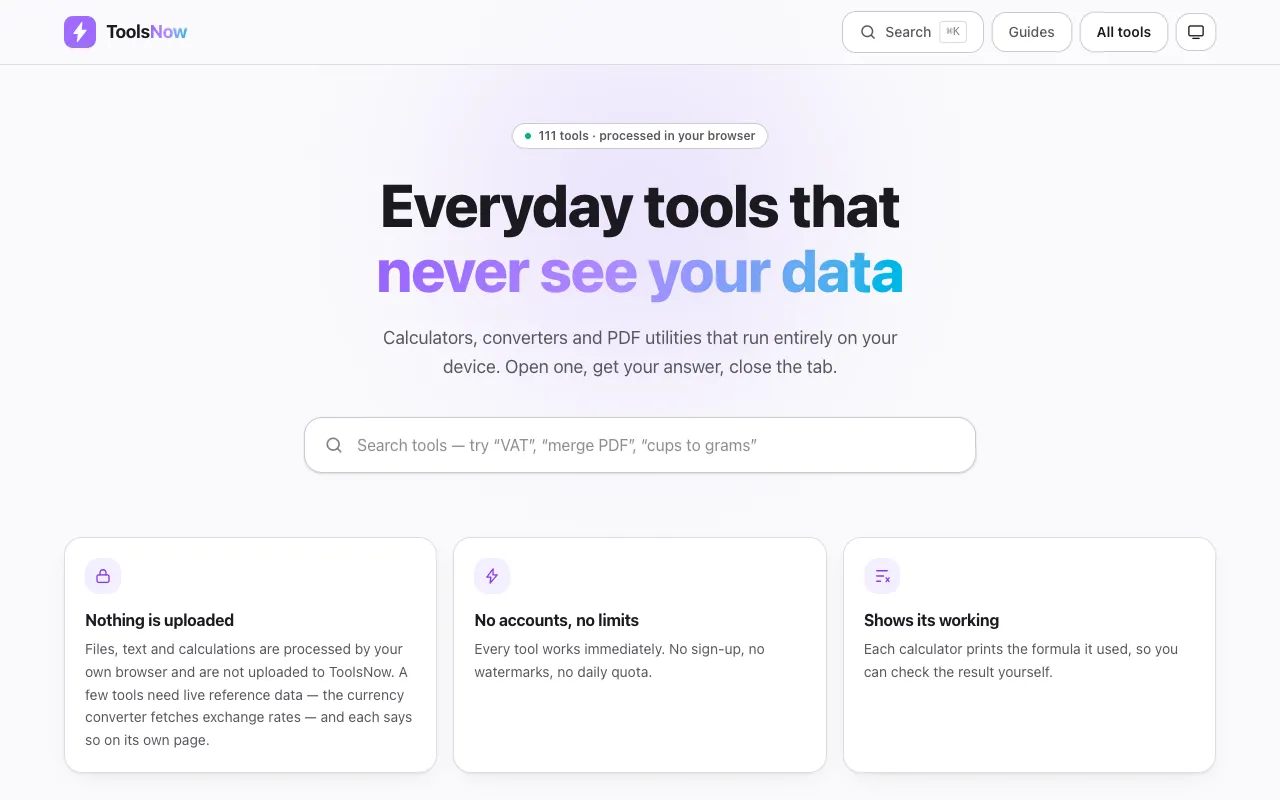
Tools Now provides a collection of 111 free web-based utilities designed for everyday productivity tasks. The suite covers a wide range of needs including PDF manipulation, image editing, text processing, financial calculations, mathematical computations, and developer utilities. Every tool runs entirely within your web browser on your local device, ensuring no files are ever uploaded to external servers. The platform is built on privacy-first principles, requiring no account creation, imposing no file size limits, and applying no watermarks to any output. Users can depend on complete offline functionality where all data processing occurs locally on their machine, making it ideal for handling sensitive documents or information that must remain private.
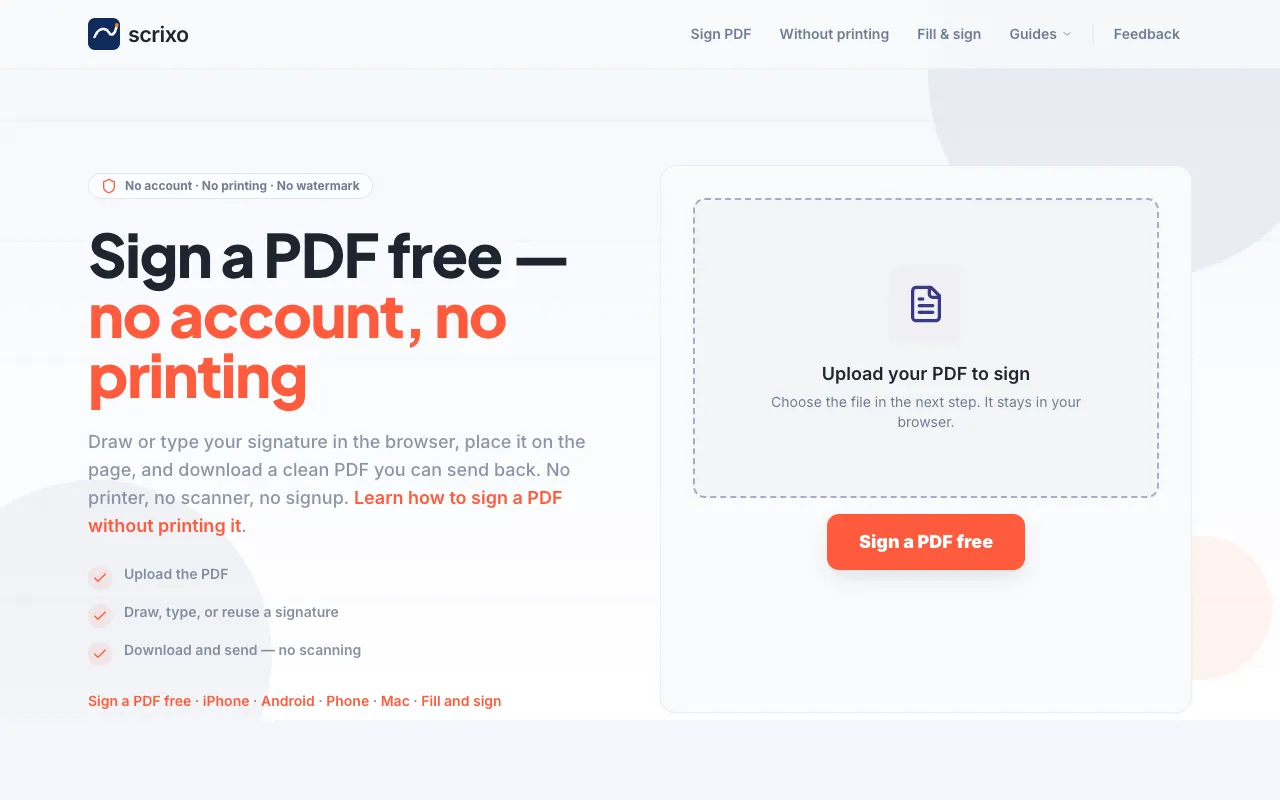
A free online PDF signing tool that works entirely in your web browser without requiring account creation or any software installation. Users can upload PDF files of any size, add their signature by either drawing it freehand or typing text, position the signature anywhere on the document pages, and then download the completed and signed PDF file immediately for use. This browser-based approach completely eliminates the traditional workflow of printing documents by hand, signing them with pen and paper, and then scanning them back into digital form. It is particularly useful for signing contracts, legal agreements, forms, invoices, and other official documents that require authentication. The tool supports adding multiple signatures to the same document across different pages, with precise positioning controls and immediate file downloads.
Calculates, graphs, geometries, and performs complex algebraic operations all in one intuitive interface. Combining functionalities of GeoGebra's various tools into a single suite, users can easily switch between graphing, geometry, 3D modeling, and computer algebra system (CAS) functions. Educators, students, engineers, and anyone needing advanced mathematical capabilities will find this tool invaluable for problem-solving and learning complex concepts through interactive visualizations.
Calculates the number of letters, words, sentences, and paragraphs in any provided text block, offering a detailed per-character frequency breakdown. Useful for writers, editors, and anyone needing to analyze text statistics quickly. Helps users verify word counts for academic papers, ensure readability levels for content, or check formatting requirements for documents. Ideal for students, professionals, and anyone who needs to assess the composition of texts efficiently.
Converts plain digital text into the visual format of bionic reading using an online converter tool. This method improves readability by visually emphasizing the first letter of every word through bolding, thereby guiding the reader's eye and making continuous scanning easier. Users simply paste their written content into the provided field to instantly receive the specially formatted, comprehension-friendly version of their text. People who want to boost their reading speed or improve accessibility for difficult passages find this tool helpful. It provides a structured way to process dense material, which is especially beneficial for students, researchers, and individuals with dyslexia or other visual processing challenges.
Cleanses messy documents by removing excessive whitespace, including multiple spaces, tabs, and blank lines from any given text input. This utility processes strings to consolidate spacing into single instances, ensuring a uniform flow across the entire document. It effectively normalizes textual content, making sure that unintentional formatting clutter does not interfere with the core message or intended layout of the writing. Users needing to clean up copy-pasted material will find this tool particularly useful. Whether transferring text from PDFs, emails, or web pages, residual formatting often introduces disruptive spacing issues. By running the text through the remover, individuals can quickly improve readability and prepare content for professional publishing, academic papers, or digital deployment with reliable, consistent formatting.
Helps users discover complementary Google Font pairings for headings and body text with live previews of each combination. By entering desired font characteristics, the tool suggests aesthetically pleasing font pairs that enhance readability and visual appeal in web design projects. Ideal for designers, developers, and anyone creating content for the web who wants to ensure their typography choices are both stylish and functional.
Applies adjustable filter effects such as blur, brightness, contrast, saturation, and hue rotation to uploaded images and allows downloading of the modified versions. Suitable for anyone needing to quickly enhance or modify images for various purposes like social media posting, editing photos, or creating artistic effects.
Calculates the average color of any uploaded image, providing precise HEX and RGB values for immediate design integration. The tool analyzes the entire picture composition to determine the predominant hue, simplifying the process of extracting a single representative color from complex visuals. Users simply upload an image, and the system processes it instantly, offering reliable digital color codes that match the overall tone of the photograph or artwork. Designers, artists, web developers, and content creators utilize this finder when they need to ensure visual consistency across multiple projects. It is particularly helpful for creating cohesive color palettes based on real-world imagery without needing manual sampling tools. By pinpointing the average color, users can maintain brand integrity and achieve a professional, unified aesthetic in their final designs.
Calculates the dominant color palette from an uploaded image, returning HEX and RGB values for each detected swatch. By analyzing the visual elements of an image, this tool helps users quickly identify and understand the color scheme used. Ideal for designers, photographers, and anyone looking to analyze or recreate color palettes from images. Helps users in graphic design, web development, marketing, and photography by providing accurate color data that can be easily integrated into various projects. Whether for creating a consistent visual identity or optimizing digital assets for specific platforms, this tool saves time and enhances the creative process by offering precise color information directly from images.
Generates random organic blob SVGs with adjustable complexity and curvature for backgrounds and decorative shapes. Users can customize parameters such as size, color palette, and smoothness to create unique, visually appealing graphics suitable for web design, logos, and other digital projects. Designers, artists, and developers looking to add organic, dynamic elements to their work will find this tool invaluable. It saves time on creating custom SVGs from scratch while offering a wide range of styles and options to suit various creative needs.
Generates SVG patterns with customizable shapes, colors, and density, allowing users to create unique designs for web or print projects. Ideal for graphic designers and developers looking to add texture and detail to their work without manual drawing. Web professionals, artists, and anyone involved in digital design can use this tool to quickly generate repeating patterns for backgrounds, borders, and more. The customizable options make it easy to achieve the exact look desired, saving time and effort compared to manual creation.
Pixelates, blurs, or blackens specific areas of images to safeguard sensitive details before online sharing. This tool allows users to precisely select regions within photos that require privacy protection, making it easy to obscure faces, license plates, or any personal identifying information. The functionality applies various censoring methods—including pixelation and blurring—to render the selected content unreadable while leaving the rest of the image intact for publication. Individuals who frequently upload images to social media, blogs, or professional portfolios utilize this tool to maintain user privacy. It provides a simple solution for anyone needing to share visual content that contains sensitive personal data without compromising anonymity. By easily obscuring unwanted details, users ensure compliance with privacy standards while still sharing their intended photos online.
Converts SVG strokes into solid fills, ensuring consistent rendering across viewers. By replacing stroke paths with filled ones, it eliminates issues related to varying stroke widths not supported in all browsers or software. Graphic designers, web developers, and content creators who work with scalable vector graphics (SVG) will find this tool invaluable for maintaining visual consistency across different platforms and devices.
Generates descriptive captions for uploaded images using AI vision, making it useful for alt text and accessibility needs. Users can upload any image to receive an automated caption that helps in enhancing content comprehension and SEO. Ideal for bloggers, social media managers, photographers, and anyone looking to improve their digital asset descriptions for better accessibility and user engagement.
Converts a clean PDF or image into one that looks scanned with slight rotation, contrast, and noise for an authentic appearance. Ideal for creating the illusion of physical document scanning without actual hardware. Helps users enhance digital documents to mimic the look of paper-based files, suitable for presentations, reports, and publications where a tactile feel is desired in an online format.
Generates pure-CSS loading spinner animations with adjustable colour, size, speed, and shape variants. Users can customize their loading spinners to fit any design or functionality needs by selecting from various pre-defined styles and tweaking options directly in the tool's interface. Developers, designers, and web developers looking to enhance user experience on their websites can use this tool to add visually appealing loading indicators to their pages. By providing customizable CSS solutions, it saves time and effort compared to creating spinner animations from scratch.