Search Opportunity Analyzer
Analyzes Google Search Console performance data to identify and prioritize SEO opportunities based on current search ...
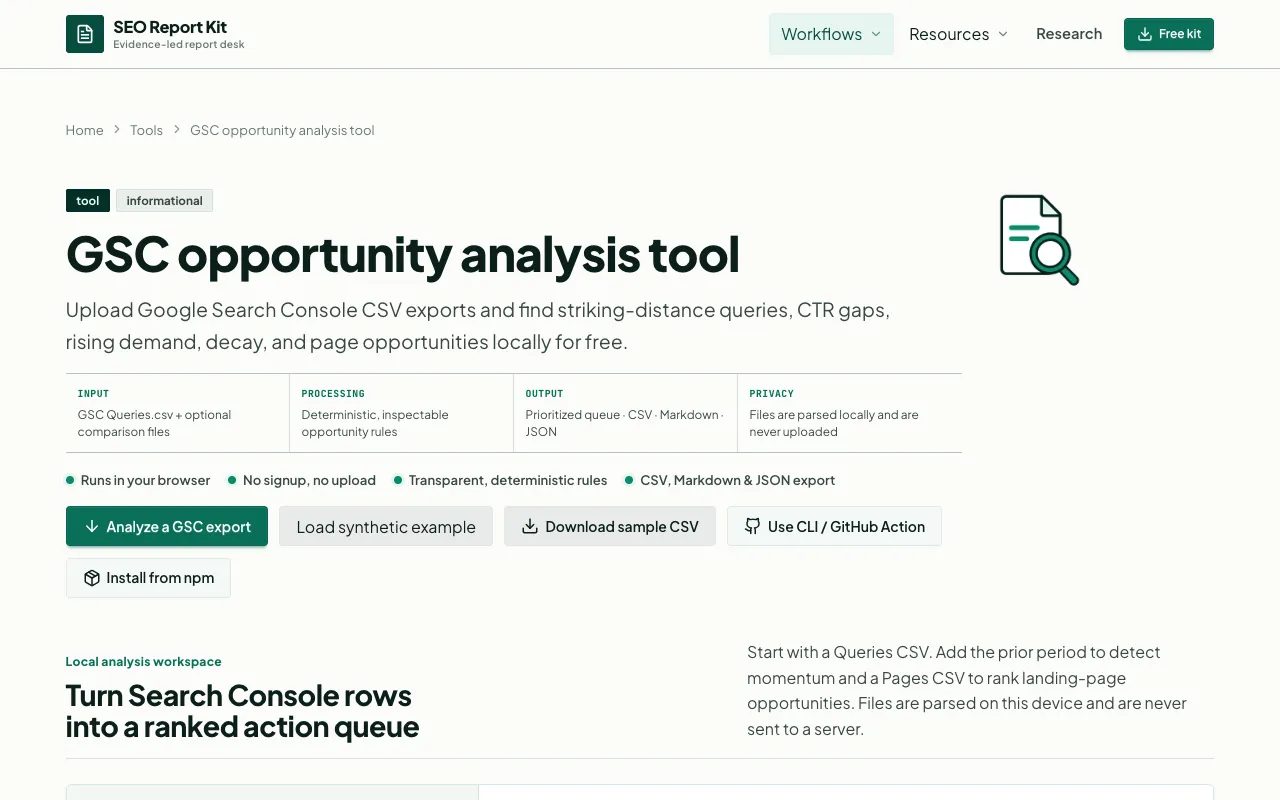
What Search Opportunity Analyzer does
A concise, data-driven analysis of a specific SEO performance issue, structured for quick stakeholder review and action planning, with clear sections for context, findings, and actionable recommendations based on the provided search console data and tool outputs, all within a concise, professional format suitable for stakeholder reporting or internal review sessions, while maintaining strict adherence to the source data constraints and avoiding any speculative or externally sourced claims beyond the provided dataset.
How to use the SEO Report Kit Search Opportunity Analyzer
- 1
Review the provided CSV data to identify top-performing and underperforming queries.
- 2
Cross-reference the 'Queries' and 'Impressions' columns to identify high-potential, low-effort optimization targets.
- 3
Use the 'Export' function within the tool to download the current view as a CSV for further analysis or stakeholder reporting.
- 4
Note: This tool focuses on search performance metrics; ensure Google Search Console permissions are correctly configured for the property in question before relying on the data.
Best for
SEO professionals and site owners who need to quickly identify high-impact optimization opportunities within their existing search console data without manual spreadsheet manipulation.
Limitations
- Data is limited to the selected date range and property settings in Google Search Console.
- Analysis is based on sampled data and may not capture 100% of search queries.
- Does not provide predictive modeling or future trend analysis, only historical performance.
Search Opportunity Analyzer FAQ
- Can I export the data shown in the tool?
- Yes, the tool allows downloading the current view as a CSV file for further analysis in spreadsheet software.
- Can I analyze multiple domains at once?
- No, the tool processes one property at a time. You must select a specific property from the dropdown to analyze its data.
- What if my search console data is not loading?
- Ensure you are logged into the Google account associated with the Search Console property. If data is missing, verify the site verification status in Google Search Console and ensure the site is verified in Search Console.
Similar tools
Based on shared tags