Photo Compressor
Reduce JPEG, PNG, and WebP photo file sizes to fit common upload limits across different platforms and services. Spec...
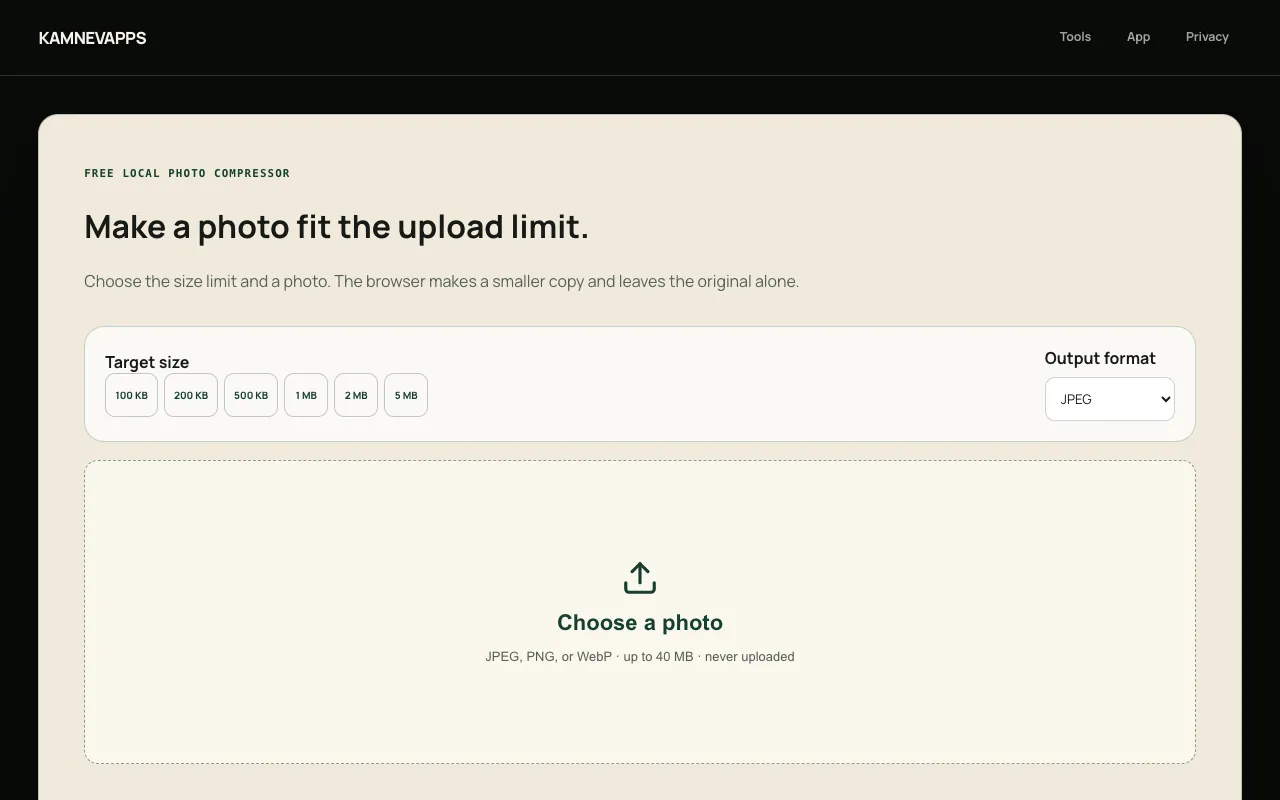
What Photo Compressor does
Photo Compressor is a browser-based image tool that reduces JPEG, PNG, and WebP file sizes to match specific upload limits. Users specify a target size—100 KB, 500 KB, 1 MB, or 2 MB—and the tool compresses the image locally, preserving the original on their device while generating a smaller copy. The result displays the actual output size and indicates if the target was missed, allowing users to test photos against restrictions before uploading them to email, messaging apps, social media, or cloud storage. All processing occurs within the browser; no photos are sent to external servers, and Kamnevapps only receives anonymous action counts.
How to use the Kamnevapps Photo Compressor
- 1
Pick the file-size limit shown by the form or website you are uploading to
- 2
Choose one JPEG, PNG, or WebP photo from your device
- 3
Wait while the tool compresses the image locally in your browser
- 4
Download the smaller copy and verify the actual result size
Best for
This option suits anyone preparing images for platforms with strict upload limits who wants to keep their original photos private and on their device.
Limitations
- No unit switching beyond KB and MB preset targets
- Very small targets may make some photos unusable
- HEIC files are not supported directly; iPhone users need SendShrink
Photo Compressor FAQ
- Can I compress a photo under 2 MB?
- Yes. Choose the 2 MB target, select your photo, and download the smaller copy if the target is reached.
- Does the photo upload to Kamnevapps?
- No. Compression uses browser image and canvas APIs on your device, and the photo stays completely on your device.
- What file formats does this tool support?
- The web tool supports JPEG, PNG, and WebP. HEIC files require SendShrink on iPhone.
- What happens if the target size is too small for my photo?
- Some photos cannot reach a very small limit without becoming unusable; the result shows the actual size and tells you when it missed the target.
Similar tools
Based on shared tags