Photo Metadata Remover
Inspect and remove hidden metadata embedded in your photos, including EXIF image data, GPS location coordinates, came...
What Photo Metadata Remover does
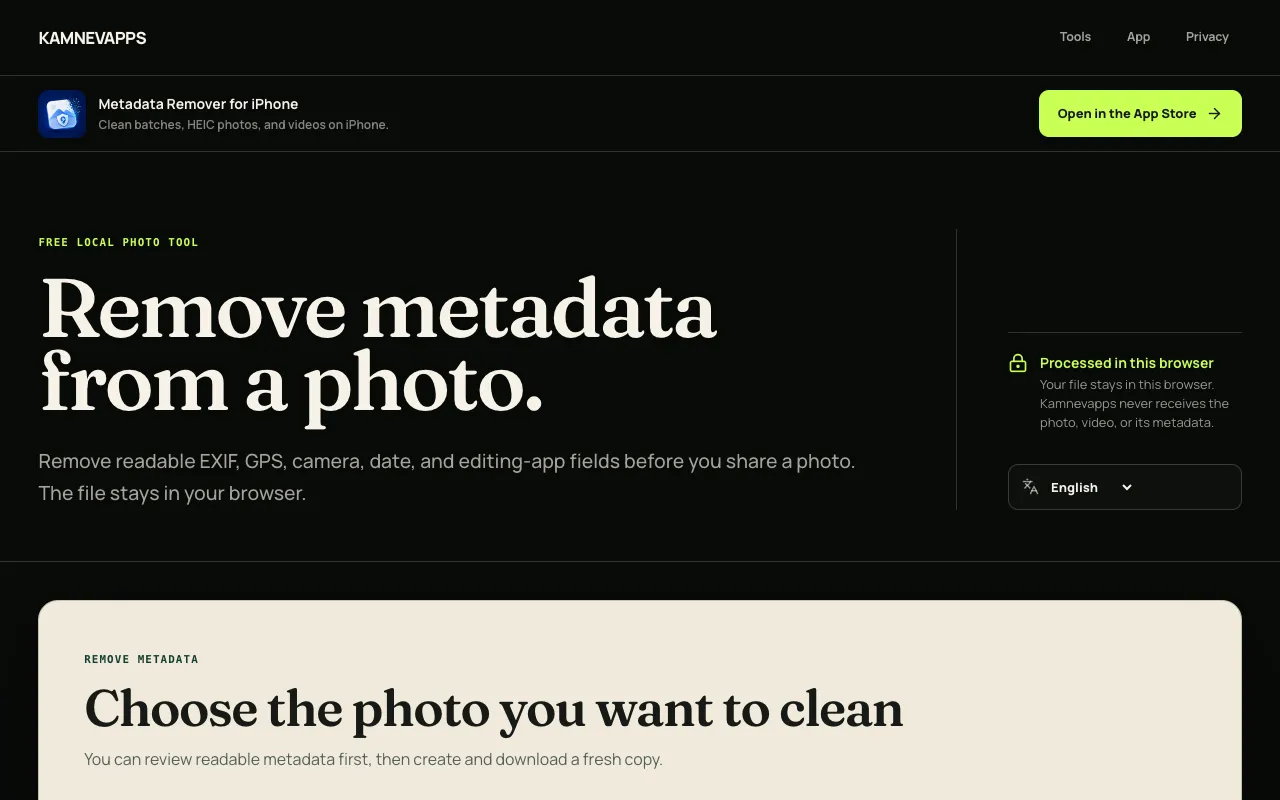
Photo Metadata Remover is a browser-based utility that inspects and strips hidden metadata from image files. Users can view what data is stored—including EXIF, GPS coordinates, camera details, capture timestamps, and XMP tags—and remove specific categories before downloading a cleaned copy. The tool operates entirely within the browser; no account is required and photos never leave the user's device, making it suitable for preparing images for social media, email, or messaging without uploading to external servers.
How to use the Kamnevapps Photo Metadata Remover
- 1
Choose one supported photo file from your device
- 2
Review the readable file preview and listed metadata fields
- 3
Select the metadata categories to remove or keep
- 4
Download the cleaned copy to your device
Best for
This option suits anyone who needs to quickly strip location, camera, or timestamp data from photos before sharing, especially users who prioritize privacy and want assurance that files remain on their device without uploading to external s
Limitations
- JPEG and WebP output uses high-quality browser encoding, which may slightly alter image quality
- PNG output remains lossless but may increase file size
- HEIC or batch processing support varies by browser; dedicated iPhone tool recommended for reliable workflows
Photo Metadata Remover FAQ
- Does the photo upload to a server when using this tool?
- No. Reading and cleaning happen locally in the browser; the selected file, metadata, preview, and cleaned result remain on your device.
- Will removing metadata change the image quality?
- PNG output remains lossless. JPEG and WebP are re-encoded at high quality so orientation is preserved while embedded metadata is left behind.
- Can I clean HEIC files or process multiple photos at once?
- Some browsers can open HEIC, but support varies. Use the dedicated iPhone tool for reliable HEIC, batch, and video workflows.
- What metadata fields are typically removed by this tool?
- The cleaned copy does not carry readable EXIF, GPS, XMP, or IPTC fields forward. Many photos carry location, camera, capture date, software, copyright, or description fields.
Similar tools
Based on shared tags