Upload Limit Checker
Check whether one photo or a batch of photos will exceed a specified upload-size limit before attempting to upload th...
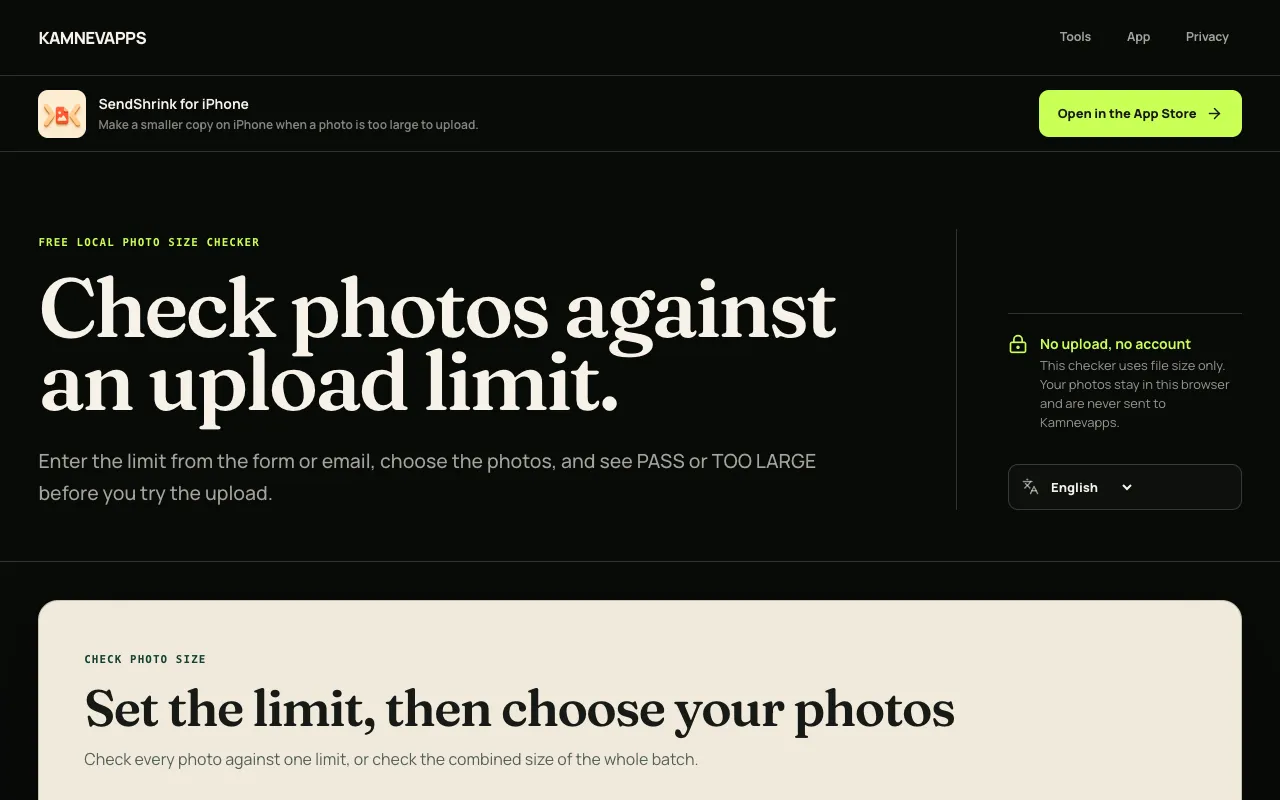
What Upload Limit Checker does
Photo Upload Size Limit Checker is a browser-based image tool that lets you verify whether individual photos or entire batches will meet a specific upload-size restriction before you attempt to send them. You receive a clear PASS or TOO LARGE result for each file, confirming that the actual size fits the KB or MB limit you set, without any of your images being uploaded, modified, or transmitted. The tool is designed to prevent wasted time on rejected uploads by validating photos against platform requirements for email, social media, cloud storage, or any service with size constraints.
How to use the Kamnevapps Upload Limit Checker
- 1
Choose whether the size limit applies to each photo individually or to the whole batch
- 2
Enter the KB or MB limit specified by the form, portal, email service, or chat app you plan to use
- 3
Select the photos you intend to upload from your device
- 4
Review the PASS or TOO LARGE result for each file to confirm they meet the chosen constraint
Best for
This option suits anyone preparing photos for upload-restricted services who wants to avoid failed uploads and wasted time by checking file sizes locally before committing to the transfer.
Limitations
- Results only confirm file size compliance; format, dimensions, and metadata rules are not evaluated
- No compression or file modification is performed—large files remain unchanged
- The tool does not guarantee acceptance if the destination service applies additional restrictions beyond size
Upload Limit Checker FAQ
- Can I check if multiple photos will fit within a single total size limit?
- Yes. Select the Whole batch option and enter the combined KB or MB limit the service allows for all files together.
- Does the checker reduce or compress my photos to make them smaller?
- No. It only reads the file names, types, and sizes; the original photos are not changed or compressed.
- Is it safe to use this tool with private photos?
- Yes. The browser reads only the file metadata needed for comparison, and the photos are never uploaded to Kamnevapps or any external server.
- What does PASS mean in the results?
- PASS means the selected file size is within the KB or MB limit you entered, but it does not guarantee the service will accept the photo if it also checks format, dimensions, or metadata.
Similar tools
Based on shared tags