Document Tools
9 tools



Guide
About document tools tools
Document tools help people manage, transform, and share text-based files without installing software. They solve common problems such as counting words in an essay, merging separate PDFs into a single document, converting files from one format to another, and translating content into different languages. The category includes simple editors like online notepads, specialized converters that preserve layout, and generators that create agreements or certificates from templates.
Before choosing a tool, readers should understand the file format they are working with and the desired output. PDFs often require converters that keep the original formatting, while plain text files can be handled by word counters or markdown editors. It is important to check whether a tool processes files locally in the browser or uploads them to a server, especially when dealing with sensitive or confidential documents. Users should also be aware that free options may have limits on file size, page count, or the number of conversions per day.
Common mistakes include using a word counter on a document that includes headers, footnotes, or embedded tables, which can inflate or deflate the total. PDF merger tools may reorder pages unexpectedly if the user does not select the correct range beforehand. Translation tools sometimes lose formatting or struggle with idiomatic phrases, so it is wise to review the translated text before sharing it.
Find the right tool
Document Tools tools by task
Editing and counting
When you need to check the length of a piece of writing or make quick edits in the browser, word counters and online notepads provide fast results without saving anything to your computer. The word-counter tool simply tallies words pasted into its box, while the online-notepad offers basic formatting like bold or italic for drafting notes.
Combining and converting files
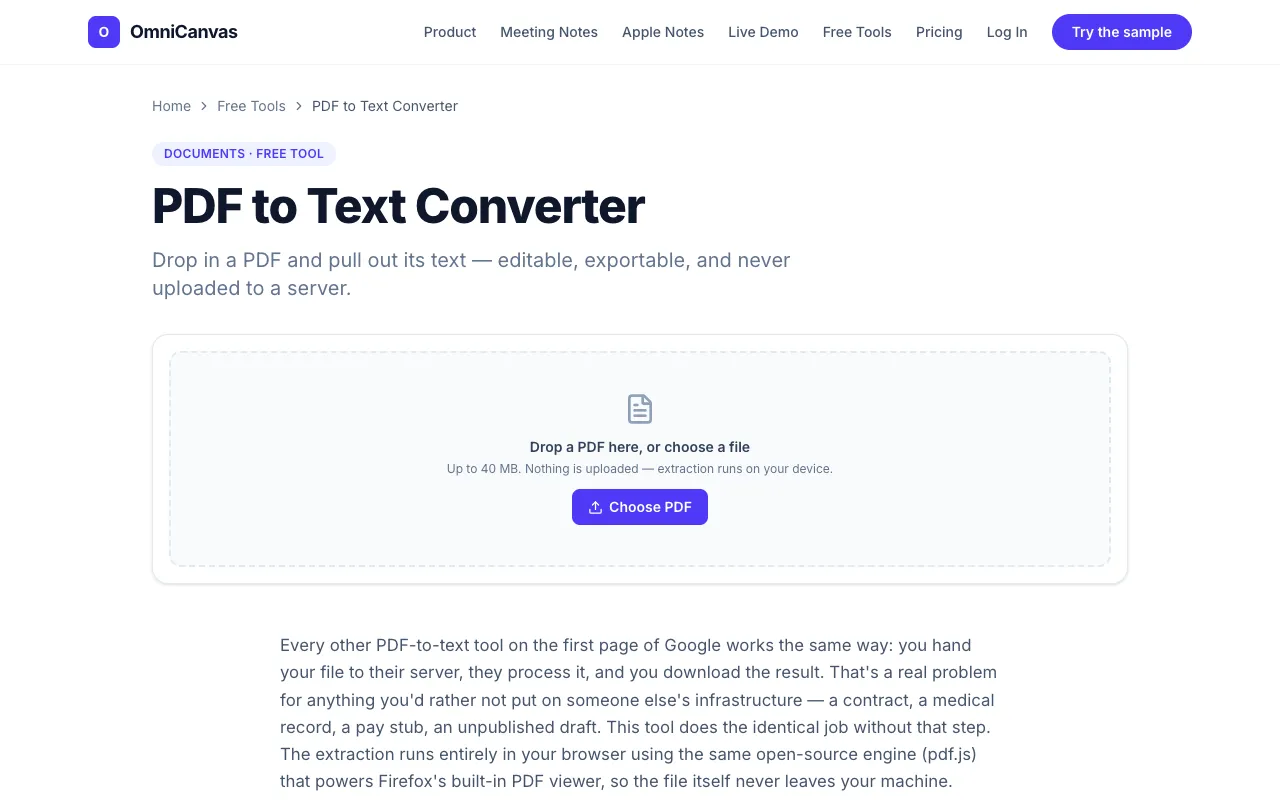
If you need to merge several PDFs into one file or extract text from a PDF for editing, the pdf-merger and pdf-to-text-converter tools handle those tasks locally in your browser. The document-conversion-suite also covers image and PDF processing, allowing you to change file types without uploading your data to an external server.
Generating and translating documents
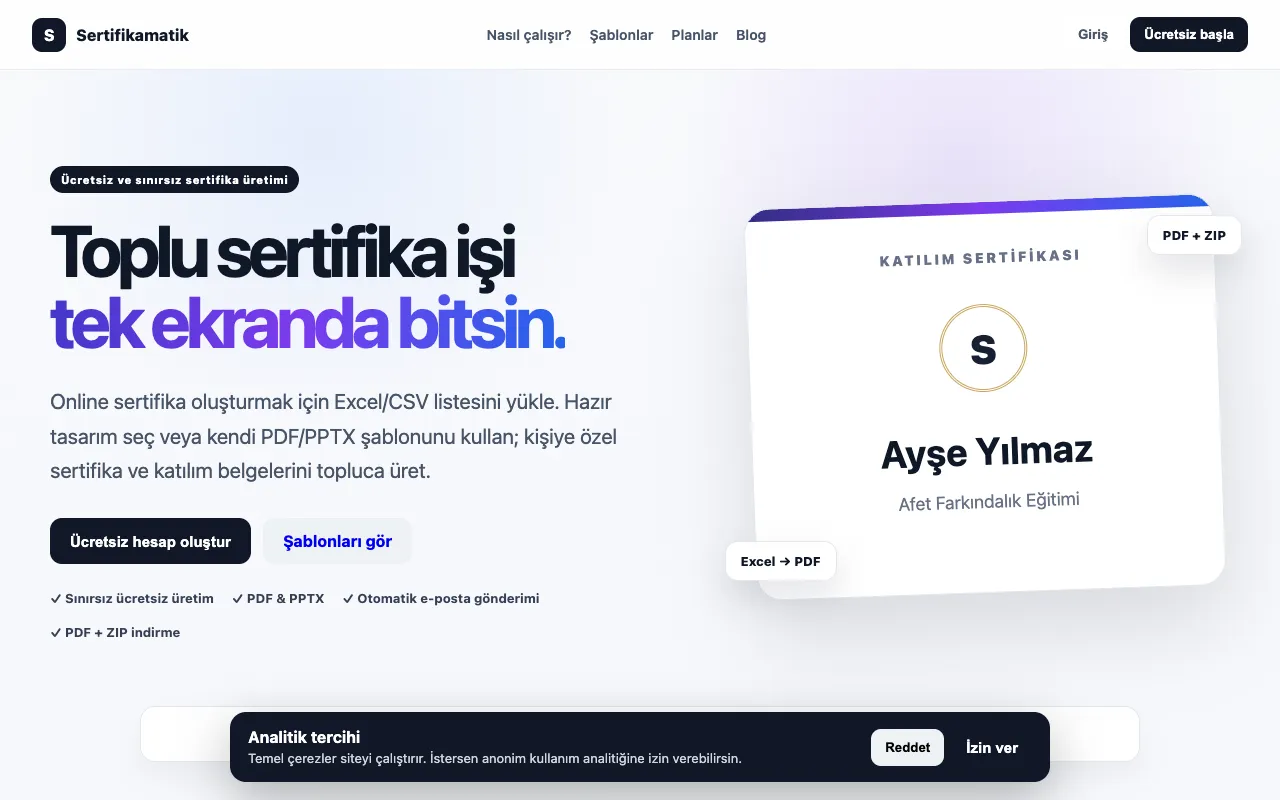
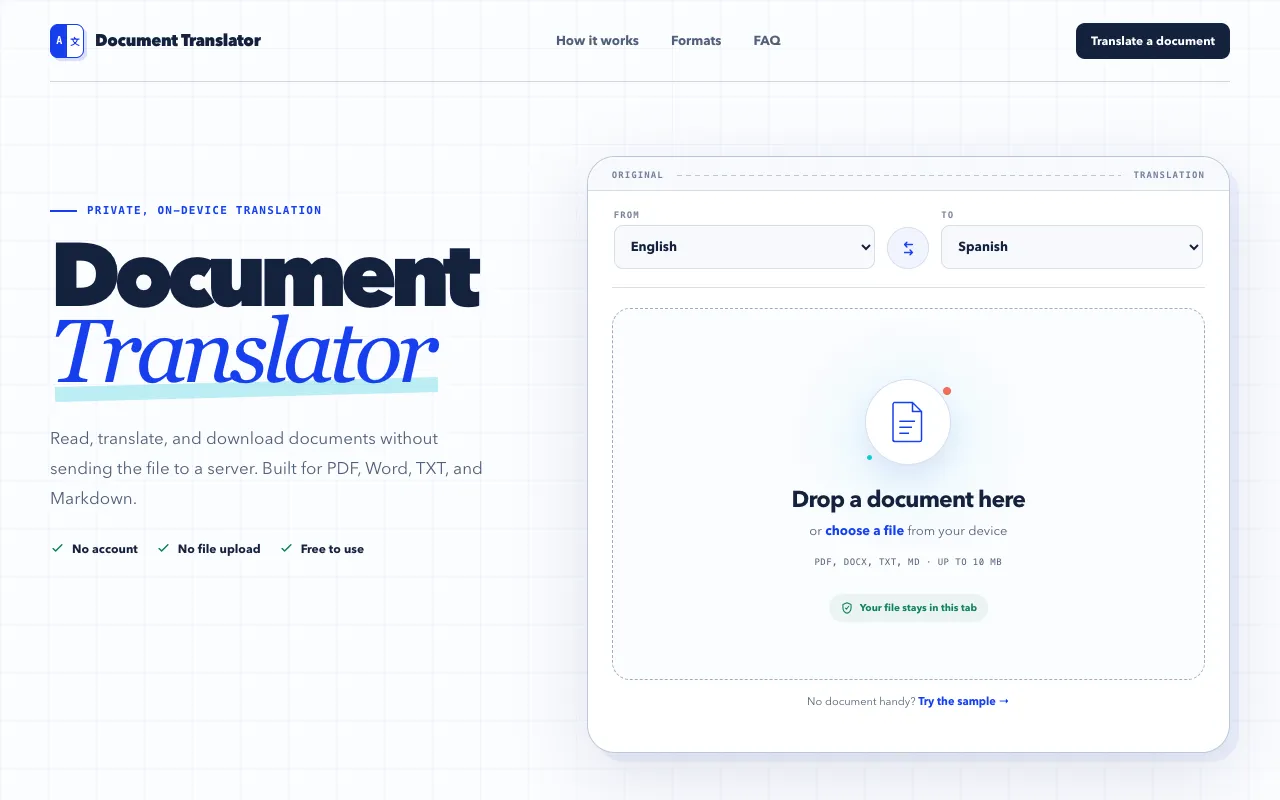
For users who need to create certificates or legal agreements quickly, the certificate-generator and founders-agreement-generator tools provide templates that can be filled in and customized. The document-translator tool supports multiple file formats including PDF, DOCX, TXT, and Markdown, translating content while keeping the processing on your own device.
Questions
Document Tools FAQ
- How do I count words in a document that has headers and footnotes?
- Word counters tally every word they encounter, including text in headers, footers, and footnotes, which may give a higher total than the body text alone. If you only need the word count of the main content, remove or hide those sections before pasting into the tool, or manually subtract the counted words from the total.
- Can I merge PDFs without uploading them to a cloud service?
- Yes, the pdf-merger tool processes files entirely within your browser, meaning the documents never leave your computer. You can reorder pages and select which ones to include before downloading the merged file, keeping your files private.
- What file formats can the document translator handle?
- The document translator supports PDF, DOCX, TXT, and Markdown files. Processing happens locally in your browser, so the files are not sent to an external server, which helps protect sensitive content during translation.
- Is it safe to use an online notepad for sensitive notes?
- Online notepads typically save content temporarily in your browser’s local storage and do not transmit it to a server, but it is still advisable to avoid entering highly confidential information. For sensitive notes, consider using a desktop application with encryption or a tool that offers end-to-end protection.
- Do I need to install anything to use the markdown tools suite?
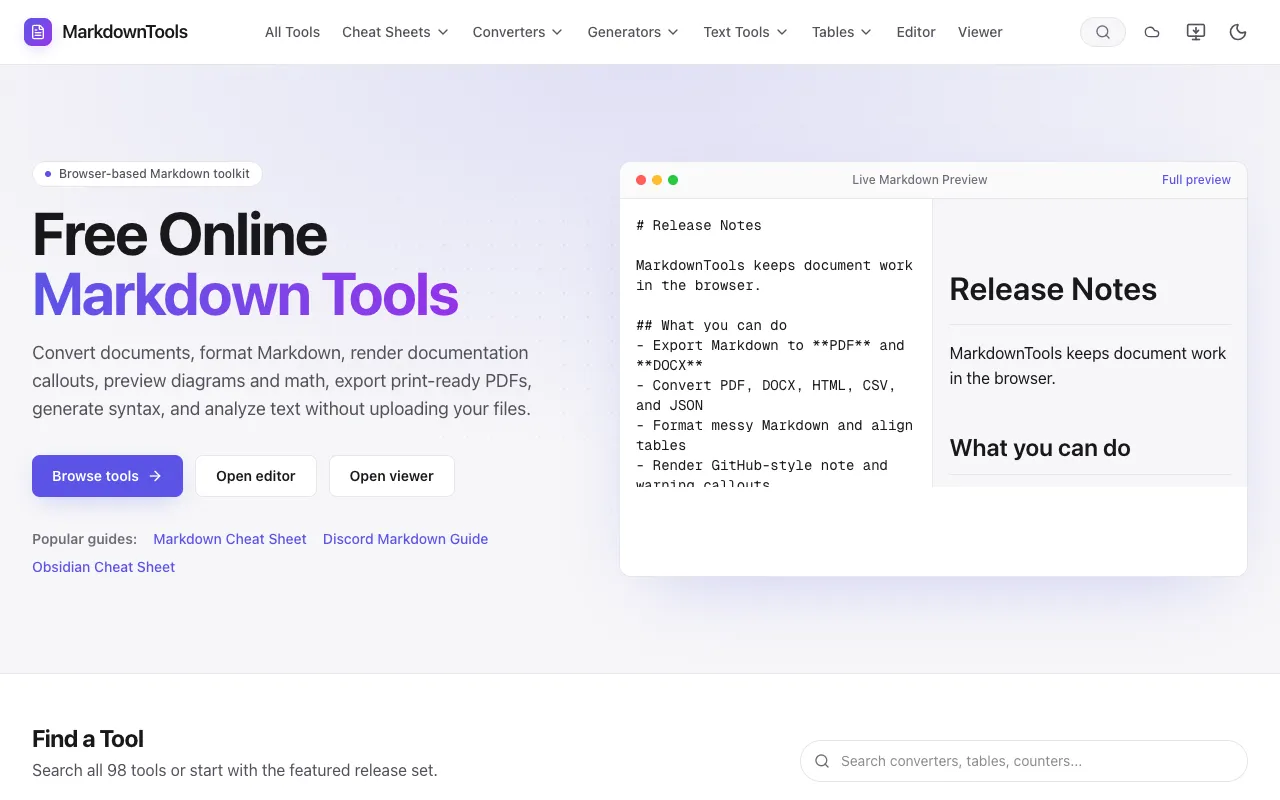
- No, the markdown tools suite runs entirely in your web browser and requires no signup or installation. You can write, edit, and preview Markdown content instantly, making it convenient for quick drafts or learning the format.