Word counter
Calculates the number of words in any given text. Users simply paste their text into the designated area, and the tool automatically counts and displays the word count. Helps users with editing, writing, and content creation by providing an accurate word count to ensure they meet length requirements or maintain a consistent word limit. Ideal for bloggers, students, and anyone needing to keep...
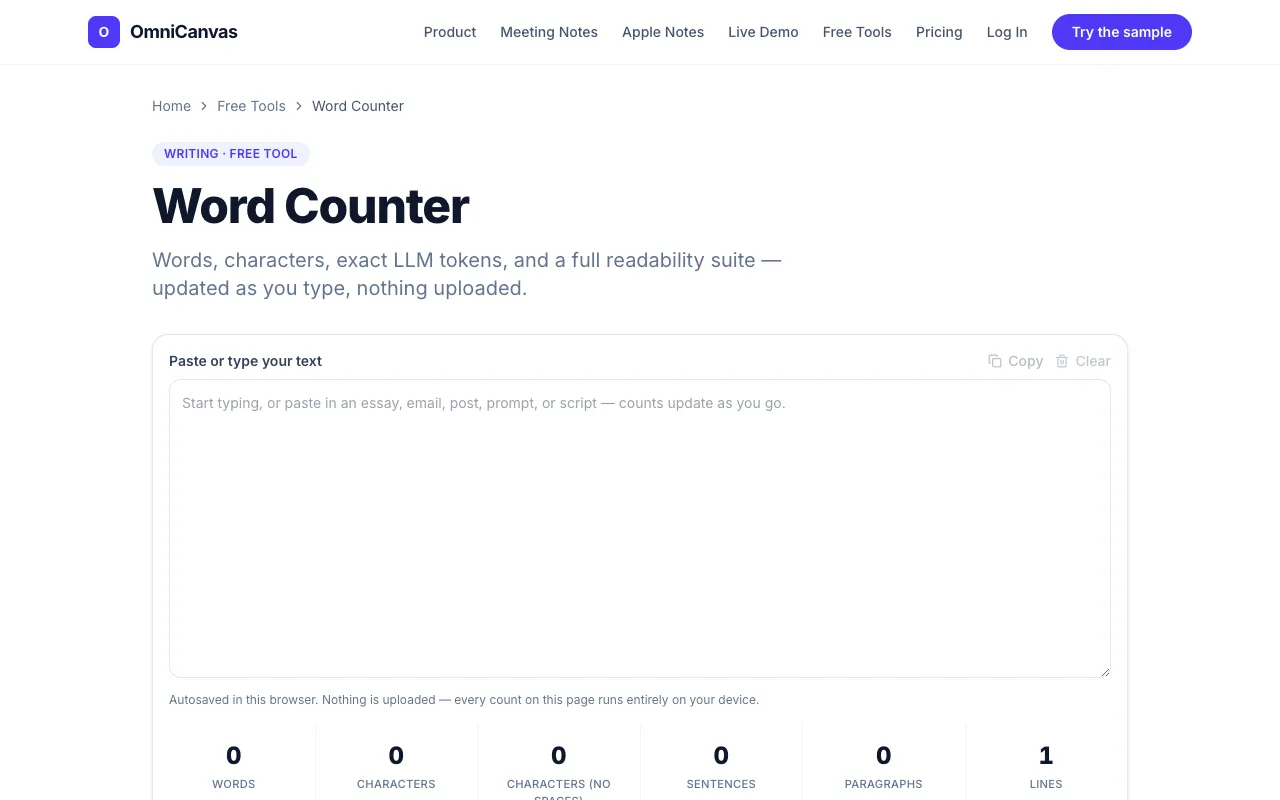
- 02OmniCanvasomnicanvasnotes.com
Counts words, characters, sentences and paragraphs live, plus LLM token counts for AI prompts, letter-frequency stati...
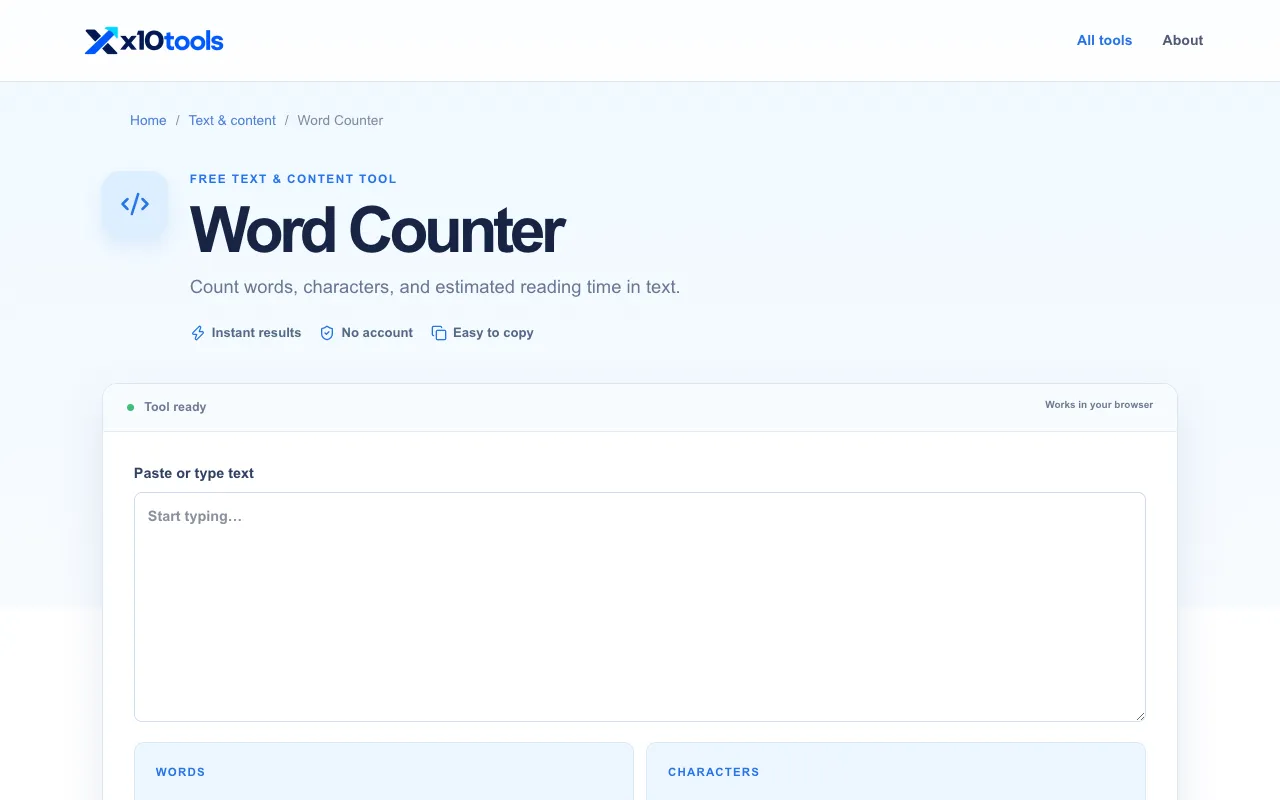
Side by side
Word counter options compared
| Tool | Best for | Strengths | Limitations |
|---|---|---|---|
| RapidTables rapidtables.com | Quick word count needs |
|
|
| OmniCanvas omnicanvasnotes.com | Writers needing detailed analytics |
|
|
Buyer's guide
How to choose a word counter
If your only goal is to see a word count quickly, choose the tool that loads fastest and requires no sign-up. If you are drafting longer content, need to check readability, estimate AI token usage, or want your work saved automatically, the tool with the extra analytics panels is worth the extra load time.
Questions
Word counter FAQ
- Can I count words in a document I paste from Word or Google Docs?
- Yes, both tools accept pasted text directly. RapidTables and OmniCanvas will count the words in whatever text you paste, regardless of its original formatting.
- Does the word counter include numbers and symbols in its total?
- RapidTables counts words based on standard linguistic definitions, treating sequences of letters as words. OmniCanvas also counts words similarly but adds separate tallies for characters with and without spaces, sentences, and paragraphs.
- Is there a limit on how much text I can paste into these counters?
- RapidTables does not specify a character limit on its page. OmniCanvas states there is no limit on how much you paste, from a tweet to a full manuscript, and autosaves your work to browser storage.
- Which tool gives me a character count that includes spaces?
- OmniCanvas provides a character count with and without spaces listed separately. RapidTables offers a character count that includes spaces by default.
- Do I need to create an account to use either word counter?
- No account is required for RapidTables. OmniCanvas runs entirely in your browser and does not require an account or upload to function.

