01

Helps users create, edit, and save notes directly from their web browser with a simple online text editor. Offers basic formatting options like bold, italic, underline, and list creation. Developers, students, and anyone needing quick note-taking while working remotely find it useful for jotting down ideas, taking meeting minutes, or organizing tasks without the need to install any software.
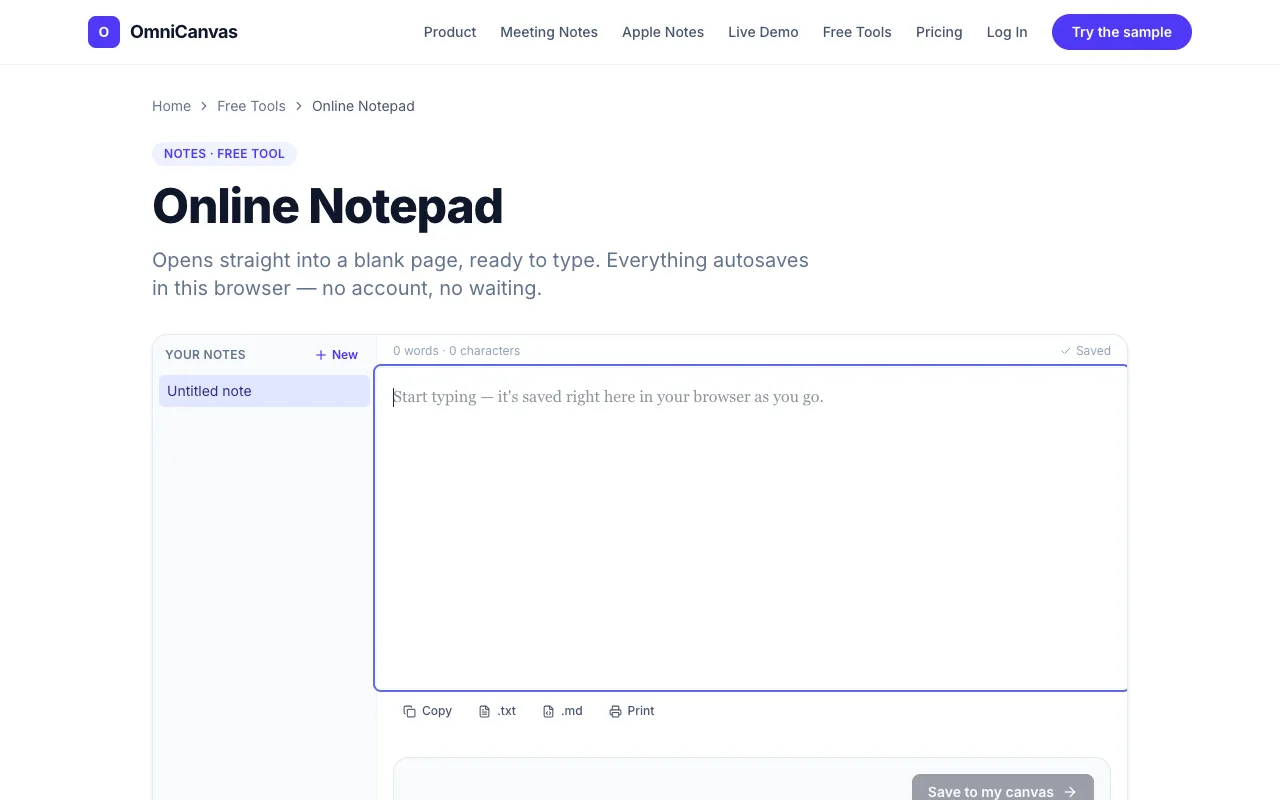
A distraction-free notepad that opens straight into a blank page with the cursor already in it. Keeps multiple notes,...
Side by side
| Tool | Best for | Strengths | Limitations |
|---|---|---|---|
| RapidTables rapidtables.com | Quick single-session notes |
|
|
| OmniCanvas omnicanvasnotes.com | Multi-note workflows |
|
|
Buyer's guide
If you need a note that disappears when the browser closes or history is cleared, RapidTables is sufficient for fleeting jots. If you want a note that persists across days, supports multiple entries, and can be exported as a file, OmniCanvas handles that without forcing an account upfront.
Questions