Markdown Tools Suite
Markdown Tools is a free, browser-based Markdown editor for writing, editing, and previewing Markdown content. The pl...
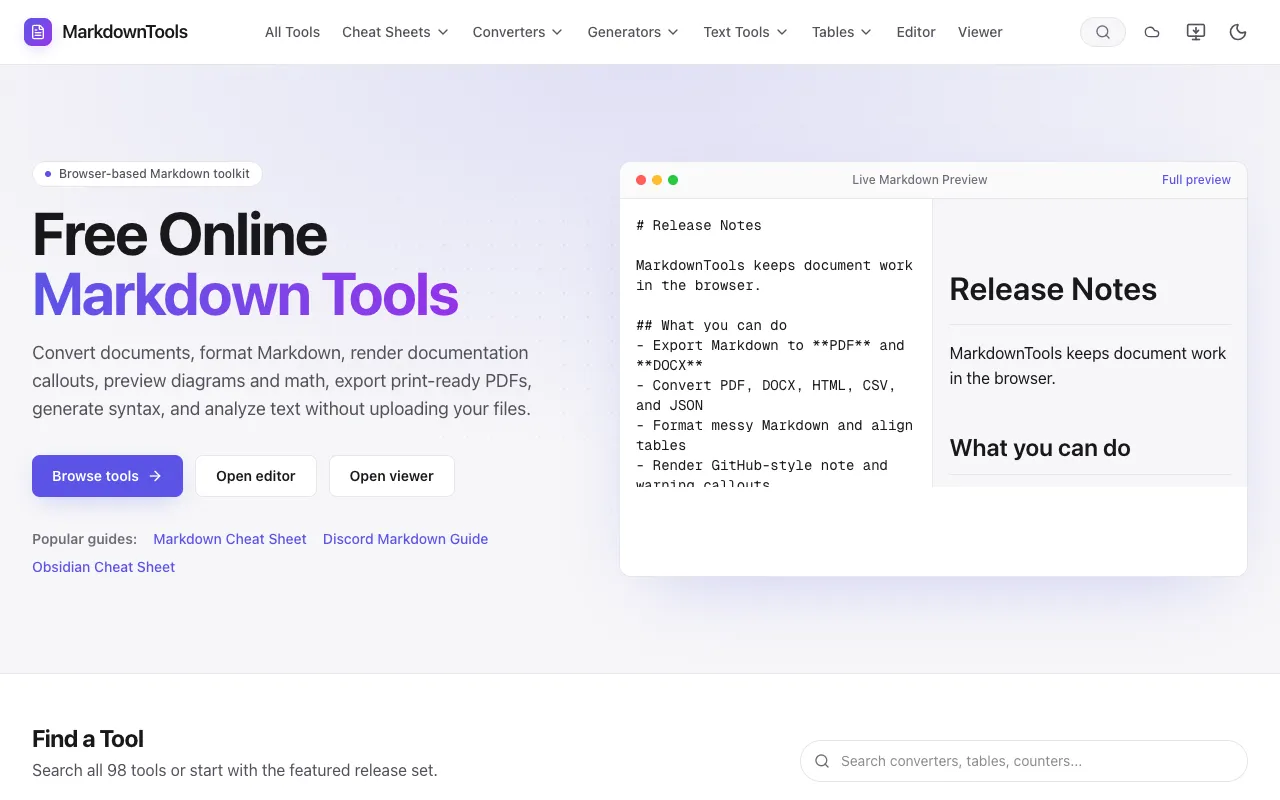
What Markdown Tools Suite does
Markdown Tools Suite is a browser-based Markdown editor for writing, editing, and previewing Markdown content without requiring signup or installation. Users get a comprehensive cheat sheet for syntax reference and a table generator for creating properly formatted Markdown tables. The platform supports converting documents to multiple formats including PDF, DOCX, HTML, CSV, and JSON, allowing users to transform their work without uploading files to external servers. The editor provides a streamlined workflow suitable for Markdown users of all skill levels.
How to use the Markdown Tools Markdown Tools Suite
- 1
Open the Markdown Tools editor in your browser
- 2
Write or paste your Markdown content into the editor pane
- 3
Use the preview pane to see real-time rendering of your document
- 4
Export or convert your document to PDF, DOCX, HTML, CSV, or JSON format using the tool's conversion options
Best for
Writers and developers who need a free, no-signup Markdown editor with export capabilities and syntax reference tools, particularly those who want to convert documents to multiple formats locally.
Limitations
- Browser-based only, no desktop application
- Conversion features may have format-specific limitations
- No mention of cloud saving or version history
Markdown Tools Suite FAQ
- Do I need to create an account to use Markdown Tools Suite?
- No, the platform runs entirely in your browser and requires no signup or installation to start editing Markdown content.
- What file formats can I convert Markdown to using this tool?
- You can convert Markdown documents to PDF, DOCX, HTML, CSV, and JSON formats using the tool's conversion features.
- Is there a cheat sheet available for Markdown syntax reference?
- Yes, Markdown Tools Suite includes a comprehensive cheat sheet with interactive examples for quick syntax reference.
- Can I preview diagrams and math in my Markdown documents?
- Yes, the editor supports previewing Mermaid diagrams and KaTeX math rendering within the Markdown content.
Similar tools
Based on shared tags