PDF to Text Converter
Extract the text from a PDF entirely in your browser, with page-range selection and editable output. Unlike most conv...
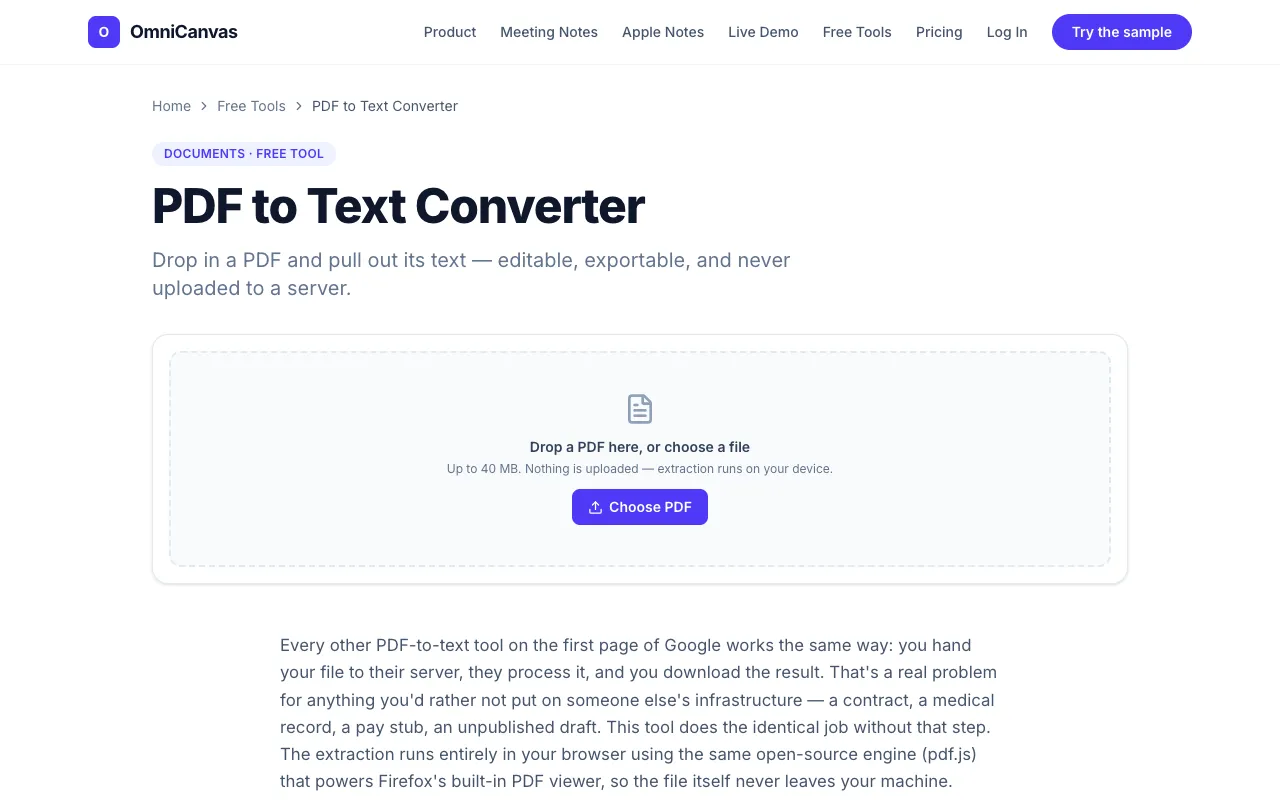
What PDF to Text Converter does
PDF to Text Converter by OmniCanvas is a browser-based tool that extracts text from PDF files without uploading them to external servers. Users receive editable output that can be copied, downloaded as .txt or .md files, or saved directly to an OmniCanvas note. The service emphasizes privacy by processing documents locally within the user's browser, ensuring sensitive documents like contracts or medical records never leave the machine. The tool also offers page-range selection for extracting only specific portions of longer documents.
How to use the OmniCanvas PDF to Text Converter
- 1
Drop a PDF file into the converter window or click to browse and select a file from your device
- 2
Wait a few seconds while the tool extracts the text layer using pdf.js locally in your browser
- 3
Select a specific page range if you only need part of the document, or proceed with full extraction
- 4
Copy the extracted text to your clipboard, download it as a .txt or .md file, or save it directly to an OmniCanvas note
- 5
Close the tab knowing the original PDF remains only on your device with no server upload
Best for
This option suits anyone who needs to extract text from PDFs while keeping sensitive documents entirely on their own device, particularly users handling contracts, medical records, pay stubs, or unpublished drafts who cannot risk uploading
Limitations
- No unit switching or format conversion beyond .txt and .md output
- Processing speed depends on the size and complexity of the PDF file
- Advanced PDF features like forms, signatures, or complex layouts may not extract perfectly
PDF to Text Converter FAQ
- Is my PDF file uploaded to OmniCanvas servers when I use this converter?
- No, the extraction runs entirely in your browser using pdf.js, so the document never leaves your machine and stays private on your device.
- Can I extract text from only specific pages of a long PDF?
- Yes, the tool allows you to pick a page range first before extraction, so you can get text from just the pages you need.
- What output formats are available for the extracted text?
- You can copy the text to your clipboard, download it as a .txt file, or download it as a .md (Markdown) file for further editing.
- Do I need to create an account to use the PDF to Text Converter?
- No signup is required to use the basic converter function, though OmniCanvas also offers free note-taking accounts if you want to save extracted text to their canvas platform.
Similar tools
Based on shared tags