Text & Symbol Tools
TypeGleam provides a free collection of text and symbol tools accessible directly in your browser, with no account re...
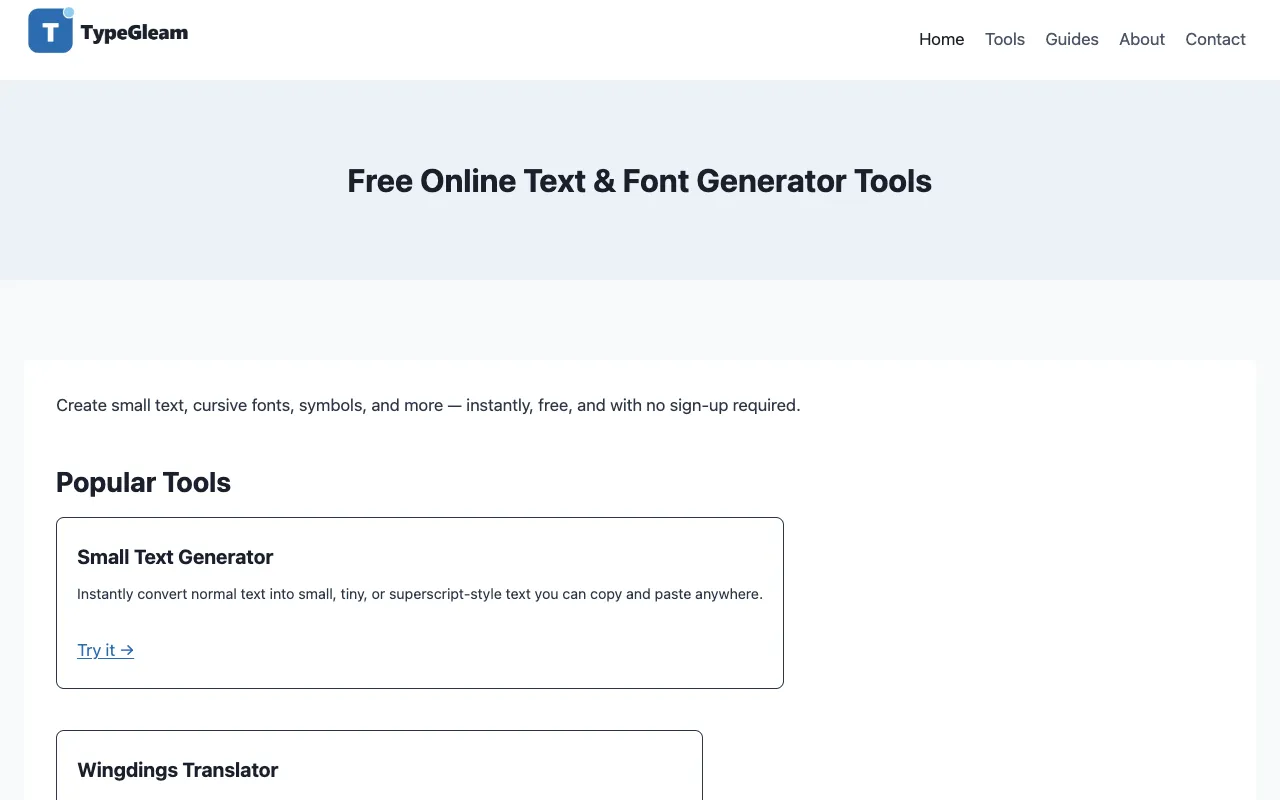
What Text & Symbol Tools does
Type a short text prompt to generate a stylized version of your input using various Unicode character sets. The tool converts standard ASCII text into multiple stylistic font variations suitable for social media profiles, usernames, or creative projects. No registration required; results appear instantly in the browser interface. Includes options to copy results to clipboard and toggle case conversion.
How to use the TypeGleam Text & Symbol Tools
- 1
Enter your text in the input box
- 2
Select from available font styles (cursive, bold, small caps, etc.)
- 3
Copy the generated output to clipboard or use the download option
Best for
Quick text styling for social media bios, usernames, or decorative purposes without installing software.
Limitations
- Primarily designed for decorative text, not heavy document processing
- May have limited character support for non-Latin scripts
- Output formatting depends on browser/font rendering
Text & Symbol Tools FAQ
- Can I use these fonts in any app?
- Yes, the generated text works anywhere text is accepted, but complex Unicode characters may not display correctly on all devices or platforms.
- Do I need to install anything to use this tool?
- No installation required. The tool runs entirely in your browser.
- Can I use the generated text commercially?
- Yes, the generated text can be used freely in personal or commercial projects without attribution.
Similar tools
Based on shared tags