Text Tools Suite
TextWorks is a free browser-based text toolkit offering utilities for text processing without requiring installation ...
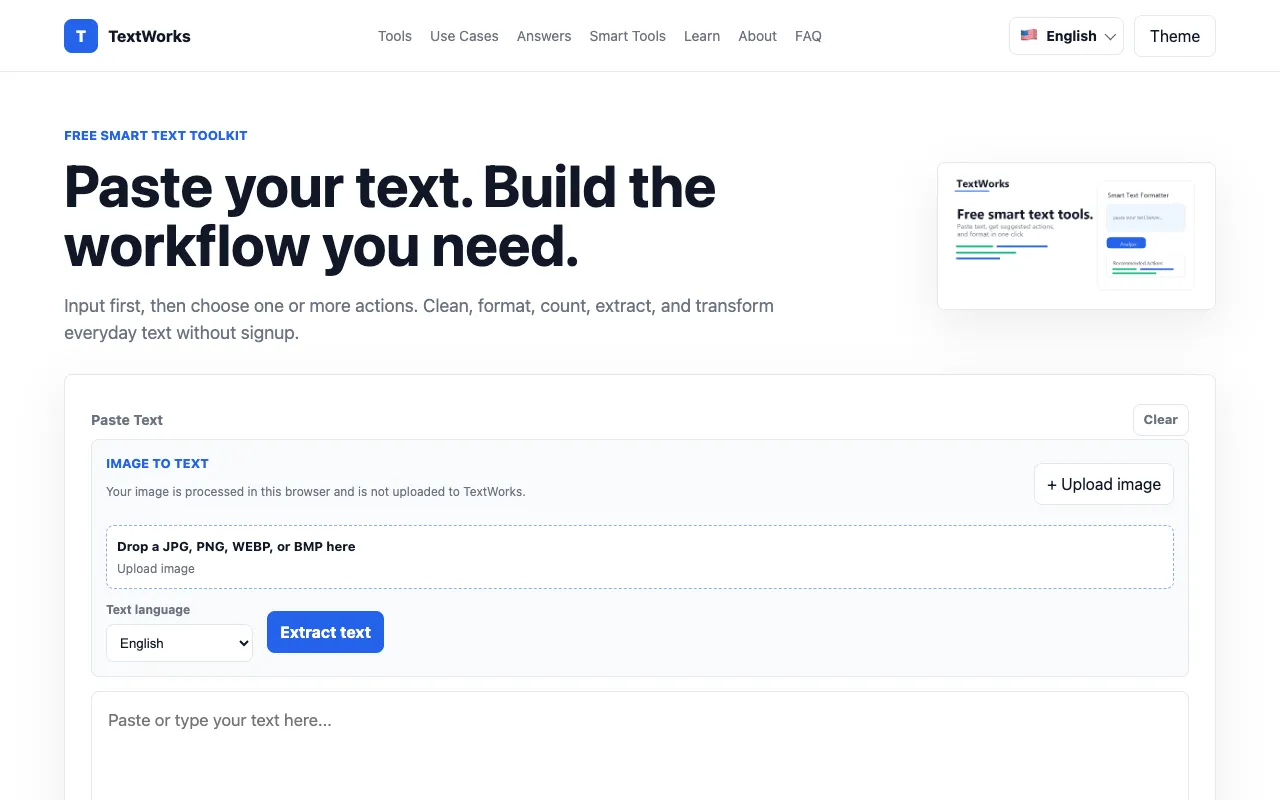
What Text Tools Suite does
Text case conversion tool supporting title case, sentence case, and uppercase/lowercase transformations with copy-to-clipboard functionality and optional word/character counting. Includes a 'Copy to Clipboard' button for easy export of processed text. Ideal for quick text formatting tasks without requiring account creation or payment. No ads or tracking mentioned in the interface. Suitable for writers, editors, developers, and anyone needing consistent text formatting.
How to use the TextWorks Text Tools Suite
- 1
Paste text into the input box
- 2
Select transformation options (uppercase, lowercase, title case, sentence case, etc.)
- 3
Click 'Process Text' to apply the conversion
- 4
Copy the formatted result using the copy button
Best for
Writers, developers, content creators, and anyone needing quick text transformations without installing software or creating an account.
Limitations
- Character limits may apply for very large documents
- Advanced regex or pattern matching not supported
Text Tools Suite FAQ
- Can I process large blocks of text?
- Yes, the tool handles large blocks of text efficiently, though very large documents may take slightly longer to process.
- Is my text stored or saved?
- No, all processing happens locally in your browser. Your text is not stored or sent to any server.
- Can I use this tool offline?
- Yes, once the page loads, all processing happens locally in your browser. No internet connection is required after the page loads.
Similar tools
Based on shared tags