01

Formats plain text into more readable, visually appealing versions by applying various styling options such as indentation, line breaks, and wrapping to improve legibility and structure. Ideal for developers, writers, and anyone looking to clean up or beautify their text for better presentation or readability. Useful for cleaning up code snippets, organizing log files, creating...
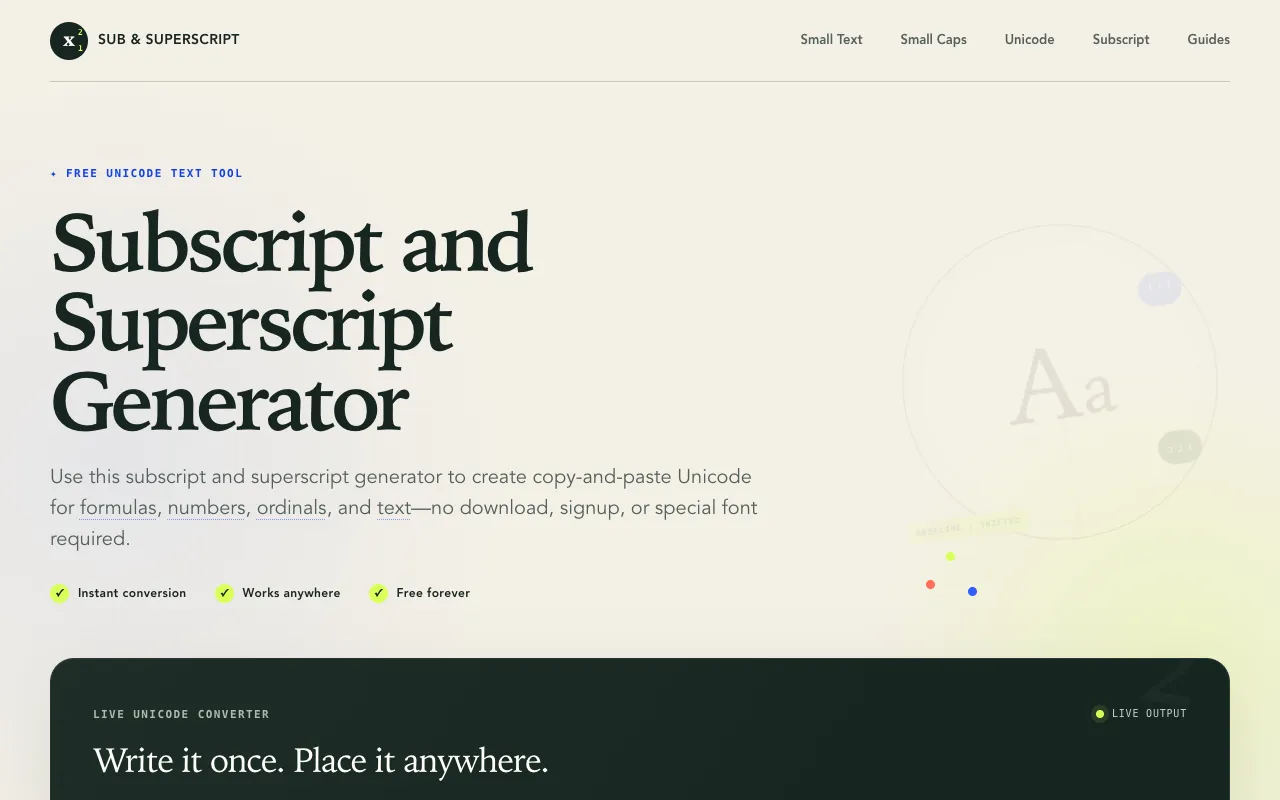
Sub & Superscript is a free browser-based Unicode text tool that transforms ordinary characters into copy-ready forma...
Side by side
| Tool | Best for | Strengths | Limitations |
|---|---|---|---|
| CodeBeautify codebeautify.org | Cleaning up raw text blocks |
|
|
| Sub & Superscript subsuperscript.com | Creating Unicode character styles |
|
|
Buyer's guide
When the task is to make a block of prose or code easier to read, look for a tool that can adjust line breaks, indentation, and whitespace. When the task is to make individual characters look different for headlines, usernames, or formulas, a Unicode transformer is the right fit. The difference matters because CodeBeautify reorganizes the structure of your text, while Sub & Superscript changes how each character appears without altering the layout.
Questions