White Display
A fullscreen white display that runs directly in your browser without requiring any account or download. Simply open ...
What White Display does
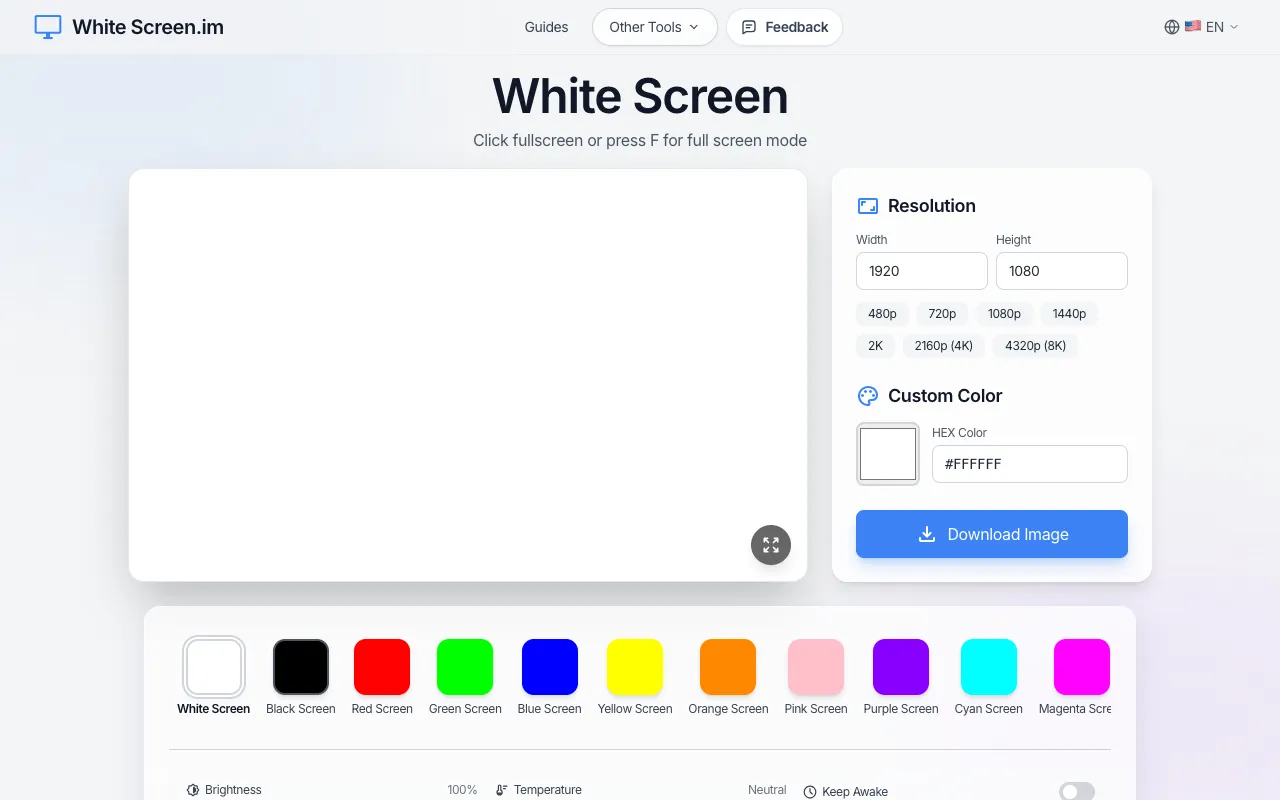
White Screen is a free fullscreen white display tool that runs instantly in any browser without requiring an account or download. It fills your entire monitor with pure white light, optimized for maximum illumination across your screen. Users can access multiple functions beyond basic white lighting, including adjustable brightness (10-100%), color temperature control from cool to warm, OLED burn-in protection, Keep Awake mode, a pixel grid overlay, and the ability to download high-resolution white screen images up to 8K. The tool serves various purposes such as detecting dead pixels, providing fill light during video calls or photography sessions, illuminating spaces for creative work, and assisting with general screen cleaning tasks.
How to use the White Screen White Display
- 1
Open the White Screen website in your browser
- 2
Click the fullscreen button or press F to activate full-screen mode
- 3
Adjust brightness using the slider or select a custom color via HEX input
- 4
Use the temperature control to switch between cool and warm white tones
- 5
Enable Keep Awake mode or OLED Protection from the Settings menu if needed
Best for
Photographers, videographers, and remote workers who need instant, adjustable white light for fill lighting, screen cleaning, or dead pixel detection without installing software.
Limitations
- Brightness and color settings may vary across different monitors
- No built-in unit switching for color temperature measurements
- Fullscreen mode may interfere with other open applications
White Display FAQ
- Can White Screen be used to detect dead pixels on a monitor?
- Yes, the fullbright white display helps identify stuck or dead pixels by illuminating the screen evenly, making anomalies more visible against the solid white background.
- Does White Screen work on mobile devices like phones and tablets?
- The tool is designed to work on any device with a web browser, including phones and tablets, filling the screen with white light for the stated purposes.
- Is there a way to prevent the screen from going to sleep while using White Screen?
- Yes, the Keep Awake mode in the Settings menu prevents screen sleep during use.
- Can I download an image of the white screen for later use?
- The tool offers a Download Image feature that allows users to save high-resolution white screen images up to 8K resolution.
Similar tools
Based on shared tags