560 tools
Parses URLs into their component parts such as scheme, host, port, path, query parameters, and hash for developers to understand URL structure easily. Developers often need to break down URLs to analyze web traffic, troubleshoot issues, or manipulate data in APIs. The URL Parser tool simplifies this process by taking a complete URL and breaking it into its constituent parts, making it easier for developers to work with and debug their applications.
Generates accurate crontab expressions by converting user-friendly inputs into precise scheduling syntax. The tool allows users to define complex recurring tasks without needing deep knowledge of cron grammar, streamlining the process of defining system schedules. It provides immediate feedback on generated entries, including showing potential next run times for validation and identifying common syntax errors before implementation. Developers and system administrators use this utility to reliably schedule repetitive jobs or automated maintenance tasks across various systems. By simplifying the complex structure of crontab files, it significantly reduces the learning curve associated with cron scheduling. This ensures that users can focus on writing their core application logic rather than debugging intricate timing syntax.
Calculates comprehensive statistics for any pasted body of written text, providing an immediate analysis of its structure and length. This tool accurately determines the total count of characters, words, sentences, and lines present in the input. Furthermore, it estimates the reading time required for the content and generates a detailed frequency table that highlights all repeated words within the document. Users employ this utility to analyze text complexity and overall readability across various types of writing, including essays, articles, or reports. It assists writers and editors who need to gauge the length and balance of their content to improve flow and efficiency. The frequency analysis is particularly helpful for identifying repetitive phrasing that could be condensed or varied.
Crops an image to a chosen rectangle entirely in the browser, with free-form or aspect-ratio-locked selection. Users can upload an image, select the desired cropping area using either free-form dragging or by locking onto specific aspect ratios, and then download the cropped version directly. Suitable for graphic designers, social media managers, bloggers, and anyone needing to resize images without losing quality.
Converts SVG files to PNG format at user-specified sizes. By uploading an SVG file, users can easily rasterize it into a PNG image for compatibility with platforms that don't support vector graphics. Designers, developers, and content creators would use this tool when needing to convert vector-based SVG images into rasterized PNGs for web or print purposes. It facilitates the process of ensuring graphic files are compatible across different software applications and mediums.
Generates CSS clip-path values for cropping HTML elements into polygons, circles, or custom shapes using a visual interface. Drag points to create unique shapes directly on the page, then copy the resulting CSS code for easy implementation in web designs. Developers, designers, and content creators who need precise control over element layout and presentation can use this tool to enhance their web projects with custom shapes without manual coding.
Generates CSS gradients for linear and radial patterns with multiple color stops, offering real-time previews to help users create visually appealing styles directly in their code. Ideal for web designers and developers looking to enhance their websites with custom color transitions and backgrounds without the need for external images or plugins.
Converts arbitrary text into URL-safe slugs by lowercasing and removing diacritics, with customizable separators. Developers, content creators, and marketers use this tool to create clean, SEO-friendly URLs from titles, product names, or other text inputs. It ensures that your URLs are readable, consistent, and compatible across different web browsers and platforms.
Minifies JavaScript code by removing unnecessary characters such as whitespace, comments, and variable names, thereby reducing its file size without altering its functionality. This tool helps developers optimize their scripts for faster loading times on websites and applications. Developers and web designers would use this tool to streamline their JavaScript files, making them more efficient and improving the overall performance of their projects.
Beautifies HTML with consistent indentation and line breaks, making source easier to read and review. It takes messy HTML code and organizes it neatly, ensuring that each element is properly indented and spaced, with clear line breaks between tags. This enhances readability and makes the structure of web pages more apparent. Developers, web designers, and anyone working with HTML will find this tool invaluable. It saves time by automating the process of cleaning up code, allowing them to focus on other aspects of their projects. The improved readability of formatted HTML also aids in debugging and collaboration among team members.
Splits large PDF files into smaller, manageable pieces by selecting specific pages or ranges. Users can upload a PDF document, specify the desired splits, and download the resulting individual pages as a compressed ZIP file. Helps users organize documents, prepare presentations, or share parts of larger files without downloading entire documents. Ideal for professionals, students, and anyone looking to reduce file size or manage large PDF collections efficiently.
Generates standard barcodes (Code 128, EAN-13, UPC-A, and others) from numeric or alphanumeric input for various applications such as inventory management, product labeling, and more. Users can input their data directly into the tool's interface, which then outputs the barcode in an image format ready for use. Developers, businesses, and individuals looking to add barcoding functionality to their systems or products will find this tool invaluable. It streamlines the process of creating barcodes without needing specialized software or extensive knowledge about barcode standards.
Converts Unix timestamps to human-readable dates and times, offering time-zone adjustments for accurate conversions. Ideal for developers, system administrators, and anyone needing to convert between different date formats quickly and easily. Epoch Converter is particularly useful for web developers working with server logs or APIs that use Unix timestamps. It simplifies the process of understanding and manipulating these timestamps, making it easier to troubleshoot issues related to time-related data on digital platforms.
Converts PNG images into JPG format through a simple online interface. Users upload their source Portable Network Graphics files, and the tool processes them to create compressed JPEG versions. The process allows for an easy transformation of image types, converting the original file structure into a widely compatible format suitable for various digital applications. Designers, photographers, and web developers utilize this utility when reducing file size is critical without compromising necessary visual quality. Since JPGs are optimized for web use and smaller storage requirements, this tool helps users efficiently prepare their artwork or photographs for publishing online or incorporating into documents that have strict file constraints.
Converts JPG image files into PNG format through an easy online process. Users upload their standard JPG images, and the tool processes them to create lossless PNG versions. A key feature of this conversion is the option to include a transparency channel, which allows the resulting PNG file to support alpha transparency that was not present in the original JPEG structure. This function ensures that image quality is maintained while adapting the file type for different usage needs. Individuals working on web design projects, graphic art, or digital editing benefit from this conversion utility. Using PNG format preserves sharp lines and colors better than JPG, especially when images require transparency around their edges.
Converts static PNG images into animated GIF files, allowing users to transform single image frames into web-ready animations. The tool processes the uploaded PNG, ensuring that the original resolution and visual details are preserved during the conversion process. By converting to the GIF format, it inherently achieves a reduction in file size compared to some other methods of animation creation, making the resulting graphic optimized for fast loading times online. Designers, developers, and content creators utilize this utility when they need to transition static graphics into animated formats for digital sharing. It is particularly useful for optimizing assets that require subtle motion or looping visual effects on websites and in emails.
Converts a GIF frame (or all frames) to PNG. Users upload a GIF file, select whether to convert individual frames or the entire animation, and download the converted PNG files. Ideal for designers, artists, and anyone needing static image versions of animated content for web use or print. Converts maintain quality while removing animation functionality.
Reduces PNG file size by optimizing its lossless palette and metadata through an online compression process. This tool analyzes your image to achieve significant reductions in overall file weight without sacrificing any of the original visual quality or integrity. It efficiently processes the structure of the PNG format, ensuring that the optimized output remains perfect for digital display. Web designers, graphic artists, and anyone frequently handling images for web deployment or email communications utilize this utility. Using a smaller compressed file is crucial for maintaining fast website load times and preventing recipients from encountering attachment size limits. It provides an essential step in optimizing visual assets for maximum compatibility across various online platforms.
Cuts text to a specified maximum length using simple input fields for both the text and desired length limit. Helps users manage text size for emails, social media posts, or any content where character limits apply. Ideal for bloggers, marketers, and anyone needing to keep text concise without sacrificing essential information.
Tests whether text reads the same forwards and backwards, Check Palindrome offers an easy way to verify palindromes in numbers and words. Users simply input their text and the tool checks for symmetry. Ideal for word enthusiasts, students learning about language structure, and anyone curious about linguistic patterns, this tool aids in understanding how certain phrases or sequences remain unchanged when reversed.
Converts plain, readable text into its equivalent hexadecimal (base-16) format. Users simply input any string of characters, and the tool processes the data to output the corresponding base-16 encoding values. This process translates standard ASCII or Unicode characters into a sequence of hexadecimal digits, providing a direct numerical representation of the textual information for technical analysis. The utility is highly useful for developers needing to inspect data structures, cybersecurity professionals analyzing network packets, and students learning about computer science principles. It assists users who must understand how text data is stored and transmitted at a fundamental binary or digital level. By generating accurate hex codes from plain input, the tool facilitates deeper understanding and manipulation of encoded information across various technical domains.
Converts a hex byte sequence into plain text using an online tool called Hex to Text. This versatile encoder/decoder allows users to input a hexadecimal string, which is then automatically translated back into its corresponding readable text format. Hexadecimal values are often used in programming, data transmission, and digital forensics. By providing an easy way to decode hex strings, this tool helps developers, cybersecurity professionals, and anyone working with binary data to quickly understand the textual content it represents.
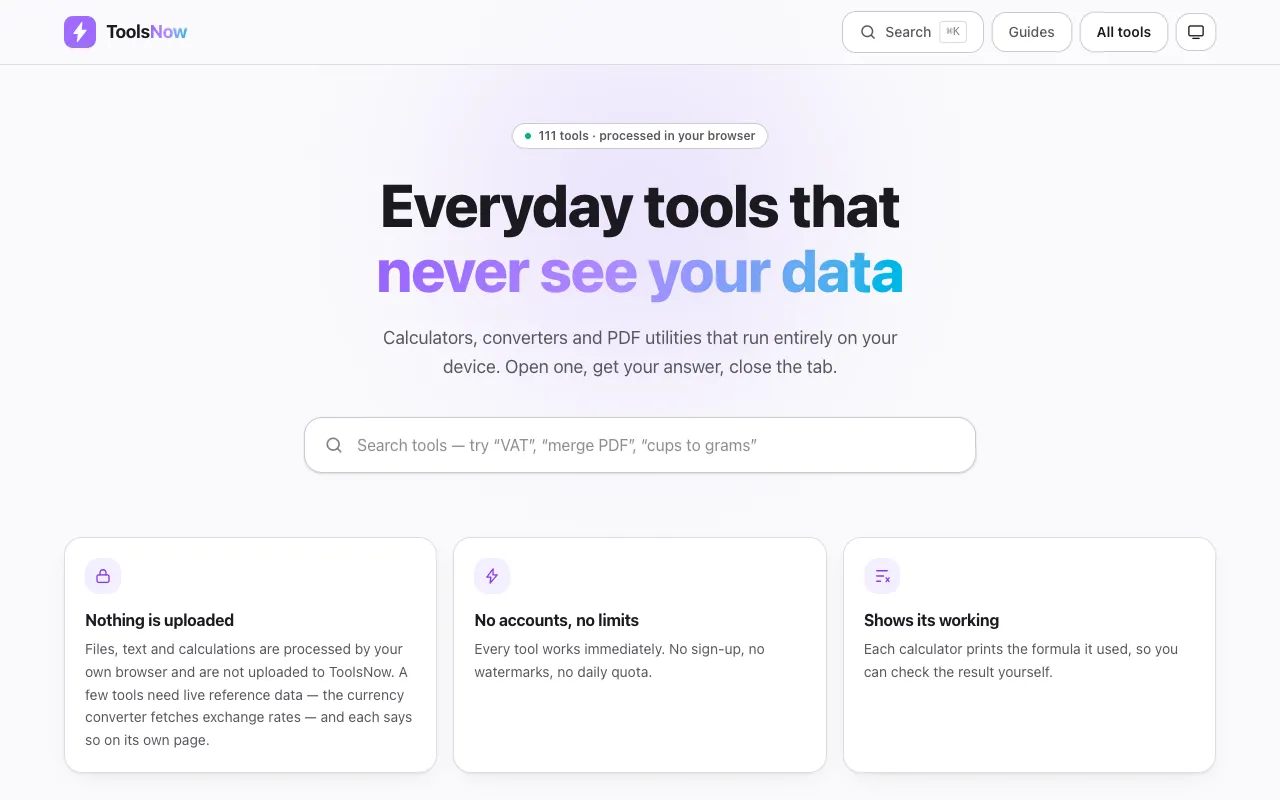
Tools Now provides a collection of 111 free web-based utilities designed for everyday productivity tasks. The suite covers a wide range of needs including PDF manipulation, image editing, text processing, financial calculations, mathematical computations, and developer utilities. Every tool runs entirely within your web browser on your local device, ensuring no files are ever uploaded to external servers. The platform is built on privacy-first principles, requiring no account creation, imposing no file size limits, and applying no watermarks to any output. Users can depend on complete offline functionality where all data processing occurs locally on their machine, making it ideal for handling sensitive documents or information that must remain private.
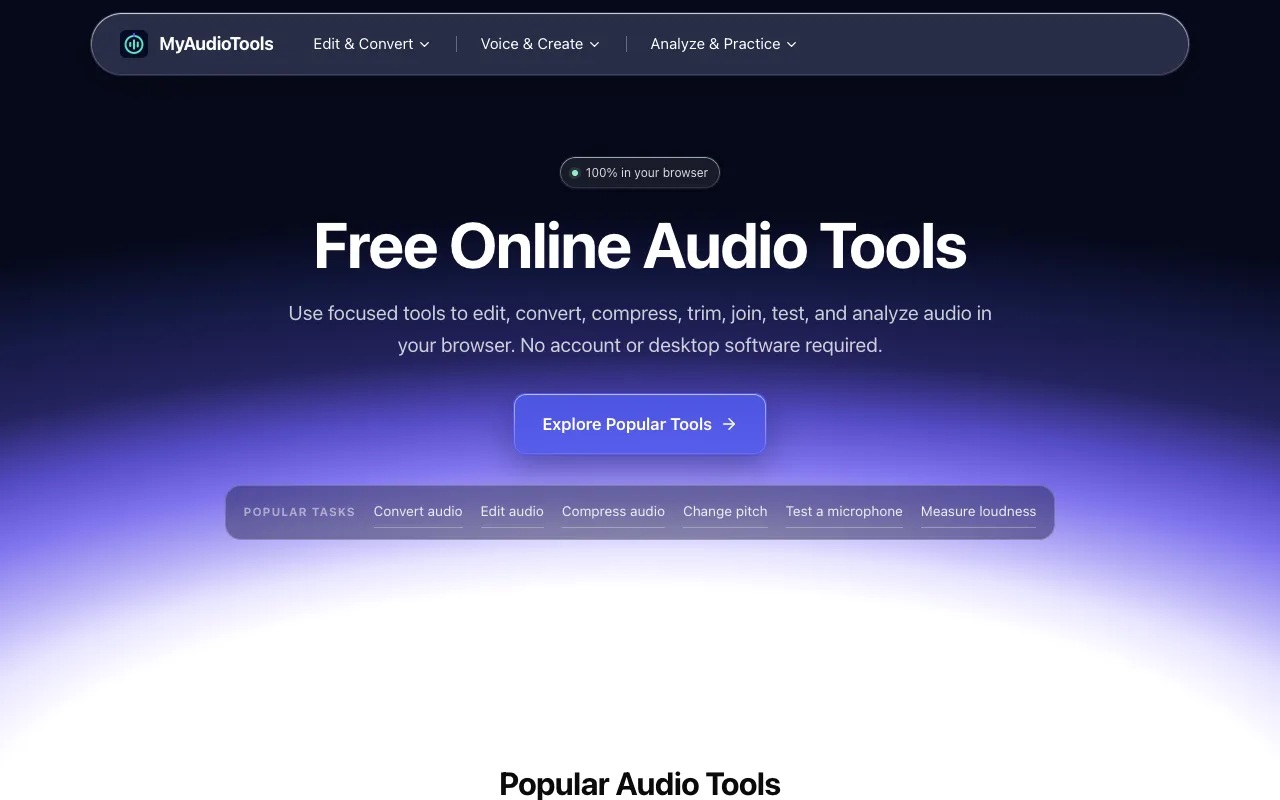
My Audio Tools is a free collection of focused, browser-based audio utilities designed for editing, converting, compressing, testing, and analyzing sound files. Each tool is instantly accessible directly from the browser without requiring software installation or account creation, allowing users to begin working immediately. The utilities run locally within the browser environment, delivering faster processing and keeping your audio files private on your device. This approach eliminates installation overhead and dependencies, making the suite ideal for quick audio editing, format conversions, sound compression, and audio analysis tasks.