01
01
AudioMuse
audiomuse.ai
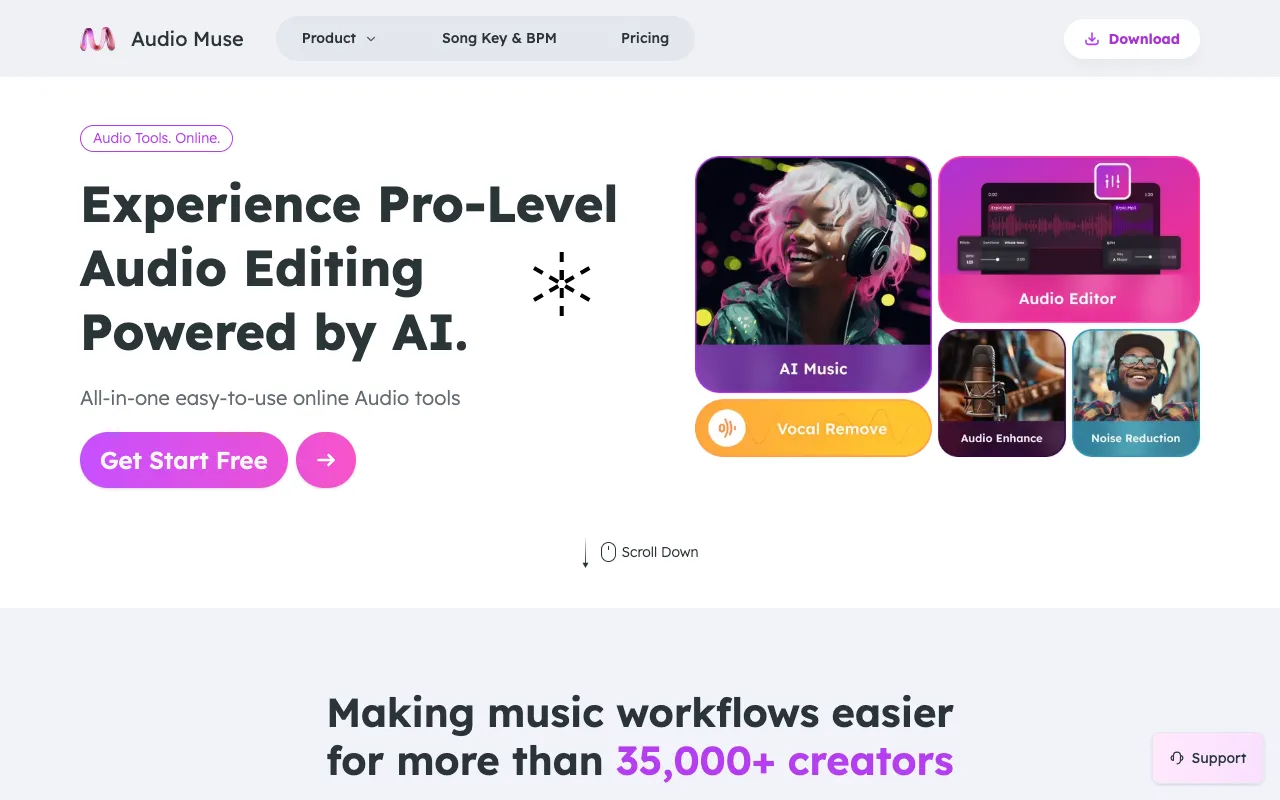
AudioMuse is a comprehensive collection of free browser-based audio tools that requires no software installation or a...
My Audio Tools is a free collection of focused, browser-based audio utilities designed for editing, converting, compressing, testing, and analyzing sound files. Each tool is instantly accessible directly from the browser without requiring software installation or account creation, allowing users to begin working immediately. The utilities run locally within the browser environment, delivering...
AudioMuse is a comprehensive collection of free browser-based audio tools that requires no software installation or a...
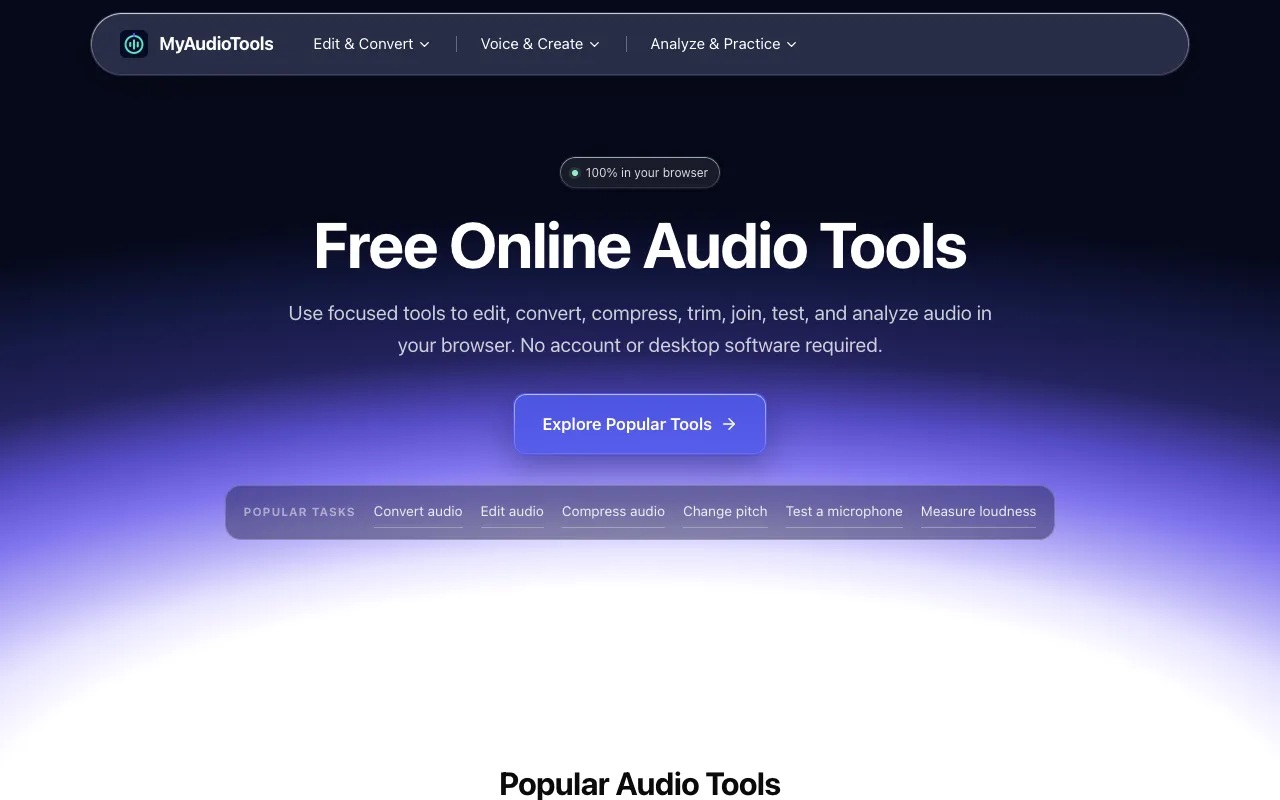
My Audio Tools is a free collection of focused, browser-based audio utilities designed for editing, converting, compr...
Side by side
| Tool | Best for | Strengths | Limitations |
|---|---|---|---|
| My Audio Tools myaudiotools.com | Quick browser audio editing |
|
|
| AudioMuse audiomuse.ai | AI music creation and mastering |
|
|
Buyer's guide
When picking a tool for audio tasks, first decide whether you need traditional editing and conversion or AI-assisted music creation. If you need to convert file formats, trim clips, or test microphone input locally without uploading, My Audio Tools provides those utilities directly in the browser. If your goal is to generate new music, master tracks with AI, or create royalty-free songs from scratch, AudioMuse offers those AI-driven features in one platform. The key difference is that My Audio Tools focuses on practical, file-based audio processing, while AudioMuse is geared toward AI music production and enhancement.
Questions