01

01
10015 Tools
10015.io
Generates standard barcodes (Code 128, EAN-13, UPC-A, and others) from numeric or alphanumeric input.
Generates standard barcodes (Code 128, EAN-13, UPC-A, and others) from numeric or alphanumeric input for various applications such as inventory management, product labeling, and more. Users can input their data directly into the tool's interface, which then outputs the barcode in an image format ready for use. Developers, businesses, and individuals looking to add barcoding functionality to their...
Generates standard barcodes (Code 128, EAN-13, UPC-A, and others) from numeric or alphanumeric input.

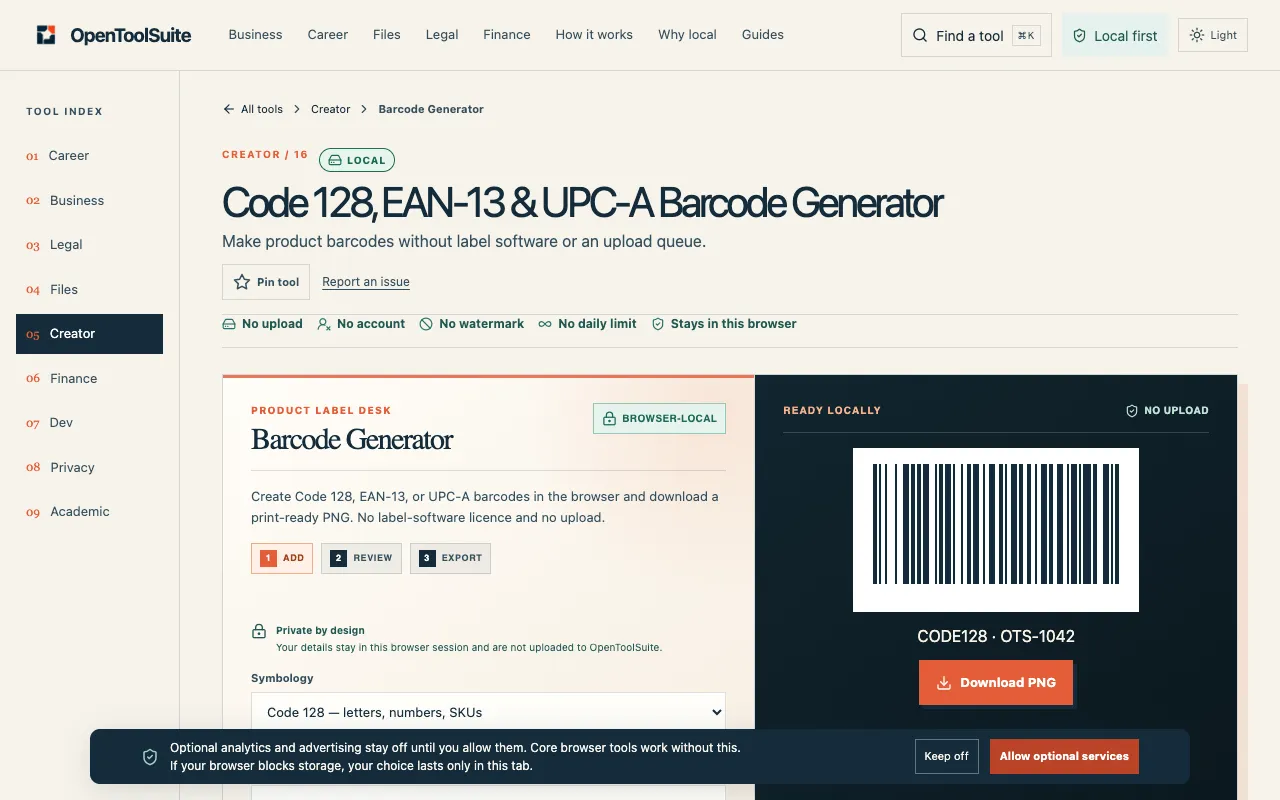
Generate a barcode PNG locally. Encode ASCII Code 128 or check EAN-13 and UPC-A digits, review the payload and scan-t...
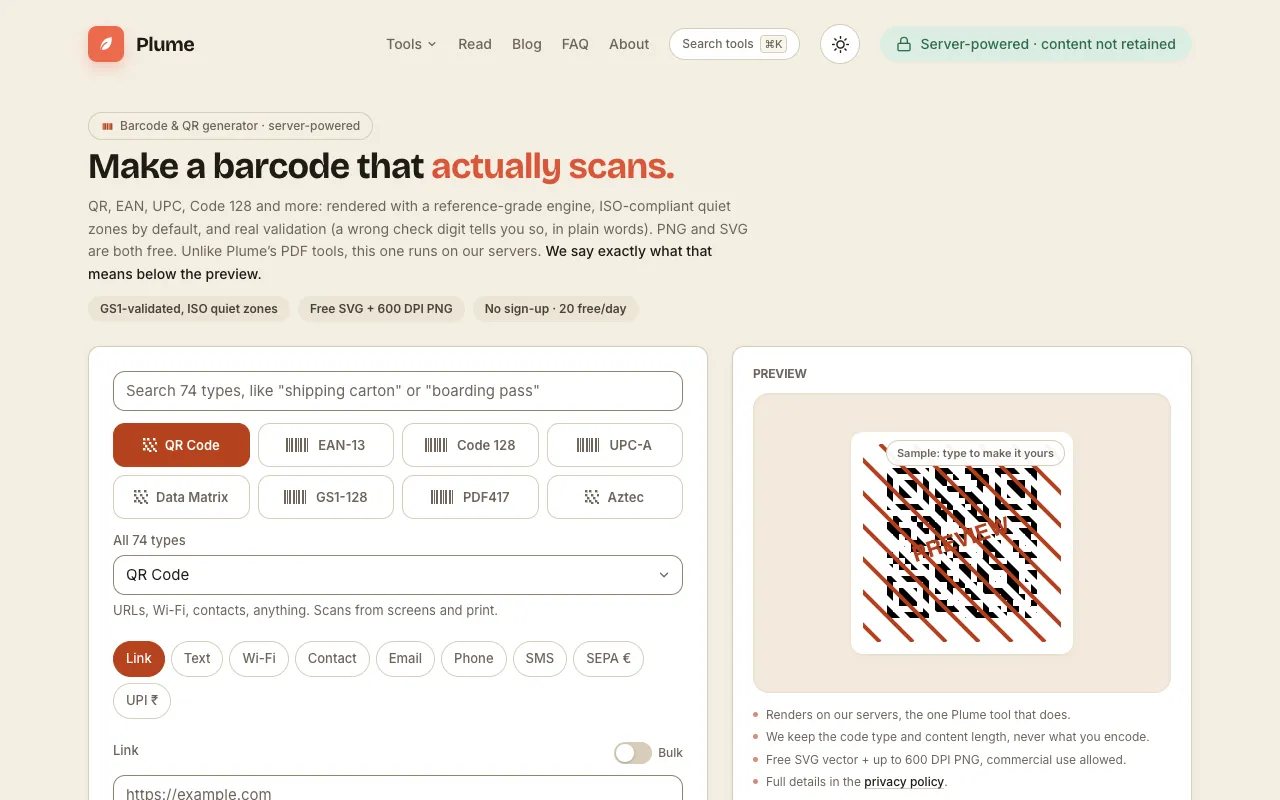
Generate QR codes and 74 barcode types: EAN, UPC, Code 128, GS1, postal, Swiss QR and more. Free PNG & SVG, spec-...
Side by side
| Tool | Best for | Strengths | Limitations |
|---|---|---|---|
| 10015 Tools 10015.io | Quick, no-sign-up barcode creation |
|
|
| Ezgif ezgif.com | Developers needing batch output options |
|
|
| OpenToolSuite opentoolsuite.com | Local preview before downloading |
|
|
| PlumeDocs plumedocs.com | High-spec barcodes with SVG support |
|
|
Buyer's guide
When picking a barcode generator, first decide if you need only common retail formats (UPC, EAN) or a wider range like Code 128 for mixed alphanumeric stock keeping. If scanning accuracy is critical — such as for product labels or inventory — look for tools that mention validation of check digits and proper quiet zones, since a missing quiet zone is the most common reason barcodes fail to read. For one-off or occasional use, a browser-only tool that doesn't require an account is fastest; for regular or professional use, an output format like SVG that preserves sharp edges at any size is worth the small daily limit.
Questions