23 tools
Generates strong, random passwords designed to enhance digital security. This tool constructs complex alphanumeric strings by mixing uppercase letters, lowercase letters, numbers, and symbols. To maintain maximum privacy and security, the password creation process occurs entirely within the user's browser environment without transmitting data over the internet. Users simply input their desired complexity or length settings and click generate to receive a unique credential suitable for protecting sensitive accounts. Individuals managing multiple online accounts, such as professional developers, remote workers, or anyone handling confidential information, benefit from this utility. It ensures that each account utilizes a distinct, robust password, significantly reducing the risk associated with credential reuse or weak security measures.
Generates random numbers in both integer and decimal formats. The tool provides two separate generators, allowing users to specify a custom minimum and maximum range for their desired output. It supports generating high-precision floating-point numbers as well as whole-number integers within the defined boundaries. Students, researchers, statisticians, and educators use this resource whenever they require statistically reliable random data points. Whether simulating experimental outcomes, populating test datasets, or conducting probability modeling, the precise control over the number type and range ensures accurate results for academic and professional work.
Calculating percentages manually often leads to errors or unnecessary complexity in daily tasks. The Percentage Calculator simplifies these operations by providing a versatile interface for various mathematical requirements. Users can quickly determine what percent one number is of another, find the value of a specific percentage, or calculate the total value when only a portion and its percentage are known. It serves students, professionals, and anyone needing fast, reliable results for common arithmetic problems. Beyond basic calculations, the utility handles more complex scenarios such as percentage increases, decreases, and the difference between two specific values. This makes it particularly valuable for financial analysis, tracking changes in data sets, or comparing values in retail and scientific contexts. By automating the underlying formulas, the calculator ensures accuracy while saving time, allowing users to focus on interpreting their results rather than performing manual calculations.
Calculates countdown timer with our free tool. Get precise results instantly by entering start and end dates or times. Ideal for events, deadlines, or just tracking elapsed time. Helps users manage schedules, set reminders, and ensure tasks are completed on time. Perfect for students, professionals, and anyone needing to keep track of durations accurately.
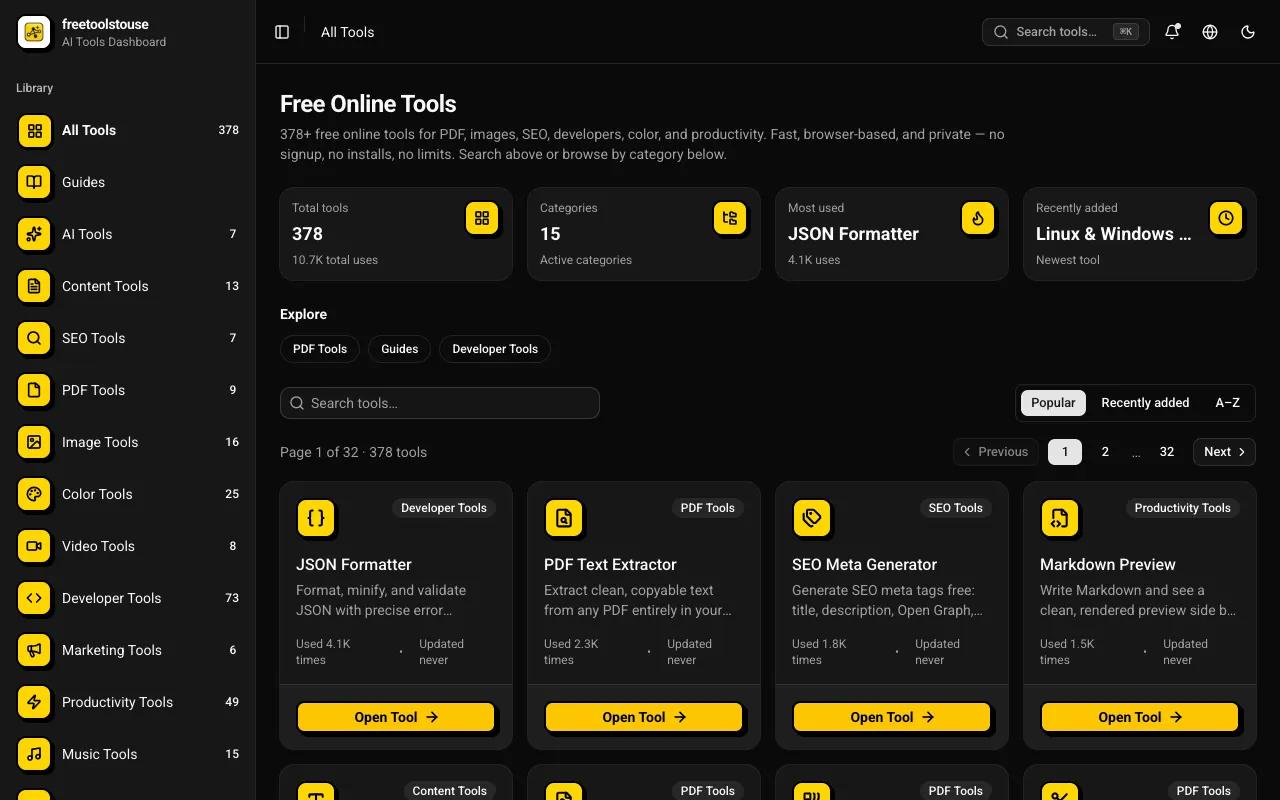
A comprehensive collection of 180+ free online utilities accessible directly through the browser without any signup requirements. The suite covers multiple domains including PDF document manipulation, image processing, developer-oriented utilities, financial calculations, SEO optimization tools, and scientific calculators designed to assist with various technical and practical needs in both personal and professional contexts. The platform provides essential tools for PDF merging and splitting, JSON formatting and validation, DNS lookups, EMI calculations and other financial calculators, BMI and health metric computation, text processing, and numerous additional utilities suited for everyday and professional applications. All operations execute entirely within the browser environment, completely eliminating the need for account creation, software installation, or any subscription expenses.
HTML Beautifier formats HTML code to be more readable by adding indentation, line breaks, and other formatting elements. It takes unformatted or minified HTML and converts it into a well-structured version that is easier for humans to read and debug. Users can paste their HTML into the tool's interface, and upon submission, the beautified version will appear on the screen. Developers, web designers, and anyone working with HTML code would benefit from using this tool. It helps in maintaining clean, organized code which is crucial for large projects and collaborative environments. Additionally, it aids in debugging by making the structure of the HTML more apparent, allowing developers to quickly identify issues or areas needing improvement.
Generates a sequence of numbers with specified start, end, and step values, allowing for customizable numerical progression. Users input their desired parameters to create a tailored list of numbers. Educators, mathematicians, programmers, and anyone needing numerical sequences for calculations, experiments, or educational purposes can use this tool to quickly generate precise number lists without manual computation.
Formats, validates, and minifies JSON data with syntax highlighting for easy readability and efficient storage. Ideal for developers to ensure their JSON files are correct before deployment or integration into other applications. Useful for web developers, API creators, data scientists, and anyone who works with JSON data. It helps catch errors, improve code quality, and optimize file sizes, ensuring smoother development processes and more accurate data handling across projects.
Generates a random, unbiased sequence for any provided list of items using a fair algorithmic process. Users simply paste their data into the input field and initiate the randomization function, which instantly shuffles the entire collection while maintaining all original entries. This tool effectively breaks down the predetermined order of a set of names, questions, or objects, ensuring that each item has an equal chance of appearing in any position within the resulting sequence. This utility is useful for various organizational needs where fairness and unpredictability are key requirements. Educators use it to shuffle test questions or assign randomized group roles, while event organizers rely on it for selecting winners or drawing random participants during competitions.
Calculates basic arithmetic operations including addition, subtraction, multiplication, and division using a simple browser-based interface. Users input numbers and select operations to perform calculations directly in their web browser without needing additional software. Helps users quickly perform mathematical tasks for educational purposes, financial planning, scientific research, or daily life calculations. Ideal for students, professionals, and anyone needing quick numerical results without the overhead of traditional calculators or complex tools.
Flips images both horizontally and vertically using an intuitive online interface. Users simply upload an image, select their preferred flip orientation options, and instantly receive the modified file for download. The tool provides a straightforward method for adjusting an image's overall direction without needing specialized software. It processes the uploaded visual content quickly, allowing users to easily preview and apply different flips immediately after selection. Graphic designers, photographers, and general users who need quick adjustments to image orientation find this utility helpful. Anyone requiring precise control over how an image is displayed or positioned can use it efficiently.
Cuts text to a specified maximum length using simple input fields for both the text and desired length limit. Helps users manage text size for emails, social media posts, or any content where character limits apply. Ideal for bloggers, marketers, and anyone needing to keep text concise without sacrificing essential information.
Tools Now provides a collection of 111 free web-based utilities designed for everyday productivity tasks. The suite covers a wide range of needs including PDF manipulation, image editing, text processing, financial calculations, mathematical computations, and developer utilities. Every tool runs entirely within your web browser on your local device, ensuring no files are ever uploaded to external servers. The platform is built on privacy-first principles, requiring no account creation, imposing no file size limits, and applying no watermarks to any output. Users can depend on complete offline functionality where all data processing occurs locally on their machine, making it ideal for handling sensitive documents or information that must remain private.
Calculates, graphs, geometries, and performs complex algebraic operations all in one intuitive interface. Combining functionalities of GeoGebra's various tools into a single suite, users can easily switch between graphing, geometry, 3D modeling, and computer algebra system (CAS) functions. Educators, students, engineers, and anyone needing advanced mathematical capabilities will find this tool invaluable for problem-solving and learning complex concepts through interactive visualizations.
Calculates and displays lighter shades of a selected color by adjusting its brightness. Users input a hexadecimal color code or choose from predefined colors, then specify the desired lightness increase percentage. The tool outputs the new color codes for various formats including RGB, HSL, and CMYK. Helps users who need to create visually appealing designs with a range of color options, such as web developers, graphic designers, and artists working on color palettes or branding projects.
Calculates the inverse of any given color code, transforming selected hexadecimal, RGB, or CMYK values into their complementary counterparts. This tool mathematically inverts the hue of an input color to generate its opposite on the color wheel. By converting a specified color into its inverse value, it provides a straightforward method for identifying highly contrasting pairs that are essential components of a balanced palette. Designers and graphic artists utilize this utility when creating visually impactful color schemes. It is particularly useful in web development and print projects where achieving maximum contrast is critical for readability and aesthetic appeal. Users can quickly generate complementary colors to enhance their branding, create engaging user interfaces, or simply test contrasting combinations to improve the overall visual hierarchy of a design.
Sorts a list of items in reverse order. Enter your list, click "Reverse," and see the items organized from last to first. Helps users quickly organize data, correct lists, or prepare information for presentation in reverse chronological or sequential order. Ideal for students, professionals, and anyone needing to reorder information efficiently.
Calculates the arithmetic mean of a list of numbers by summing all the values and dividing by the count. Users input their numerical data, and the tool performs the calculation to provide the average value. Suitable for students, educators, researchers, and anyone needing quick, accurate averages for statistical analysis or everyday calculations.
Calculates the difference between two dates or times using a simple interface. Users enter the start and end dates or times, then click calculate to get the duration in days, hours, minutes, and seconds. Helps users quickly determine time intervals for scheduling, project timelines, or historical events. Ideal for students, professionals, and anyone needing to compare durations without complex calculations.
Adjusts the brightness of an image using the Pinetools.com Change Image Brightness tool. Users upload an image, select the desired brightness level, and download the modified version. Ideal for photographers, graphic designers, or anyone needing to tweak photo lighting quickly without complex software. Helps users enhance image contrast, making them appear brighter or darker as needed. Perfect for touch-ups on digital photographs, improving visibility in various lighting conditions, or simply personalizing graphics for social media or presentations.
Converts files or text into Base64 encoding, facilitating data transmission over networks where binary data must be represented as ASCII characters. Users upload files or enter text directly into the tool's interface, which then outputs the corresponding Base64 encoded version. This is particularly useful for developers needing to embed images or other non-textual data within HTML or CSS code. Web developers, programmers, and anyone dealing with data transmission over networks would find this tool invaluable. It simplifies the process of embedding binary files into web pages, ensuring compatibility across different platforms and avoiding issues with file corruption during transfer.
Joins multiple files into a single, consolidated file using an intuitive drag-and-drop interface. Users simply select all the individual documents or data sources they wish to combine. After selecting their inputs, users specify the desired output format and initiates the merge process. The tool efficiently stitches together the selected files, restoring them into one coherent original document structure. Professionals working with large datasets, developers managing multiple code components, or anyone needing to consolidate several separate documents will find this resource useful. It streamlines the tedious task of manually combining files that originally belonged together. This functionality saves time by providing a simple, reliable method for merging disparate file types into one usable output.
Records your computer screen as a video file, capturing everything visible on your monitor in real time. Users simply launch the application, define the specific area they wish to record, and begin the capture process. The tool records all activity displayed on the chosen section of the display, allowing for comprehensive documentation of digital actions or content. Creating instructional videos, technical demonstrations, or engaging gameplay highlights are primary uses for this utility. Professionals can use it to create tutorials detailing complex software processes, while educators might record presentations or virtual classroom sessions. Anyone needing a clear visual record of computer activity can utilize the screen recording functionality.