01

01
10015 Tools
10015.io
Crops an image to a chosen rectangle entirely in the browser, with free-form or aspect-ratio-locked selection.
Crops an image to a chosen rectangle entirely in the browser, with free-form or aspect-ratio-locked selection. Users can upload an image, select the desired cropping area using either free-form dragging or by locking onto specific aspect ratios, and then download the cropped version directly. Suitable for graphic designers, social media managers, bloggers, and anyone needing to resize images...
Crops an image to a chosen rectangle entirely in the browser, with free-form or aspect-ratio-locked selection.
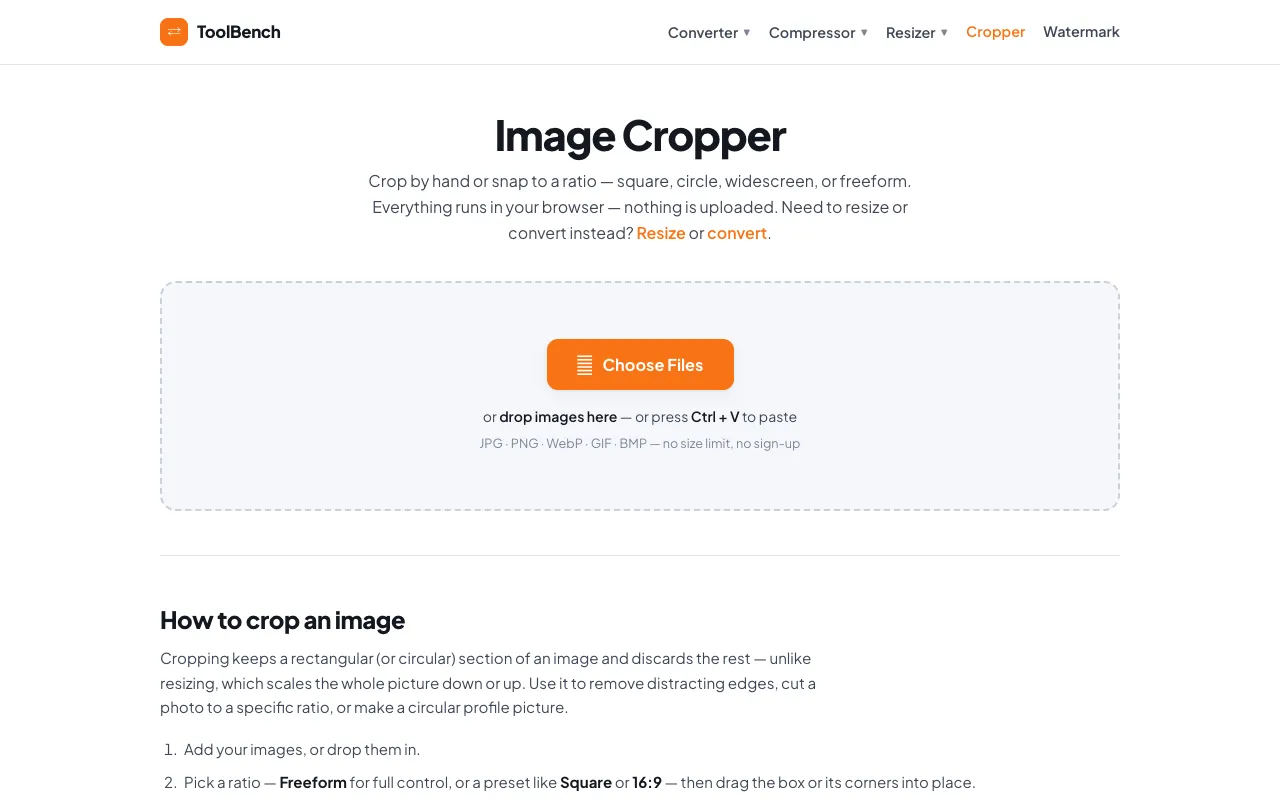
Crop images to any shape in your browser — freeform, square, circle, or a ready-made ratio such as 16:9 and 4:3. No u...
Side by side
| Tool | Best for | Strengths | Limitations |
|---|---|---|---|
| 10015 Tools 10015.io | Precise free-form or ratio-locked cropping |
|
|
| MyToolsBench mytoolsbench.com | No-upload cropping with shape variety |
|
|
Buyer's guide
If you have the image file ready and want to fine-tune the exact rectangle or a specific aspect ratio, 10015.io gives you that control after upload. If you prefer to keep images on your device, avoid sign-ups, or need non-rectangular crops like circles, MyToolsBench handles it all in the browser without uploading.
Questions