Subtitle Cleaner
A specialized tool within the AllSubConverter suite dedicated to improving subtitle file quality through comprehensiv...
What Subtitle Cleaner does
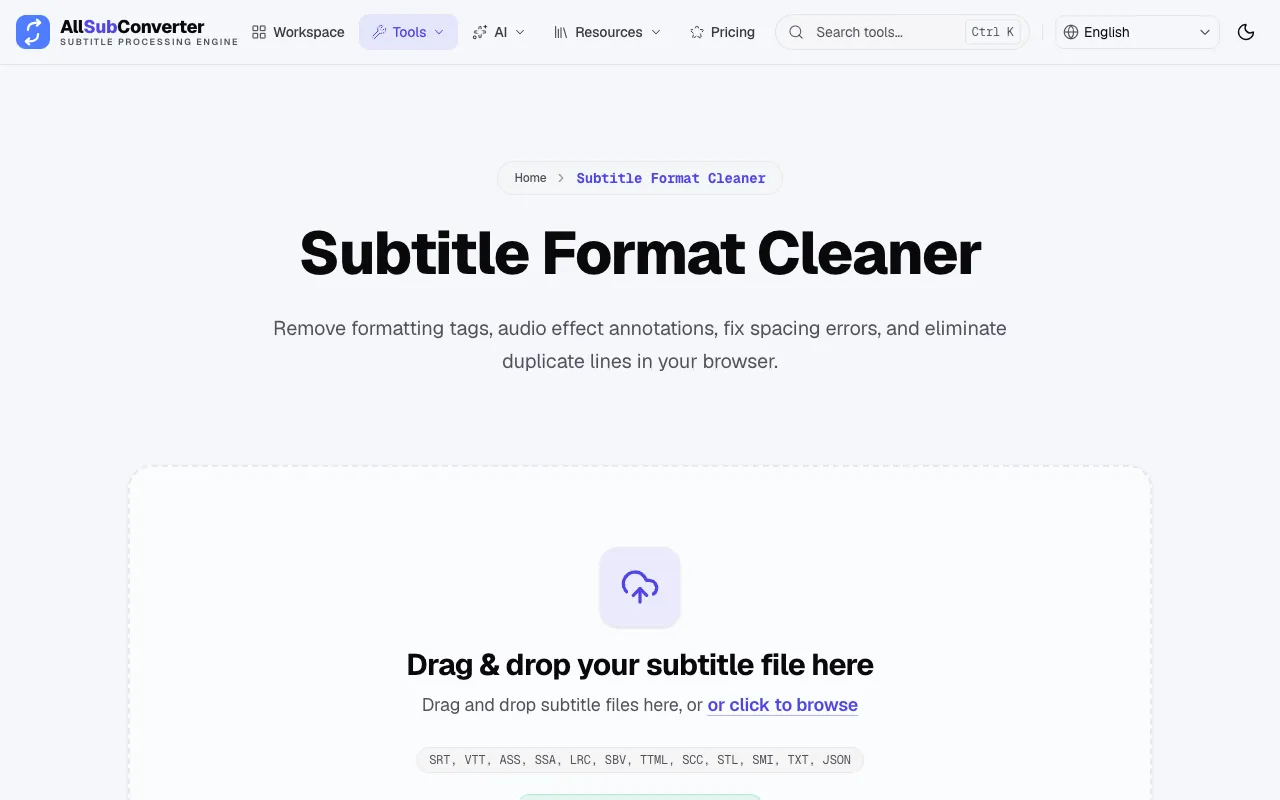
The Subtitle Format Cleaner on AllSubConverter is a browser-based utility that improves subtitle file quality by removing formatting tags, audio effect annotations, duplicate lines, and timing inconsistencies. Users upload SRT, VTT, ASS, SSA, LRC, SBV, TTML, SCC, STL, SMI, TXT, or JSON files, and the tool processes them locally to clean the text, fix spacing errors, and synchronize timing. The result is a cleaned subtitle file ready for playback or further editing, with clean SRT offered as a fallback if round-tripping is unreliable.
How to use the AllSubConverter Subtitle Cleaner
- 1
Drag and drop a subtitle file (SRT, VTT, ASS, SSA, LRC, SBV, TTML, SCC, STL, SMI, TXT, or JSON) onto the cleaner interface, or click to browse your device.
- 2
The tool runs entirely in-browser, removing formatting tags, audio annotations, duplicate cues, and OCR artifacts such as double spaces or misplaced punctuation.
- 3
Review the live preview comparing the dirty input against the cleaned output, where timing adjustments and text corrections are displayed side by side.
- 4
Execute the cleaning pipeline to generate a cleaned subtitle file, which preserves the original format when possible or defaults to clean SRT.
- 5
Download the cleaned file for use in video editing, localization, or playback projects.
Best for
Video editors and localization teams who need to clean large batches of subtitle files downloaded from diverse sources, ensuring consistent formatting, timing, and readability without leaving their browser.
Limitations
- Processing occurs entirely within the browser, so very large files may be constrained by client device memory.
- Output format reliability depends on round-tripping; SRT is used as the fallback when other formats cannot be preserved accurately.
- The tool focuses on cleaning and repair; advanced timing synchronization adjustments beyond automatic extension may require manual tweaks.
Subtitle Cleaner FAQ
- Can I process multiple subtitle files at once?
- Yes, the Subtitle Format Cleaner supports batch processing, allowing you to upload and clean several files in a single operation.
- Will my subtitle file format be preserved after cleaning?
- The tool attempts to preserve the input format through reliable round-tripping, but clean SRT is offered as the fallback if the original format cannot be maintained accurately.
- Are my files sent to a server or stored anywhere?
- No, all file parsing, mutations, and time shifts happen exclusively within the browser memory with zero external telemetry, ensuring 100% privacy.
- What types of errors can the cleaner fix?
- It removes formatting tags, audio effect annotations, duplicate lines, OCR artifacts like double spaces, and empty subtitle entries, while also fixing spacing errors and timing synchronization issues.
Similar tools
Based on shared tags