YouTube Transcript Cleaner
Clean and process transcript text that you've copied from YouTube videos, removing repeated lines and cleaning up ext...
What YouTube Transcript Cleaner does
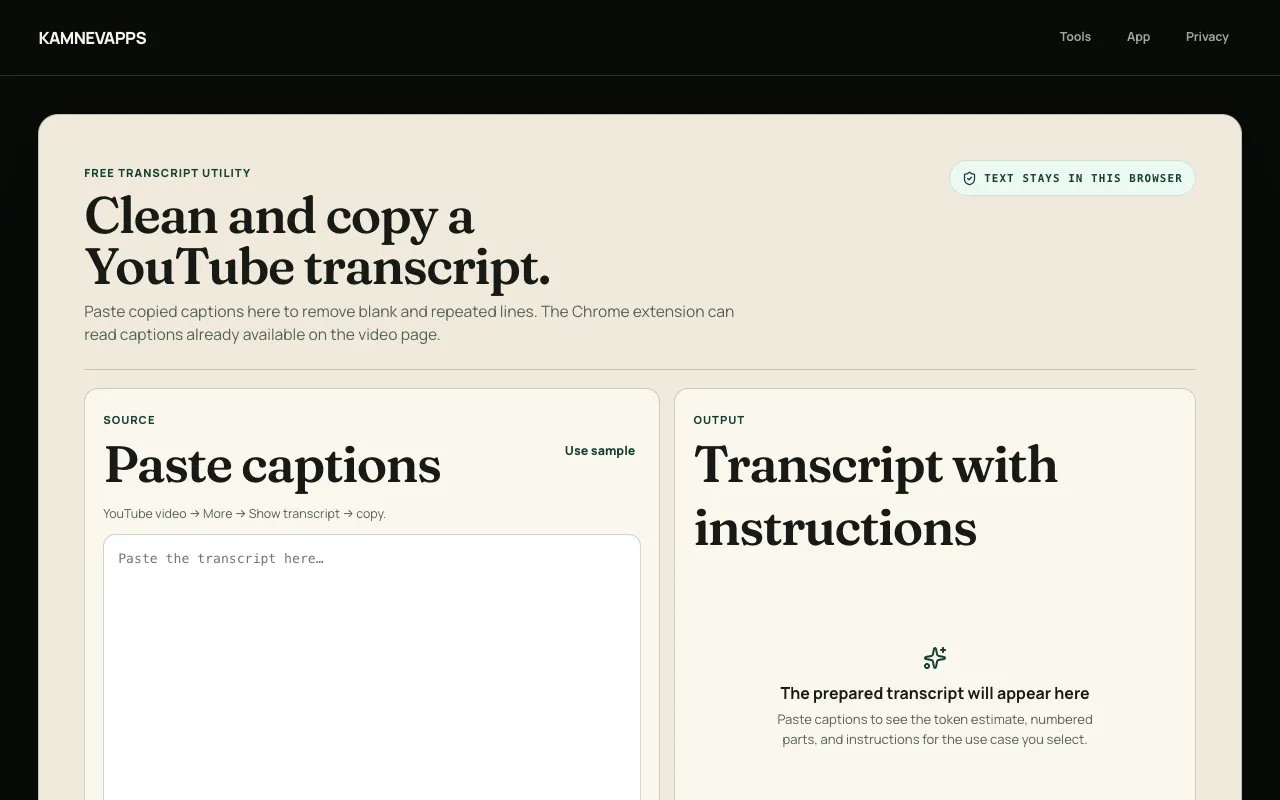
YouTube Transcript Cleaner is a web tool that lets you paste transcript text copied from a YouTube video and clean it instantly. The service removes blank lines and any immediately repeated lines, leaving you with a streamlined version of the captions. Once cleaned, you can export the result as plain text or Markdown for use in notes, documentation, or sharing. The tool works entirely with text you provide—no video downloading, streaming, or file uploading is required at any point. It is designed to prepare video transcripts for research, analysis, documentation, knowledge bases, or sharing with others, operating solely with the caption text you paste into the interface.
How to use the Kamnevapps YouTube Transcript Cleaner
- 1
Open YouTube and show the transcript for any video with available captions.
- 2
Copy the full transcript text and paste it into the YouTube Transcript Cleaner input box.
- 3
The tool automatically removes blank lines and any immediately repeated lines from the pasted text.
- 4
Review the cleaned transcript in the output area and click to copy it as plain text or export it as a Markdown file.
- 5
Use the cleaned, exported transcript for research, analysis, documentation, or sharing with others.
Best for
Ideal for researchers, writers, and content creators who need to extract and clean YouTube video captions for notes, documentation, or analysis without manually editing each line.
Limitations
- Only works with caption text that is already available on the video; it cannot generate transcripts for videos lacking captions.
- Cleaning is limited to removing blank and immediately repeated lines; other formatting adjustments must be done manually.
- The Chrome extension requires the video to have existing caption tracks and does not download video or audio content.
YouTube Transcript Cleaner FAQ
- Can I use this tool if a YouTube video has no captions available?
- No. The tool and its Chrome extension only process caption text that YouTube or the video creator has already provided. It does not download video or audio, nor does it bypass missing captions.
- Does pasting my transcript send it to Kamnevapps or any server?
- No. The tool processes all pasted text locally within your browser. Kamnevapps does not receive or store your transcript data.
- What export formats are available directly from the web page?
- The web page exports cleaned transcript text as plain text (TXT) or Markdown. For subtitle timing, the Chrome extension provides SRT or VTT exports.
- Can the Chrome extension export captions as SRT or VTT files?
- Yes. The Chrome extension exports available captions as SRT or VTT files, which include timestamp information when subtitle timing matters.
Similar tools
Based on shared tags