Text Formatter
Sub & Superscript is a free browser-based Unicode text tool that transforms ordinary characters into copy-ready forma...
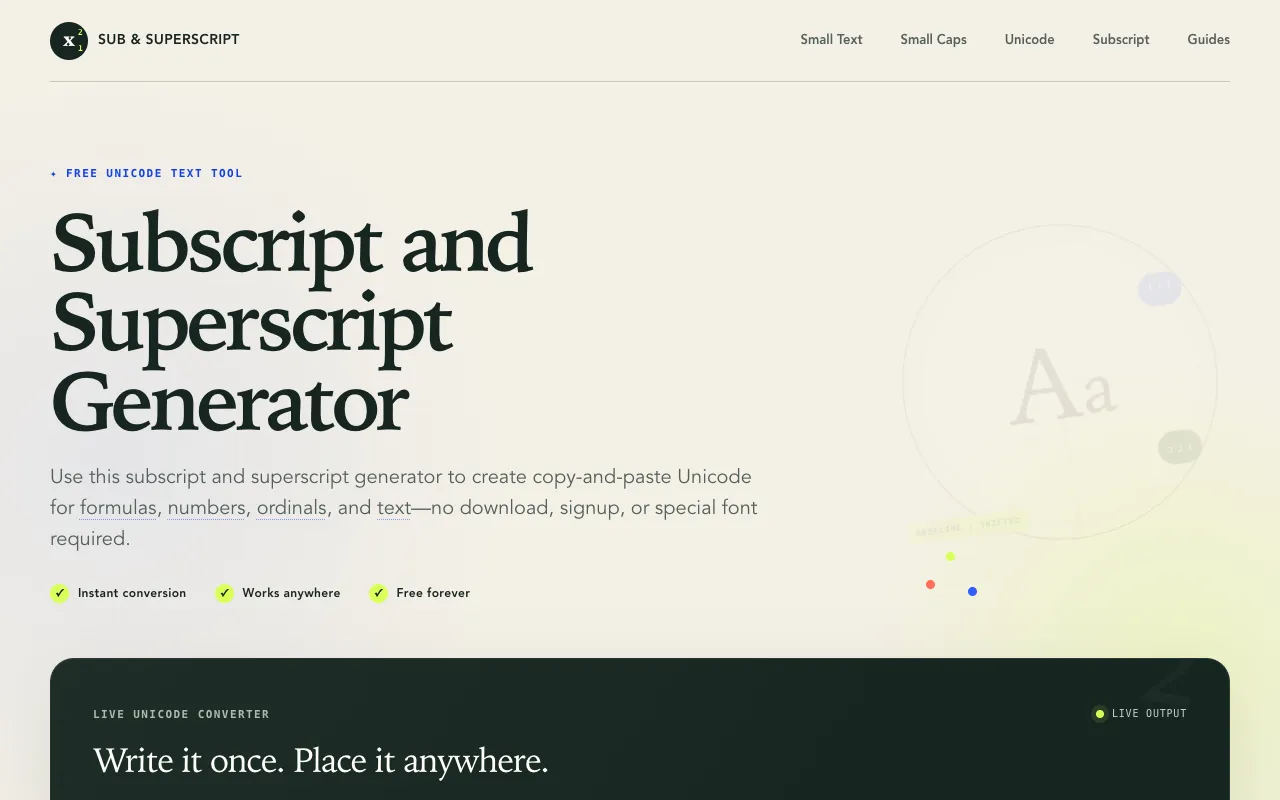
What Text Formatter does
Sub & Superscript is a free browser-based Unicode text tool that transforms ordinary characters into copy-ready formatted styles. Users can generate superscript, subscript, small text, and small caps variations for immediate use in documents, emails, or social media without downloading fonts or signing up. The tool converts typed or pasted text into stylistic alternatives that work across platforms, preserving unsupported characters exactly as typed rather than removing them. Two distinct modes are offered: a "Formulas & numbers" setting for mathematical and scientific notation, and a "Tiny text" option designed for bios and usernames where only characters with true Unicode superscript or subscript equivalents are converted. The interface presents these options clearly, allowing users to select the appropriate mode before generating output.
How to use the Sub & Superscript Text Formatter
- 1
Open the Sub & Superscript generator on subsuperscript.com
- 2
Type or paste the desired text into the input field
- 3
Select either "Formulas & numbers" or "Tiny text" mode from the available options
- 4
Copy the generated output directly from the interface for pasting into target applications
Best for
Writers, developers, and social media users who need to quickly format text for titles, mathematical expressions, or decorative usernames without installing specialized software.
Limitations
- Unsupported characters are preserved exactly as typed rather than converted
- Conversion relies on Unicode compatibility, limiting stylistic options for some characters
- No option to adjust formatting parameters beyond mode selection
Text Formatter FAQ
- Can the formatted text be used in any application or platform?
- Yes, the tool generates Unicode characters that are compatible across different platforms and applications, allowing the formatted text to be copied and pasted directly into documents, emails, and social media without additional adjustments.
- What is the difference between the 'Formulas & numbers' and 'Tiny text' modes?
- The 'Formulas & numbers' mode is designed for mathematical and scientific notation, keeping letters and operators at normal size while raising numbers and ordinal endings, whereas 'Tiny text' converts each character only when Unicode defines a real superscript or subscript version, making it suitable for bios and usernames.
- How does the tool handle characters that do not have Unicode superscript or subscript equivalents?
- Unsupported characters are preserved exactly as typed instead of being removed, ensuring that the original text structure is maintained even when full conversion is not possible.
- Is any software or account required to use Sub & Superscript?
- No download, signup, or special font is required; the tool runs directly in the browser and is free to use permanently.
More Text Formatter tools
Similar tools
Based on shared tags