Cursive Text Generator

What Cursive Text Generator does
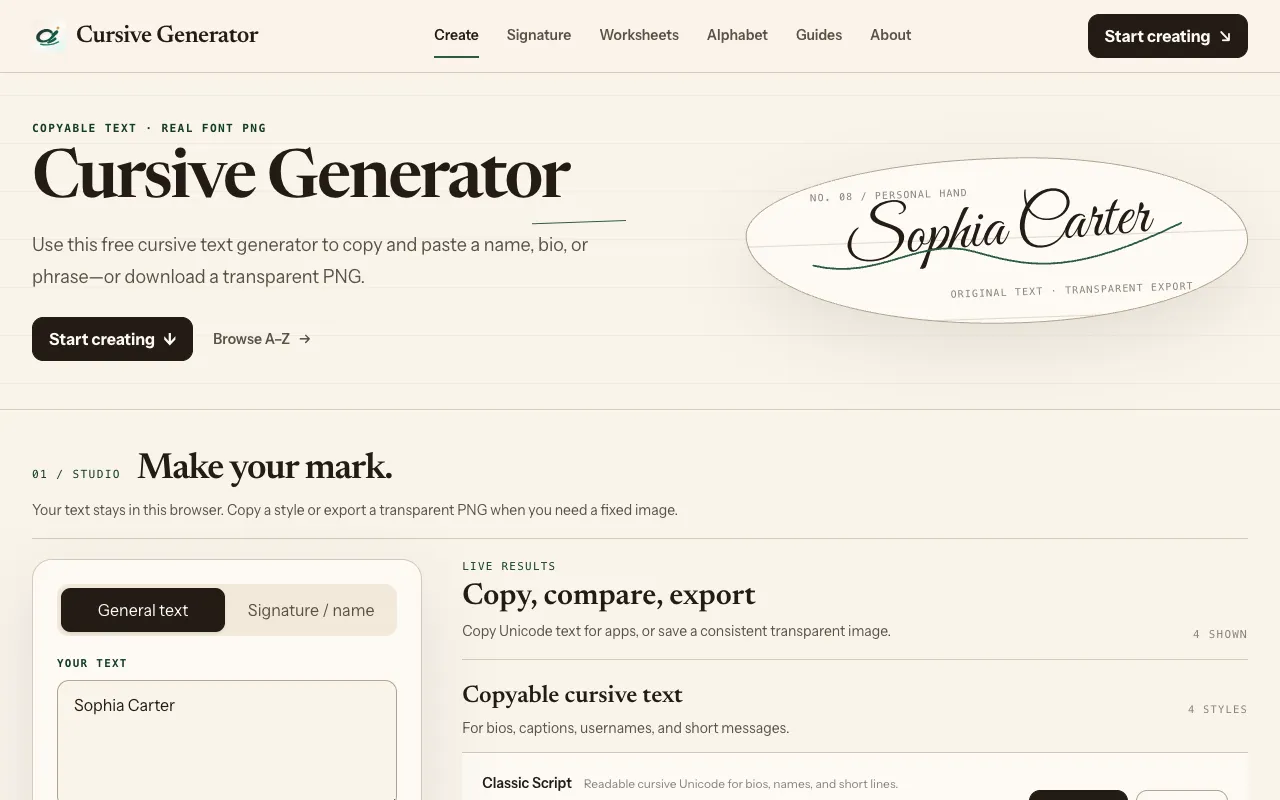
Cursive Text Generator is a free online utility that transforms plain text into flowing, handwritten-style characters. Users enter their desired words or phrases into the tool's interface, and the platform processes the input through an algorithm that converts standard letter forms into connected, cursive counterparts. The output provides a stylized representation of digital text suitable for creative projects, design work, or artistic communication without requiring design software. The service focuses on converting standard characters into their flowing equivalents, allowing users to adapt simple digital text into a more artistic style for various visual applications. It serves as a straightforward solution for anyone needing to present block text in a handwritten format for creative or presentation purposes.
How to use the CodeBeautify Cursive Text Generator
- 1
Open the Cursive Text Generator on CodeBeautify.org
- 2
Enter your desired plain text or phrase into the input field
- 3
Select your preferred cursive styling option from the available choices
- 4
View the generated cursive text in the output display area
- 5
Copy the formatted text for use in your documents or designs
Best for
Creative projects and design work that require handwritten-style text without needing design software or font installation.
Limitations
- Output is limited to visual styling only, no actual handwriting simulation
- Character support may be restricted to standard Latin alphabet characters
- Generated text may not render consistently across all platforms or devices
Cursive Text Generator FAQ
- Can I use the generated cursive text in social media posts or documents?
- Yes, the output is standard text characters that can be copied and pasted into most social media platforms, documents, and design applications, though rendering may vary depending on the viewer's system fonts.
- Does the tool support languages other than English?
- The generator primarily processes standard Latin alphabet characters. Support for non-Latin scripts or special characters may be limited depending on the specific character set and the tool's conversion algorithm.
- Is there a character limit for the text I can convert?
- The material does not specify a character limit, but very long passages of text may take longer to process or display differently than shorter phrases or words.
- Can I customize the thickness or style of the cursive letters?
- The available styling options are not detailed in the stored notes, but the tool offers various cursive styles for users to choose from when generating their text.