Split PDF
Split a PDF free: pull out the exact pages you need into a single combined file, or break a long document into separa...
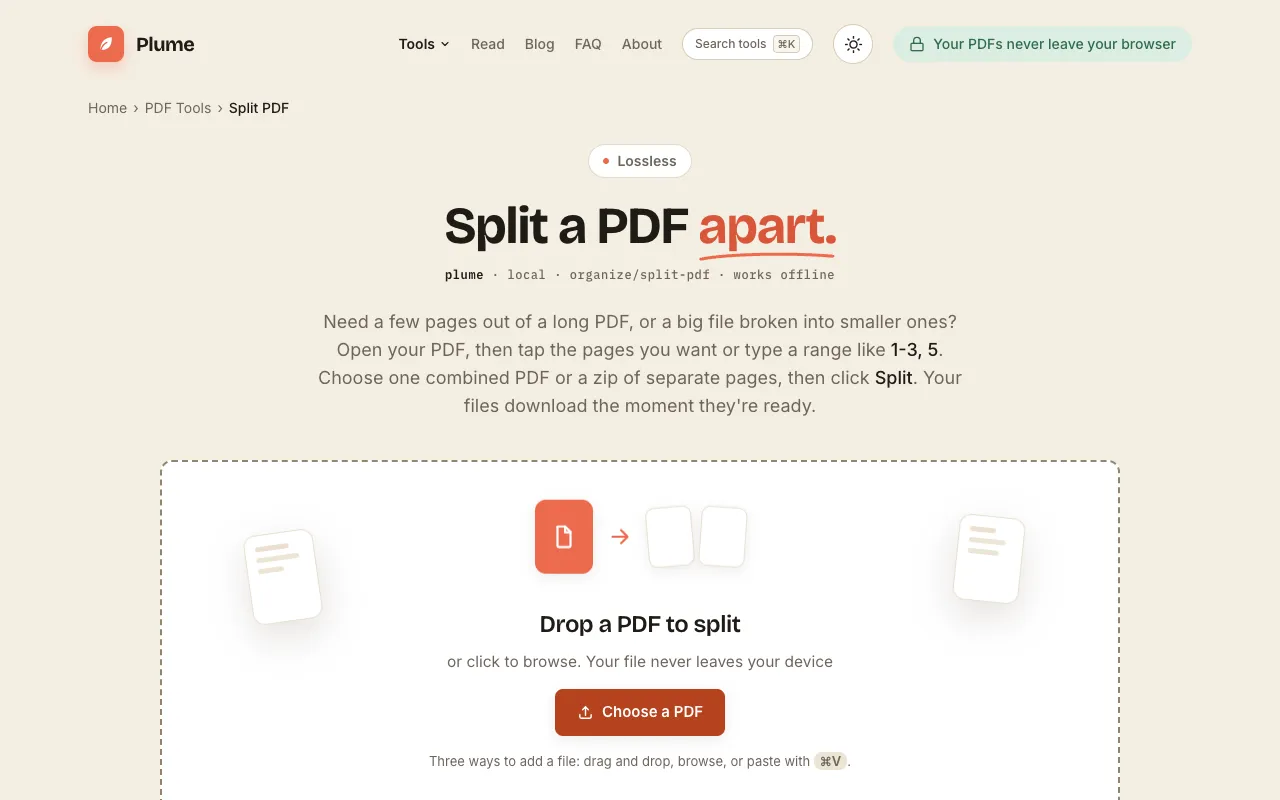
What Split PDF does
PlumeDocs' Split PDF tool divides a single PDF into multiple files by page range or individual page selection. Users can extract specific pages or groups of pages into one combined PDF or into separate one-page PDFs delivered as a zip archive. The service is designed for tasks like separating a signed page, a single chapter, or one invoice from a larger document, allowing precise content extraction without processing the entire file.
How to use the PlumeDocs Split PDF
- 1
Open your PDF by dropping it onto the PlumeDocs split page or browsing to the file
- 2
Tap the pages you want to extract or type a page range like 1-3, 5 to specify which pages to split
- 3
Choose whether to create one combined PDF from the selected pages or a zip file of separate pages
- 4
Click the Split button to process the document and download the resulting files immediately
Best for
Students, professionals, and anyone who needs to extract specific pages or groups of pages from a large PDF for easier sharing, presentation preparation, or archiving without sending the entire document.
Limitations
- Processing occurs entirely in the browser with no uploads, but very large files may take longer to process locally
- The tool focuses on page extraction and splitting; advanced PDF editing features are not included
- No option to merge multiple separate PDFs back together within the same interface
Split PDF FAQ
- Can I extract just one specific page from my PDF?
- Yes, you can select any single page or a custom range of pages. The tool lets you pull out individual pages or a range like 1-3, 5, leaving the original document untouched.
- What is the difference between Split and Extract Pages?
- Split breaks a document into parts: a range as one new PDF, or every selected page as its own file inside a zip. Extract Pages is for cherry-picking specific pages into a new file. Both options are available depending on whether you want one combined file or separate pages.
- Are my PDF files uploaded to the server when I use this tool?
- No, the document is processed entirely in your browser. Your file never leaves your device and no uploads occur during the splitting process.
- Can I split a PDF into separate one-page files?
- Yes, you can select specific pages and choose to download them as a zip file of separate one-page PDFs, or create one combined PDF from the selected pages.
More Split PDF tools
- 01MyDocFlowmydocflow.app
Split a PDF online for free. Separate your PDF into individual pages and download them as a ZIP file quickly and easily.
- 02PDF Candypdfcandy.com
Divides a PDF into separate files by page range or selection.
- 03PDF24pdf24.org
Divides a PDF into separate files by page range or individual page selection.
Similar tools
Based on shared tags