Split PDF
Split a PDF online for free. Separate your PDF into individual pages and download them as a ZIP file quickly and easily.
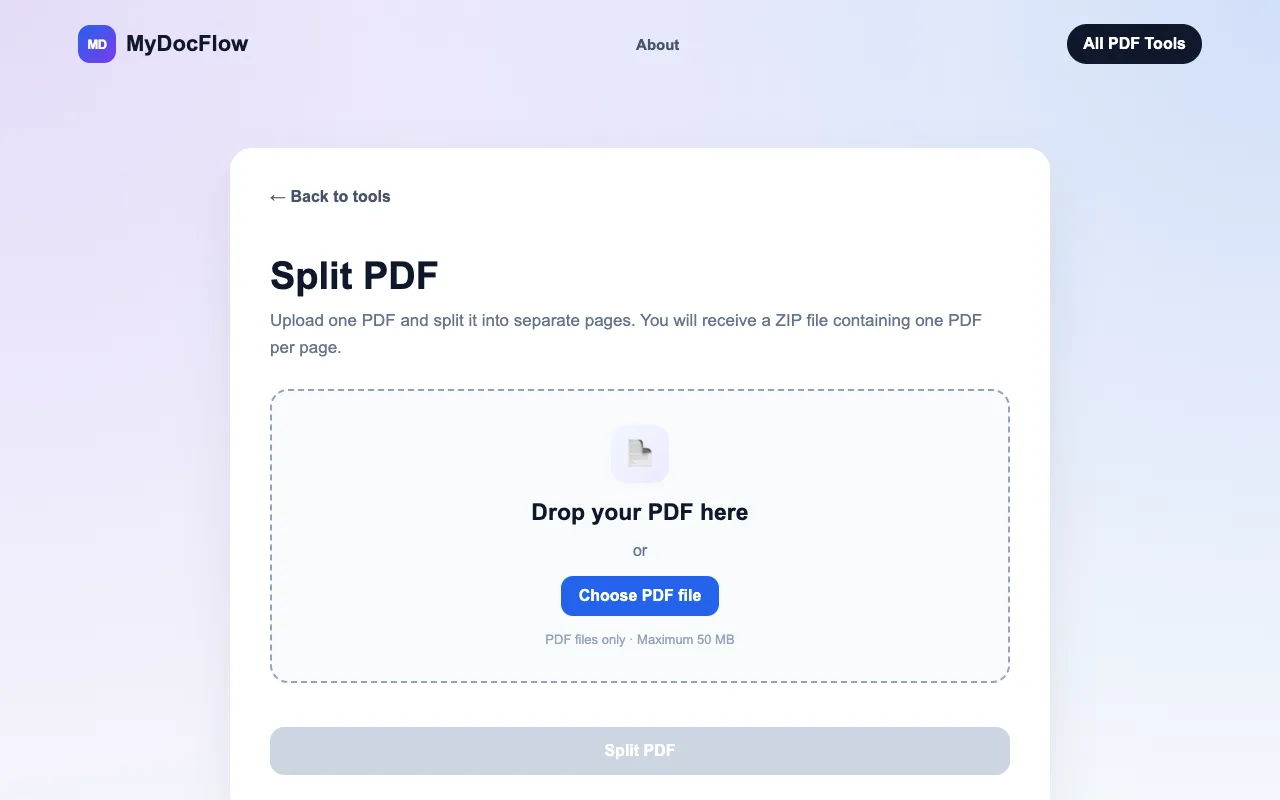
What Split PDF does
MyDocFlow's Split PDF tool divides a single PDF document into individual page files or selected page ranges. Users upload a PDF and receive a ZIP archive containing separate PDFs for each extracted page, enabling easy reorganization or sharing of specific sections without installing software. The service handles files up to 50 MB and processes them directly in the browser. Compared to other free PDF splitters, MyDocFlow emphasizes a streamlined interface that skips account creation and offers automatic file cleanup, removing uploaded documents from its servers after processing to address privacy concerns. The tool also provides clear, step-by-step guidance within the workflow, making the split operation accessible to users who need quick results without technical overhead.
How to use the MyDocFlow Split PDF
- 1
Upload your PDF by dragging it into the upload area or selecting a file from your device
- 2
Let MyDocFlow separate the document into individual page files automatically
- 3
Download the separated pages together as a single ZIP file containing one PDF per page
- 4
Access the extracted pages immediately without needing to create an account or install software
Best for
Students, professionals, or anyone needing to extract specific pages from a large PDF for sharing, archiving, or reorganizing content without purchasing software.
Limitations
- Maximum file size of 50 MB per upload
- No option to retain original document formatting beyond page extraction
- Results are delivered as a ZIP download rather than individual immediate downloads
Split PDF FAQ
- What happens to my PDF after I split it?
- MyDocFlow automatically schedules uploaded and generated files for deletion after processing, so your PDF is removed from their servers once the split is complete.
- Can I split a PDF with many pages at once?
- Yes, MyDocFlow can split PDFs containing multiple pages into individual PDF documents; each page becomes a separate file within the downloaded ZIP.
- Is there a limit on how many times I can split PDFs?
- The material does not specify a usage limit; you can split PDFs repeatedly as long as each file remains under the 50 MB maximum size.
- Do I need to install any software to use this tool?
- No installation is required; the PDF splitting works directly in your browser, and no account creation is needed to process your file.
More Split PDF tools
- 01PDF Candypdfcandy.com
Divides a PDF into separate files by page range or selection.
- 02PDF24pdf24.org
Divides a PDF into separate files by page range or individual page selection.
- 03PlumeDocsplumedocs.com
Split a PDF free: pull out the exact pages you need into a single combined file, or break a long document into separa...
Similar tools
Based on shared tags