Sign PDF
Sign a PDF online free. No login, no printing, no watermark. Draw or type your signature in the browser and download ...
What Sign PDF does
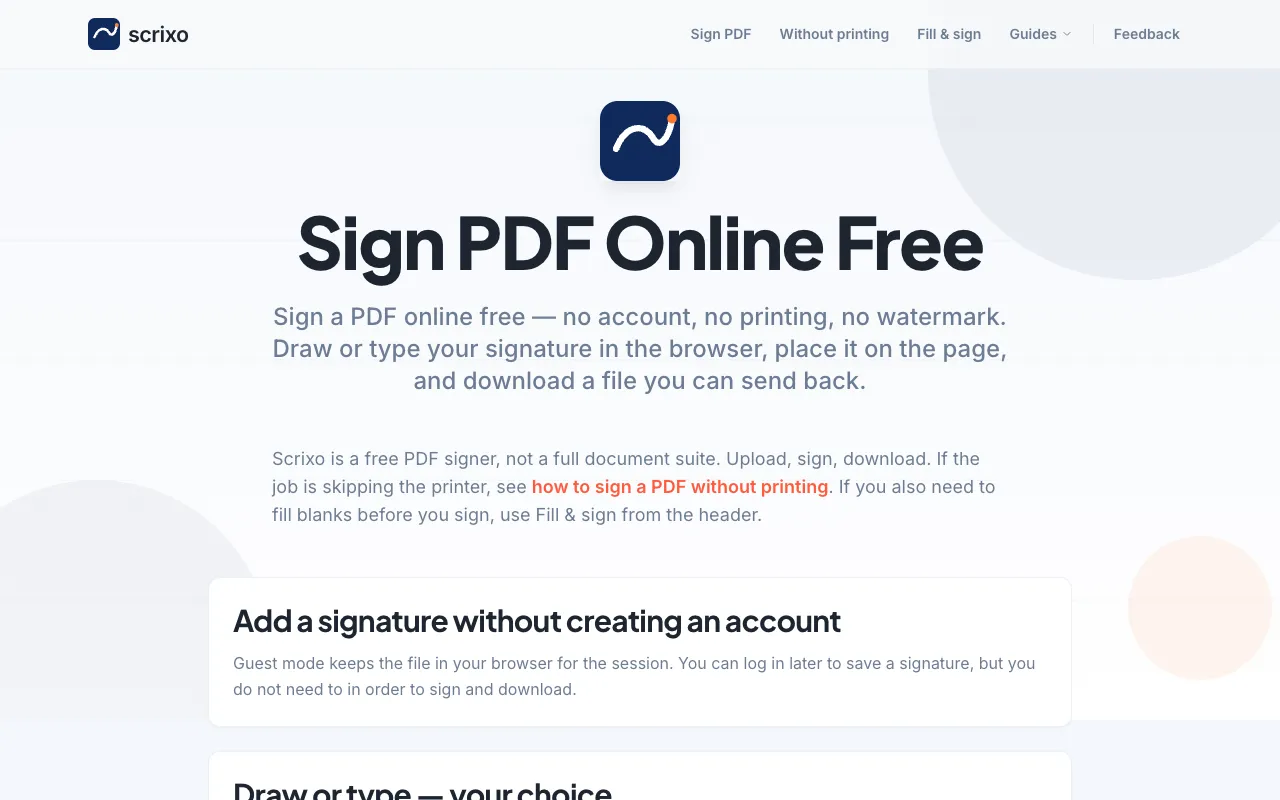
Scrixo is a free, web-based PDF signing tool that lets users add visible signatures to documents without creating an account, paying fees, or downloading software. The service removes the need for printing and scanning by allowing signatures to be drawn with a mouse, trackpad, or finger, or typed in a handwriting font, then placed directly onto the PDF page. Once signed, the document can be downloaded instantly as a clean file with no watermark, ready to be sent via email or uploaded to a portal. The platform positions itself as a lightweight signer rather than a full document suite, focusing solely on the act of adding a signature to a PDF. It also provides optional guidance for saving signatures for future use and device-specific instructions for Mac, Chromebook, and phone users.
How to use the Scrixo Sign PDF
- 1
Upload your PDF by dropping it into the Scrixo browser interface
- 2
Create your signature by drawing with a mouse, trackpad, or finger, or by typing your name in a handwriting font
- 3
Place the signature on the desired location within the PDF page
- 4
Download the signed file instantly as a clean PDF with no watermark
- 5
Attach the downloaded file to your email or portal to send it back
Best for
Business professionals, legal experts, and individuals who need to sign PDFs quickly and legally binding without the hassle of printing, scanning, or creating an account.
Limitations
- No unit switching or advanced PDF editing beyond signing
- Results depend on the quality of the uploaded original PDF
- No login required means signature data is not persistently stored across sessions
Sign PDF FAQ
- Is this PDF signer really free?
- Yes. You can sign and download without paying or creating an account. The exported PDF has no watermark.
- Do I need to print the document first?
- No. Sign the PDF on screen and send the file back. The tool is designed to skip the printer entirely.
- Can I save my signature for future use?
- Guest mode keeps the file in your browser for the session. You can log in later to save a signature, but you do not need to in order to sign and download.
- What if I need to fill blanks before signing?
- If you also need to fill blanks before you sign, use Fill & sign from the header on the Scrixo site.
More Sign PDF tools
- 01PDF Candypdfcandy.com
Adds digital signatures to PDF documents.
- 02PDF24pdf24.org
Adds visible signatures and digital signature certificates to PDF documents.
- 03PlumeDocsplumedocs.com
Sign a PDF in your browser: draw, type or upload your signature, place it on any page, and add a date, text or checkm...
Similar tools
Based on shared tags