Sign PDF
Sign a PDF in your browser: draw, type or upload your signature, place it on any page, and add a date, text or checkm...
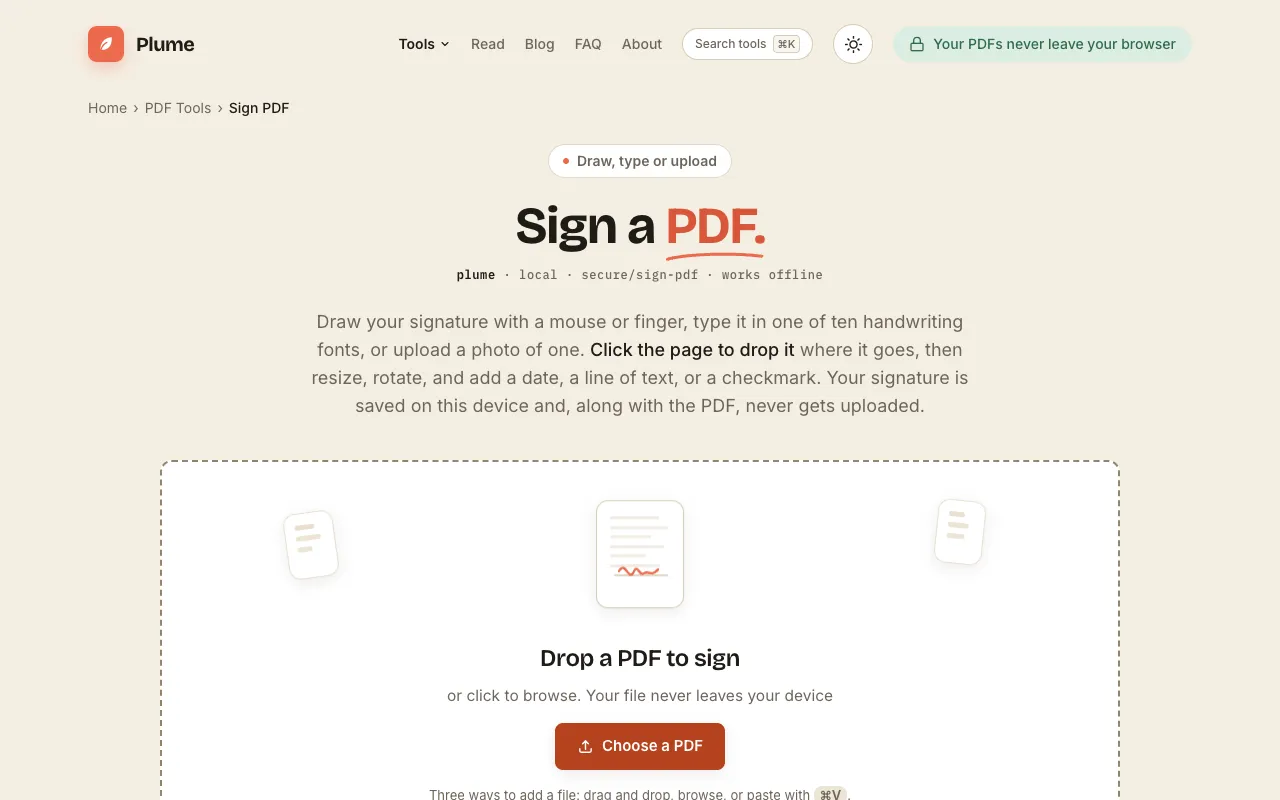
What Sign PDF does
PlumeDocs' Sign PDF tool lets you sign documents directly in the browser without uploading files to a server. You can draw a signature with a mouse or finger, type using one of ten handwriting fonts, or upload an image of your mark. Once placed on the page, you can resize, rotate, and add dates, text lines, or checkmarks. The finished PDF downloads to your device, and the site emphasizes that files never leave your computer and no account is required.
How to use the PlumeDocs Sign PDF
- 1
Drop a PDF file onto the page or click to browse for a document from your device
- 2
Create your signature by drawing with a mouse or finger, typing in one of ten handwriting fonts, or uploading a photo of your mark
- 3
Click on the page where the signature should appear, then resize, rotate, or add a date, text, or checkmark as needed
- 4
Download the signed PDF to your device; the document and signature remain stored locally and are never uploaded
Best for
Business professionals, legal experts, and individuals who need to sign PDFs quickly and privately without creating an account or uploading files to a remote server.
Limitations
- No information about file size limits for PDFs
- No option to switch between measurement units (inches, centimeters, points)
- Digital signature functionality requires a .p12 or .pfx certificate file, which may not be available to all users
Sign PDF FAQ
- Can I sign a PDF without creating an account?
- Yes, PlumeDocs' Sign PDF tool requires no sign-up; you can drop a file, add your signature, and download the result immediately.
- Where does my signed PDF stay after I download it?
- The signed PDF remains on your device; PlumeDocs does not upload or store your files on their servers.
- What types of signatures can I add to my PDF?
- You can draw a signature with a mouse or finger, type using one of ten handwriting fonts, or upload a photo of your signature to place on the document.
- Can I add dates, text, or checkmarks to my signed PDF?
- Yes, after placing your signature you can also add a date, a line of text, or checkmarks to the document before downloading it.
More Sign PDF tools
Similar tools
Based on shared tags