Protect PDF
Add a password to any PDF and lock it with AES-256 encryption in your browser. Download the file and it opens only wi...
What Protect PDF does
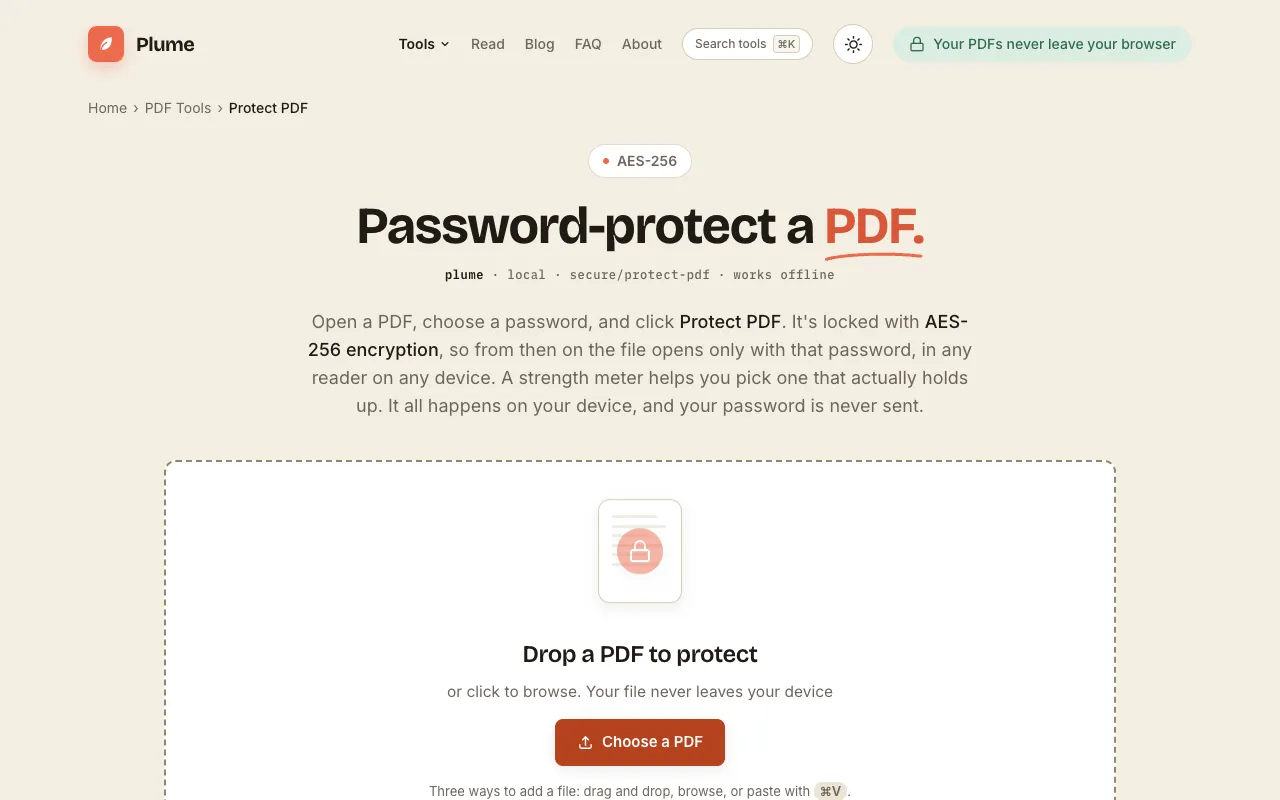
Plume's Protect PDF tool secures Portable Document Format files by applying AES-256 encryption through a password of the user's choosing. The result is a locked PDF that opens only with that password, regardless of the PDF reader or device used. The service emphasizes privacy by processing encryption locally within the browser, ensuring the file and password are never uploaded or transmitted. A strength meter assists in selecting a secure password, and the interface supports adding files via drag-and-drop, browsing, or pasting with a keyboard shortcut.
How to use the PlumeDocs Protect PDF
- 1
Open your PDF in Plume's Protect PDF tool
- 2
Choose a password of 8 or more characters and confirm it
- 3
Download the protected PDF file
- 4
The locked file will open only with the chosen password in any reader
Best for
Users who need to password-protect PDFs locally without uploading sensitive files, valuing privacy and simplicity.
Limitations
- Password strength depends on the user's chosen characters
- No option to set granular usage permissions beyond opening the file
- Recovery options for forgotten passwords are not mentioned
Protect PDF FAQ
- Is my PDF uploaded to a server when I protect it?
- No, the encryption happens entirely on your device; the file and password are never sent to Plume's servers.
- Can I set different permissions, like preventing printing or copying?
- The tool focuses on opening password protection with AES-256 encryption; granular usage restrictions are not listed as a feature.
- What happens if I forget the password I set?
- The material does not describe a recovery method; the file would remain locked with the chosen password.
- Do I need to create an account to use the Protect PDF tool?
- No sign-up is required; the service is free and runs entirely in the browser.
More Protect PDF tools
Similar tools
Based on shared tags