Protect PDF
Protect a PDF with a password online for free. Encrypt your PDF quickly with MyDocFlow. No account required.
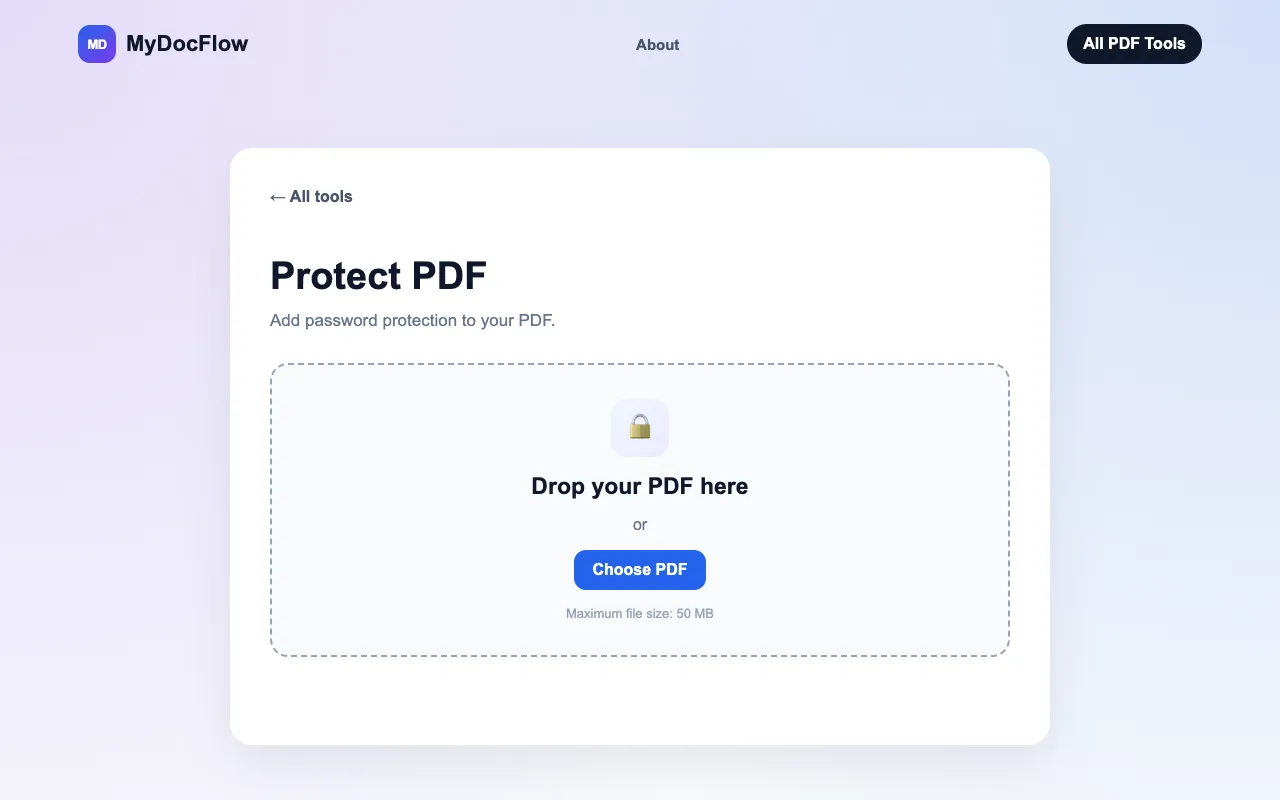
What Protect PDF does
Protect PDF is a free online tool hosted by MyDocFlow that secures Portable Document Format files by adding password protection. Users upload a PDF, enter and confirm a password, and the service encrypts the document so that the correct password is required to open it. The result is a password-protected PDF that can be downloaded immediately, with no account creation or software installation needed to use the service.
How to use the MyDocFlow Protect PDF
- 1
Upload your PDF by selecting a file from your device or dragging it into the upload area
- 2
Enter and confirm the password that will be required to open the protected document
- 3
Click Protect PDF and wait for the process to complete
- 4
Download the password-protected PDF to your device
Best for
Individuals or teams who need to quickly password-protect PDFs without creating accounts or installing software, especially when handling sensitive documents that require controlled access.
Limitations
- Maximum file size of 50 MB
- No password recovery option if the password is forgotten
- Basic password protection without advanced permission settings like editing or printing restrictions
Protect PDF FAQ
- Is Protect PDF by MyDocFlow free to use?
- Yes, the Protect PDF tool is free to use with no account required to password protect your documents.
- Do I need to create a MyDocFlow account to protect a PDF?
- No, you can protect a PDF without creating a MyDocFlow account or signing in.
- What happens if I forget the password for my protected PDF?
- MyDocFlow cannot recover the password for you, so it is important to keep your password somewhere safe.
- What is the maximum file size I can protect with Protect PDF?
- The maximum file size for protecting a PDF is 50 MB.
More Protect PDF tools
- 01PDF Candypdfcandy.com
Secures a PDF with a password and access permissions.
- 02PDF24pdf24.org
Secures a PDF with a password and configurable usage permissions.
- 03PlumeDocsplumedocs.com
Add a password to any PDF and lock it with AES-256 encryption in your browser. Download the file and it opens only wi...
Similar tools
Based on shared tags