01
01
OpenToolSuite
opentoolsuite.com
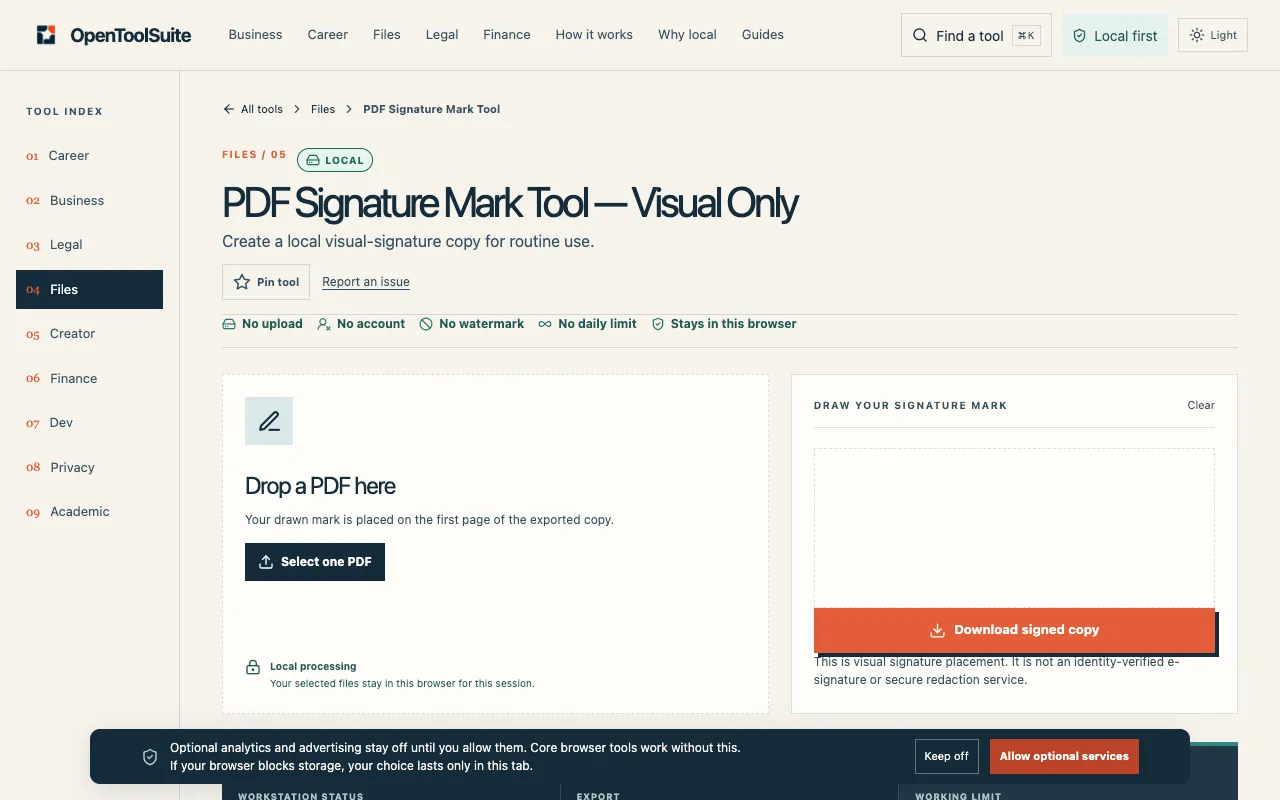
Draw a signature mark on a PDF copy in your browser. This is visual placement, not an identity-verified e-signature o...
A free online PDF signing tool that works entirely in your web browser without requiring account creation or any software installation. Users can upload PDF files of any size, add their signature by either drawing it freehand or typing text, position the signature anywhere on the document pages, and then download the completed and signed PDF file immediately for use. This browser-based approach...
Draw a signature mark on a PDF copy in your browser. This is visual placement, not an identity-verified e-signature o...
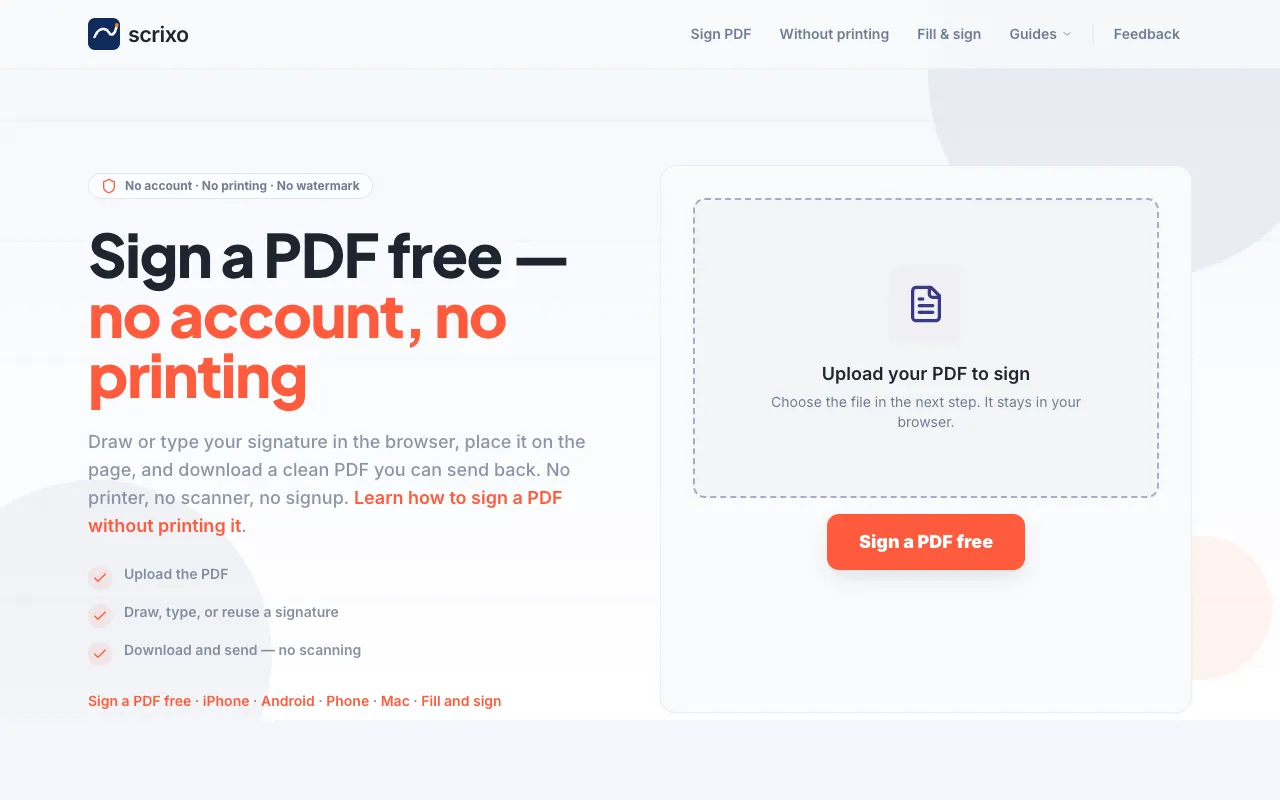
A free online PDF signing tool that works entirely in your web browser without requiring account creation or any soft...
Side by side
| Tool | Best for | Strengths | Limitations |
|---|---|---|---|
| OpenToolSuite opentoolsuite.com | Users who need a simple drawn signature mark |
|
|
| Scrixo scrixo.com | People who want to draw or type their signature |
|
|
Buyer's guide
When you need to sign a PDF quickly without installing software, the key decision is whether you need to type your signature or only draw it. If a typed name works for your purpose, Scrixo gives you that flexibility plus the assurance of no watermark. If you specifically need a freehand-drawn mark and want to avoid any visual branding on the output, OpenToolSuite handles that niche without requiring an account.
Questions