PDF Signer
Draw a signature mark on a PDF copy in your browser. This is visual placement, not an identity-verified e-signature o...
What PDF Signer does
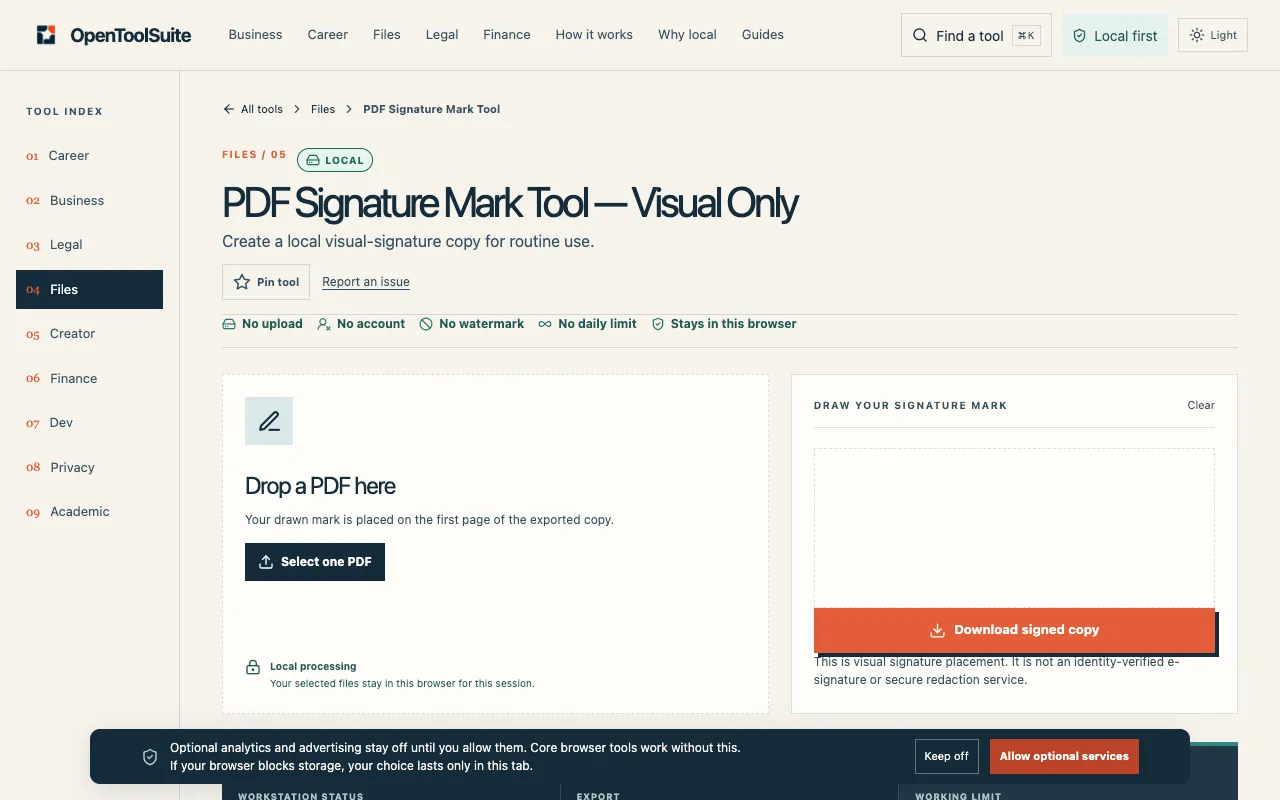
PDF Signature Mark Tool is a free online PDF signing utility that operates entirely within your web browser. Upload any PDF file and add a signature by drawing it freehand or typing text, then position it anywhere on the document pages. The output is a local visual-signature copy suitable for routine use, not an identity-verified e-signature or audit trail. The tool processes files in the current browser session without requiring account creation or software installation, keeping selected files private to your tab. After signing, you can download the modified PDF and inspect it before sharing, while retaining the original file for comparison. This makes it ideal for quick annotations, form fill-ins, or personal document marking where formal verification is unnecessary.
How to use the OpenToolSuite PDF Signer
- 1
Open PDF Signature Mark Tool on OpenToolSuite and upload the PDF file you want to sign.
- 2
Add your signature by either drawing it freehand with your mouse or trackpad, or typing text into the provided fields.
- 3
Position the signature anywhere on the document pages using the tool's placement controls.
- 4
Inspect the live result in your browser to verify the signature placement and appearance.
- 5
Download the signed PDF copy and keep the original file for comparison before sharing.
Best for
This tool suits anyone needing to quickly add a visual signature to PDFs for routine personal or informal use without creating accounts or installing software.
Limitations
- Results are visual only and not identity-verified e-signatures.
- Password-protected or damaged PDFs may fail to process.
- Large files or browser memory limits can interrupt the signing process.
PDF Signer FAQ
- Does PDF Signature Mark Tool upload my file to a server?
- No. Selected files stay in the current browser session and are not uploaded to OpenToolSuite servers.
- Can I use PDF Signature Mark Tool on password-protected PDFs?
- Password protection can stop the local file tool. You should unlock an encrypted PDF before signing.
- What happens if my PDF is too large or my browser runs out of memory?
- Size and browser memory can stop a local file tool. Large files or limited memory may cause the process to fail.
- Should I keep the original PDF after signing?
- Yes. Keep the original until the new signed file checks out, then compare before sharing or filing.
More PDF Signer tools
Similar tools
Based on shared tags