PDF Signer
A free online PDF signing tool that works entirely in your web browser without requiring account creation or any soft...
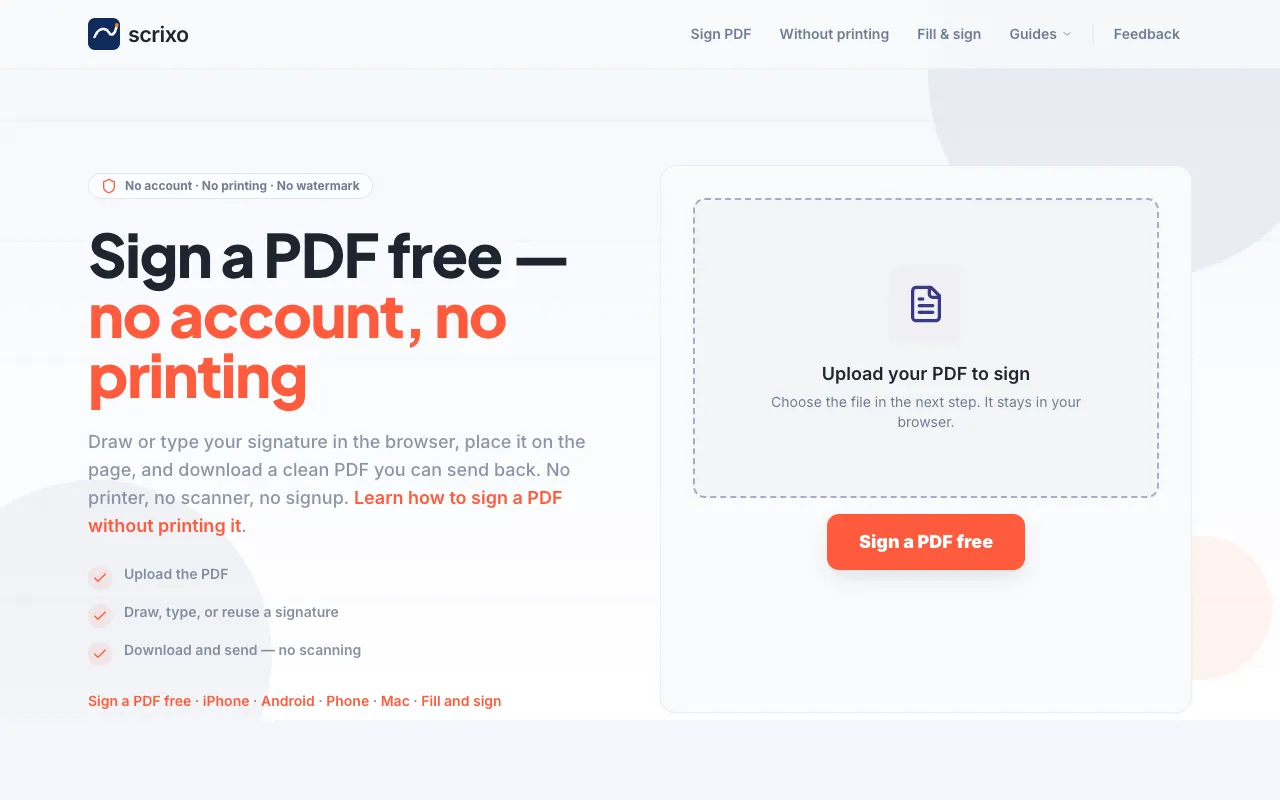
What PDF Signer does
Scrixo's PDF Signer is a browser-based tool that lets anyone sign PDF documents without creating an account, installing software, or paying fees. Users upload a PDF, then add a signature by drawing it freehand with a mouse or trackpad, or by typing their name as text. The signature can be positioned anywhere on the page, and once placed, the completed file downloads instantly as a clean PDF ready to send. The entire process happens within the browser, eliminating the need to print, sign by hand, and scan documents back in. It handles forms, permission slips, contracts, and other documents that traditionally require a physical signature cycle. The interface is designed for speed, offering three clear steps—upload, sign, download—with no watermarks on the output file. Privacy is emphasized, as documents remain on the user's device and no account is required to access the signing functionality.
How to use the Scrixo PDF Signer
- 1
Upload your PDF to Scrixo by dragging and dropping the file or browsing to select it from your device
- 2
Add your signature by drawing it freehand with your cursor or typing your name as text in the signer interface
- 3
Position the signature anywhere on the document page using the placement tools provided
- 4
Download the signed PDF immediately; the file is clean with no watermark and ready to send via email or other channels
Best for
Students returning school forms, freelancers signing one-off contracts, or anyone emailed a PDF that needs a signature today who wants a quick, account-free solution on any device.
Limitations
- No unit switching or advanced PDF editing features beyond signature placement
- Results depend on the user's ability to draw or type a recognizable signature in the browser
- File size limits may apply depending on browser constraints, though the tool advertises support for PDFs of any size
PDF Signer FAQ
- Do I need to create an account or pay to sign a PDF on Scrixo?
- No account is required and the service is always free; you can sign PDFs without printing, scanning, or paying any fees.
- Will my signed PDF have a watermark or the Scrixo logo on it?
- No, the downloaded signed PDF is clean with no watermark, making it suitable for professional or personal use.
- Can I sign a PDF on my phone or tablet using Scrixo?
- Yes, the tool works in any browser on phones and tablets; you can sign with a finger in Safari or Chrome without downloading an app.
- Is my PDF document private when using Scrixo's signing tool?
- Your document never leaves your device; the signing process runs entirely in your browser, and no account is needed to maintain privacy.
More PDF Signer tools
Similar tools
Based on shared tags