PDF Merger
The PDF Merger combines multiple PDF files into a single document, allowing users to organize and consolidate their P...
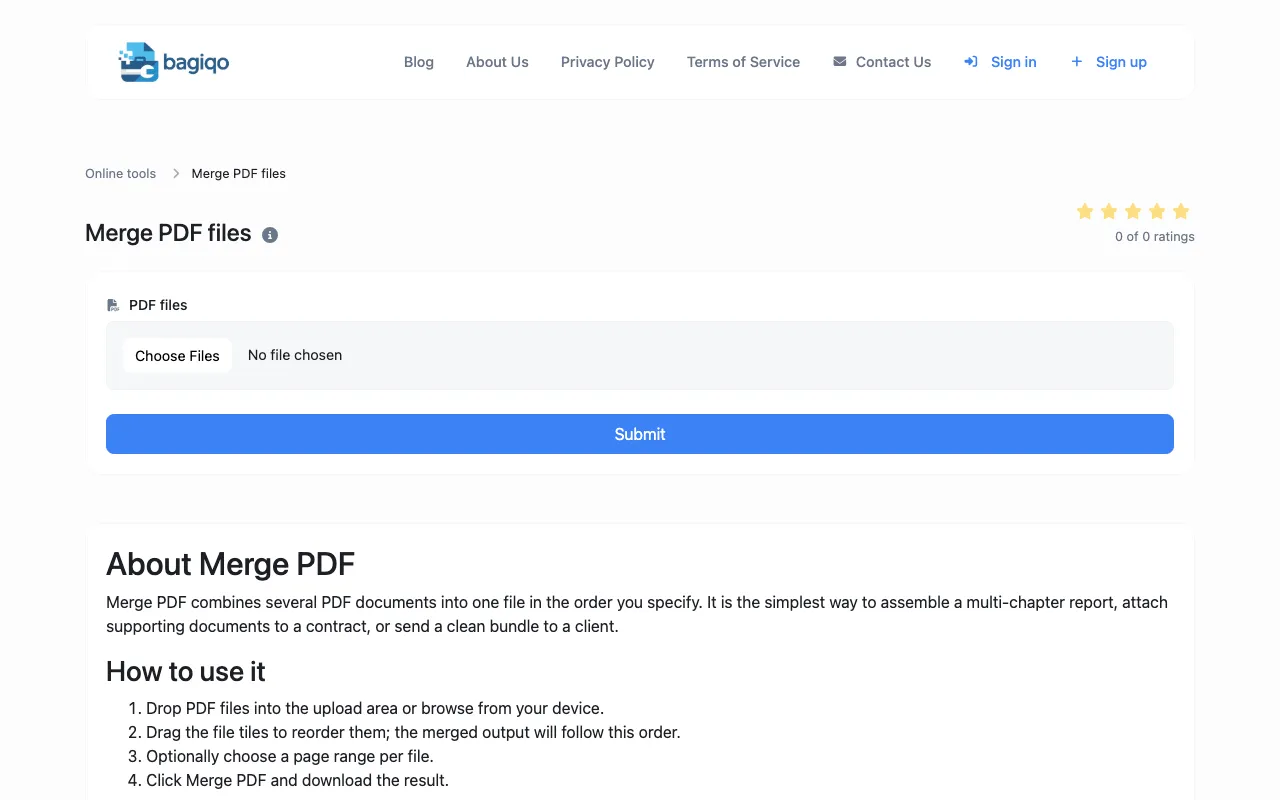
What PDF Merger does
PDF Merger is a free browser-based tool that combines multiple PDF files into a single document. Users can upload files, reorder them via drag-and-drop, and optionally select specific page ranges for each file. The merged output is generated locally in the browser, allowing users to download the consolidated PDF without any files being transmitted to a server. This makes it suitable for assembling reports, contracts, or presentations for sharing and archival purposes. The interface presents a straightforward upload area and a list of file tiles for reorganization before finalizing the merge.
How to use the Bagiqo PDF Merger
- 1
Drop PDF files into the upload area or browse from your device
- 2
Drag the file tiles to reorder them; the merged output will follow this order
- 3
Optionally choose a page range per file using the provided selection controls
- 4
Click the Merge PDF button and download the resulting consolidated file
Best for
This option suits anyone who needs to combine multiple PDFs locally and privately, particularly professionals, students, or business users who handle contracts, invoices, or presentations and want to avoid uploading sensitive documents to e
Limitations
- No unit switching for page ranges
- Results are estimates based on file compatibility
- Ads may appear on the page
PDF Merger FAQ
- Can I merge PDFs without uploading them to a server?
- Yes, all merging happens entirely in your browser; no PDF is uploaded to a server, which keeps documents confidential.
- How do I reorder pages before merging?
- Drag the file tiles to reorder them; the merged output will follow the new order you specify.
- Can I select specific pages from each PDF to include?
- Yes, the tool allows you to optionally choose a page range per file before merging.
- Is there a limit on the number of pages I can merge?
- It is recommended to keep the total page count under 200 if the recipient will open the file on a phone, though the tool does not enforce a strict limit.
More PDF Merger tools
Similar tools
Based on shared tags