Extract PDF Pages
Extract pages from a PDF free: tap the pages you need or type a range like 1-3, 5, and save them as one new PDF, or e...
What Extract PDF Pages does
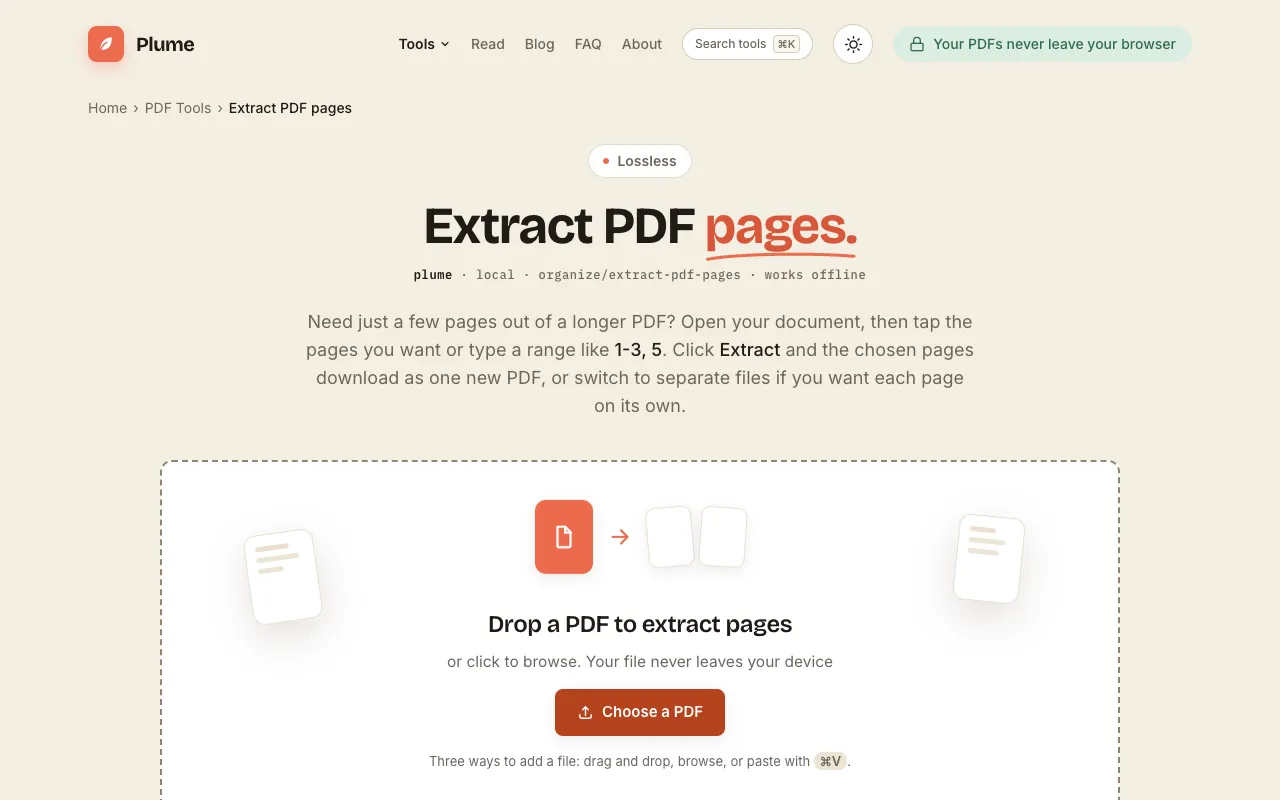
PlumeDocs' Extract PDF Pages tool lets users select individual pages or custom ranges from an existing PDF to create a new, smaller file. The interface supports two modes: tapping specific pages or typing a range like "1-3, 5" to include only those sections. The extracted output preserves the original text, images, and quality, and the entire process runs in the browser without uploading the file to a server. Once extraction is complete, the new PDF downloads to the user's device. The original document remains unchanged, and no account or payment is required to use the service.
How to use the PlumeDocs Extract PDF Pages
- 1
Open your PDF by dragging it onto the page or clicking to browse
- 2
Tap the desired pages or type a range like 1-3, 5 to select them
- 3
Click Extract to create a new PDF containing only the chosen pages
- 4
Download the resulting file to your device
- 5
Note that the original PDF stays untouched on your device
Best for
This option suits anyone who needs to pull out a few specific pages from a longer PDF without re‑creating the whole document, especially when the pages must stay in one file rather than being split into separate outputs.
Limitations
- Extracted pages retain the original page order from the source document
- No option to rearrange the sequence of extracted pages after download
- Advanced PDF editing features (like merging with other files or adding annotations) are not available
Extract PDF Pages FAQ
- Can I extract non‑consecutive pages into a single PDF?
- Yes. The tool allows you to type a range like 1-3, 5 or tap individual pages, and all selected pages will be combined into one new PDF file.
- Does the extracted PDF keep the original formatting and quality?
- Yes. The extraction process produces exact copies of the chosen pages with the same text, images, and quality as the original document.
- Is my PDF uploaded to the server when I use this tool?
- No. Processing happens entirely in your browser, so the file never leaves your device and no upload occurs.
- What if I want each selected page as its own separate file?
- The tool offers a switch to extract each chosen page as its own file inside a zip archive, rather than combining them into a single PDF.
More Extract PDF Pages tools
Similar tools
Based on shared tags