Extract PDF Pages
Extract pages from a PDF online for free. Select specific pages or page ranges and save them as a new PDF document.
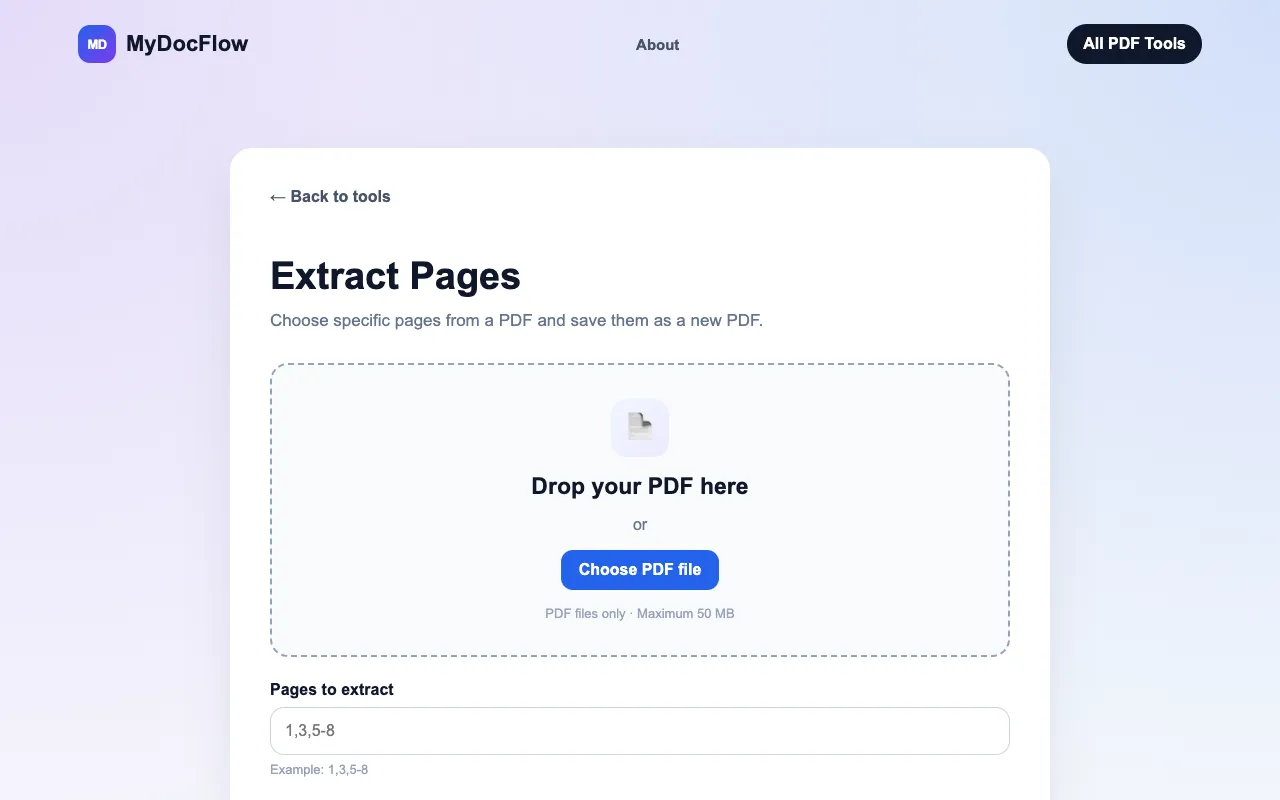
What Extract PDF Pages does
MyDocFlow's Extract PDF Pages tool lets users isolate specific sections of a PDF into a new document without altering the original. After uploading a PDF file, users enter the page numbers or ranges they want to keep, and the service generates a downloadable PDF containing only those selections. The process handles both individual page numbers and combined ranges, such as 1,3,5-8, making it straightforward to extract chapters, sections, or specific data points from longer documents.
How to use the MyDocFlow Extract PDF Pages
- 1
Upload your PDF by dragging it into the upload area or selecting a file from your device
- 2
Enter the pages you want to extract using page numbers or ranges (e.g., 1,3,5-8)
- 3
Click the Extract Pages button to process your selection
- 4
Download the newly created PDF containing only your chosen pages
Best for
This option suits anyone needing to isolate specific pages from a PDF without purchasing software, particularly users who want to keep their original document unchanged and prefer a registration-free workflow.
Limitations
- No unit switching or format conversion beyond PDF extraction
- Maximum file size limit applies to uploads
- Interface is designed for page selection only, not broader document editing
Extract PDF Pages FAQ
- How do I extract specific pages from a PDF using MyDocFlow?
- Upload your PDF and enter the page numbers you want, such as 2,4,7. MyDocFlow will create a new PDF containing those pages.
- Can I extract a range of PDF pages with MyDocFlow?
- Yes. You can enter a range such as 5-10, or combine individual pages and ranges using a format such as 1,3,5-8.
- Does extracting pages change my original PDF?
- No. A new PDF is created from the pages you select. Your original document is not modified.
- What is the maximum file size for PDF uploads on MyDocFlow?
- You can upload PDF files up to 50 MB in size.
More Extract PDF Pages tools
Similar tools
Based on shared tags