Compress PDF
Shrink PDF file size in your browser by re-compressing only the images inside, so text stays selectable and the layou...
What Compress PDF does
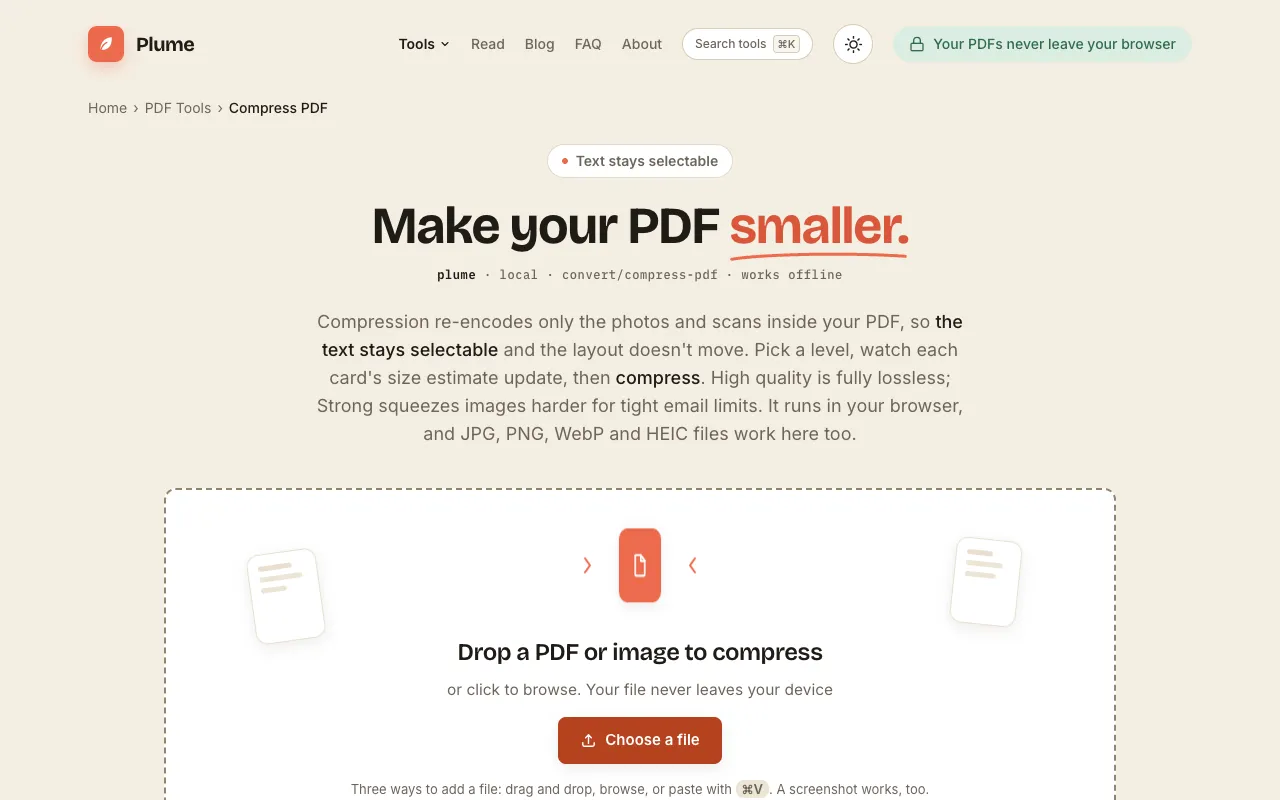
PlumeDocs Compress PDF reduces PDF file size by re-encoding only the images within the document, keeping text selectable and the layout intact. Users upload a PDF, choose a compression level, and download a lighter version suitable for email or storage. The result preserves text sharpness at default settings, while stronger modes trade some image quality for smaller files. All processing happens in the browser, so the document never leaves the user's device. The site provides real-time size estimates as the user adjusts settings, and supports common image formats like JPG, PNG, WebP, and HEIC embedded in the PDF. It requires no sign-up and is free to use.
How to use the PlumeDocs Compress PDF
- 1
Open your file by dragging and dropping a PDF or image onto the page, or click to browse and select from your device.
- 2
Choose a compression level by balancing smaller size against visual quality using the provided level indicators.
- 3
Compress the PDF and view the estimated savings before downloading the lighter file to your device.
- 4
Verify that text remains selectable and the layout holds, especially at the default high-quality setting.
- 5
Repeat the process with different levels if further size reduction is needed for specific sharing limits.
Best for
This option suits anyone who needs to shrink large PDFs for email or upload limits while keeping text sharp and the document layout intact, particularly users who process sensitive files and prefer browser-based privacy.
Limitations
- Results depend on the original image resolution and complexity of the PDF layout.
- Aggressive compression settings may soften embedded images, though the default preserves text clarity.
- The tool focuses on image recompression and may not reduce size as much for PDFs composed mainly of vector graphics or text.
Compress PDF FAQ
- Will compressing my PDF make the text fuzzy or hard to read?
- No. The default setting keeps text and vector graphics untouched and only recompresses images, so words stay crisp and selectable. Fuzziness only appears at the most aggressive compression level, which you choose to enable.
- Why is my PDF file so large in the first place?
- Usually high-resolution images or embedded scans contribute most to file size. PlumeDocs Compress PDF targets these image files for re-encoding, which can significantly shrink the document without affecting text.
- Does the compression happen on my computer or on a server?
- All compression happens in your browser. Your document never leaves your device and is not uploaded to any server, so it remains private.
- Can I compress PDFs that contain HEIC or WebP images?
- Yes. The tool supports JPG, PNG, WebP, and HEIC files embedded in the PDF, re-encoding them as part of the compression process.
More Compress PDF tools
- 01MyDocFlowmydocflow.app
Compress PDF files online for free. Reduce PDF file size while choosing the balance between compression and document ...
- 02PDF Candypdfcandy.com
Reduces the file size of PDF documents through smart compression.
- 03PDF24pdf24.org
Reduces PDF file size through image recompression and structural optimisation.
Similar tools
Based on shared tags