Compress PDF
Compress PDF files online for free. Reduce PDF file size while choosing the balance between compression and document ...
What Compress PDF does
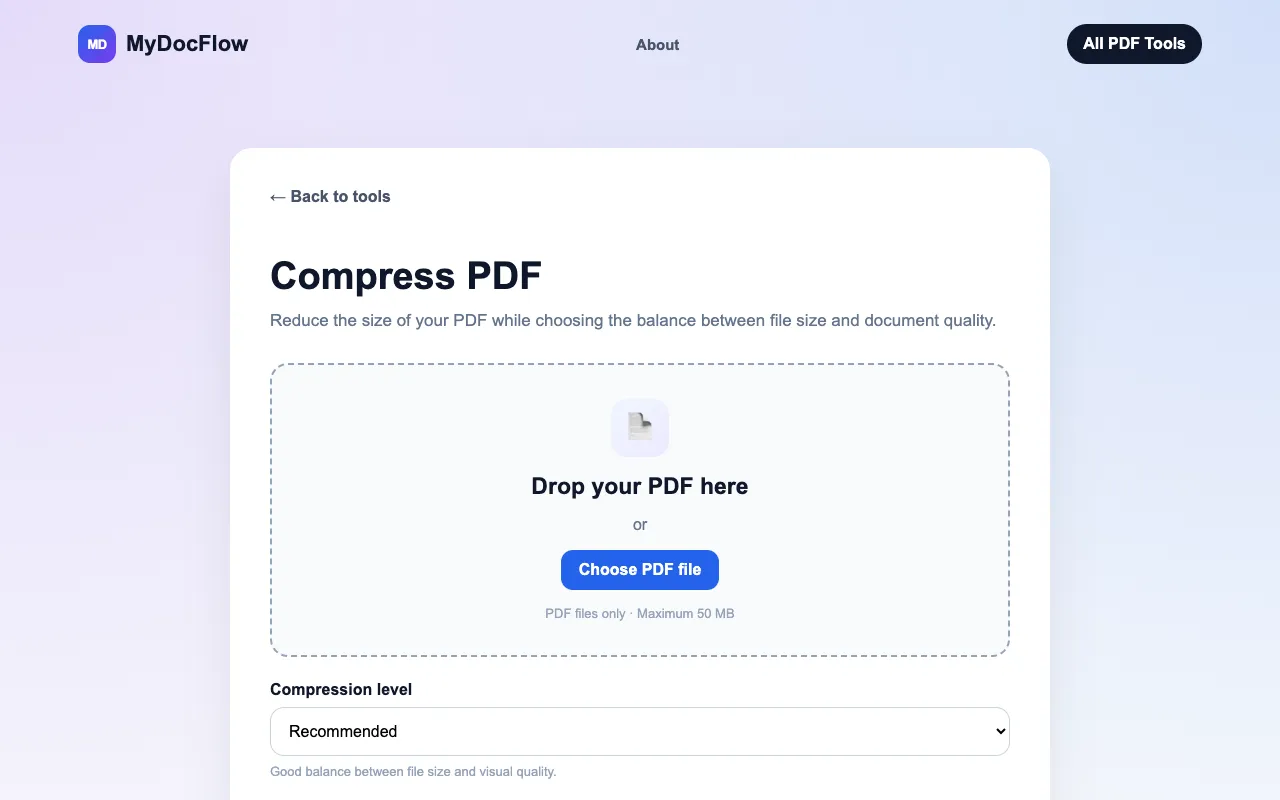
MyDocFlow's Compress PDF tool lets users reduce the file size of PDF documents by uploading a file and selecting a compression level that balances size and quality. The output is a smaller PDF ready for download, suitable for email sharing or saving storage space. The site handles files up to 50 MB and emphasizes a straightforward workflow without requiring account creation.
How to use the MyDocFlow Compress PDF
- 1
Upload your PDF by selecting a file from your device or dragging it into the upload area
- 2
Choose a compression level—Smallest file, Recommended, High quality, or Maximum quality—to set the balance between file size and document quality
- 3
Let the tool process the PDF; the compressed version will be ready once processing finishes
- 4
Download the smaller PDF file to your device
- 5
Repeat the process with additional files as needed
Best for
This option suits anyone who needs to shrink PDFs for email or storage without installing software, especially users who want to preview quality settings before committing to the smallest file size.
Limitations
- Maximum file size of 50 MB may require splitting very large documents
- Compression level choices affect final quality, with higher compression producing smaller but potentially lower-resolution output
- No batch processing or folder-level compression is mentioned in the available material
Compress PDF FAQ
- How can I make a PDF file smaller?
- Upload your PDF to MyDocFlow and select a compression level. The tool will create a compressed version that you can download.
- Will compressing a PDF reduce its quality?
- Compression can reduce the quality of images and other elements in a PDF. Higher compression generally produces a smaller file, while lower compression preserves more quality.
- What is the maximum file size I can upload?
- MyDocFlow supports PDF files up to 50 MB in size.
- Do I need to create an account to compress PDFs?
- No registration is required; you can compress your PDF without creating an account or signing in.
More Compress PDF tools
- 01PDF Candypdfcandy.com
Reduces the file size of PDF documents through smart compression.
- 02PDF24pdf24.org
Reduces PDF file size through image recompression and structural optimisation.
- 03PlumeDocsplumedocs.com
Shrink PDF file size in your browser by re-compressing only the images inside, so text stays selectable and the layou...
Similar tools
Based on shared tags