Image Optimizer
The Image Optimizer is a browser-based tool for reducing image file sizes for websites and digital projects without i...
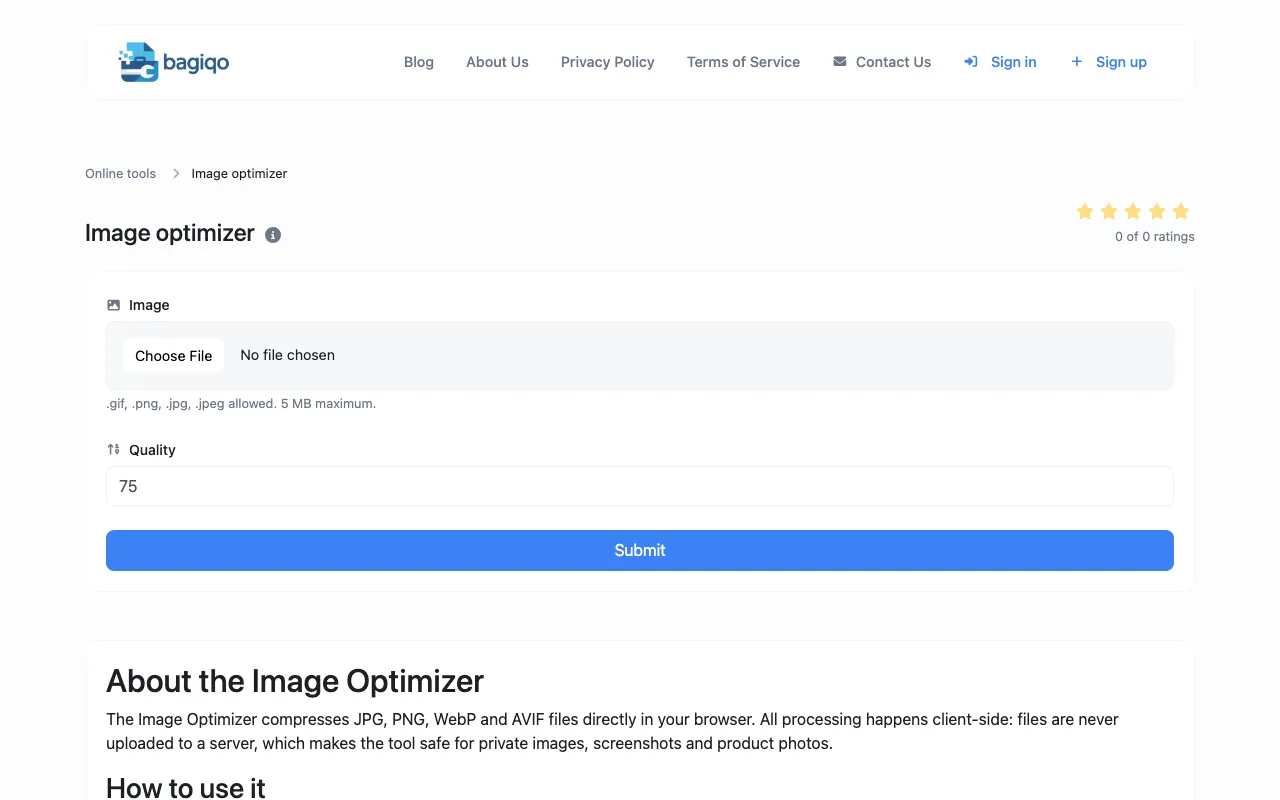
What Image Optimizer does
The Image Optimizer on Bagiqo is a browser-based tool for reducing image file sizes for websites and digital projects without installing desktop software. Users can compress and optimize images directly online, making it simple to prepare images for web uploads, digital media, and storage optimization. Ideal for web developers, content creators, photographers, and digital marketers needing to optimize images for faster website loading, reduced bandwidth costs, social media uploads, email attachments, and other digital applications.
How to use the Bagiqo Image Optimizer
- 1
Drop one or more images into the upload area, or click to browse files from your device
- 2
Choose a target format and quality level
- 3
Most photos compress well at quality 75-85
- 4
Click Optimize, then download individual files or a ZIP archive containing every processed image
Best for
Web developers, content creators, and digital marketers who need to prepare images for faster website loading and reduced bandwidth costs without installing desktop software.
Limitations
- 5 MB maximum file size per image
- Only .gif, .png, .jpg, .jpeg formats are allowed
- No unit switching or batch format conversion beyond selected output type
Image Optimizer FAQ
- Can I optimize multiple images at once?
- Yes, you can upload one or more images and download them individually or as a ZIP archive containing every processed image.
- Are my images uploaded to a server when I use this tool?
- No, all processing happens client-side in your browser, so files are never uploaded to a server, making it safe for private images, screenshots, and product photos.
- What quality level should I choose for the best results?
- Most photos compress well at quality 75-85, which balances file size reduction with maintained image quality.
- Which image formats does the optimizer support?
- The tool supports .gif, .png, .jpg, and .jpeg formats for compression and optimization.
Similar tools
Based on shared tags