206 tools
Converts ESLint configurations to Biome, mapping over 100 rules from core, TypeScript, React, and import plugins for seamless transition. Ideal for developers using both ESLint and Biome, this tool facilitates easier integration between the two popular linters by automating the conversion process. Developers seeking a more unified code quality experience across different projects or teams would find this tool invaluable. By streamlining the migration from ESLint to Biome, it saves time and reduces potential errors, allowing developers to focus on coding rather than configuration.
Calculates code complexity metrics for developers, including cyclomatic complexity, cognitive complexity, nesting depth, and maintainability index. Users input their code via the web interface or upload files to receive detailed analysis of potential issues and areas for improvement. Helps users identify overly complex sections in their codebase that may be difficult to understand or maintain, allowing them to refactor and simplify their code for better performance and readability.
Validates GitHub Actions workflow YAML files for syntax, triggers, jobs, and deprecated actions. Users upload their YAML file to be checked, and the tool returns detailed feedback on any issues found, ensuring their workflows are correct and up-to-date. Developers and CI/CD engineers who use GitHub Actions would benefit from this tool. It saves time by automating the validation process, reducing errors in workflow configurations, and helping maintain best practices for automation scripts.
Converts .env files to Docker Compose env blocks, Kubernetes ConfigMaps, and docker run flags. Users can upload their .env file, select the target environment format (Docker Compose, Kubernetes, or docker run), and receive the converted code as output. Developers and DevOps professionals who manage containerized applications will find this tool invaluable. It saves time by automating the conversion process, reducing the risk of human error in manual conversions. Whether you're transitioning between different environments or simply need to quickly share environment variables across multiple tools, .env to Docker/K8s Converter streamlines the workflow and ensures consistency.
Converts between various CSS units such as pixels, rems, ems, points, viewport widths, viewport heights, and percentages for single values or entire CSS files. Useful for web developers and designers to standardize their code and ensure consistent sizing across different devices and screen resolutions. Helps users quickly and accurately convert CSS unit values for projects, ensuring a cohesive design aesthetic and improving cross-platform compatibility.
Runs JavaScript and TypeScript code in the browser, providing instant console output for immediate feedback and testing. Developers, students, and anyone learning to write scripts will find this tool invaluable for experimenting with code snippets, debugging issues, and exploring language features without setting up an environment on their local machine.
Runs SQL queries against a WebAssembly SQLite database, allowing users to perform JOINs, Common Table Expressions (CTEs), window functions, and aggregations in real-time. Developers and data analysts can use this tool to test and debug SQL queries without setting up a local database environment. It provides an interactive platform for learning SQL, experimenting with different query techniques, and validating database operations directly in the browser.
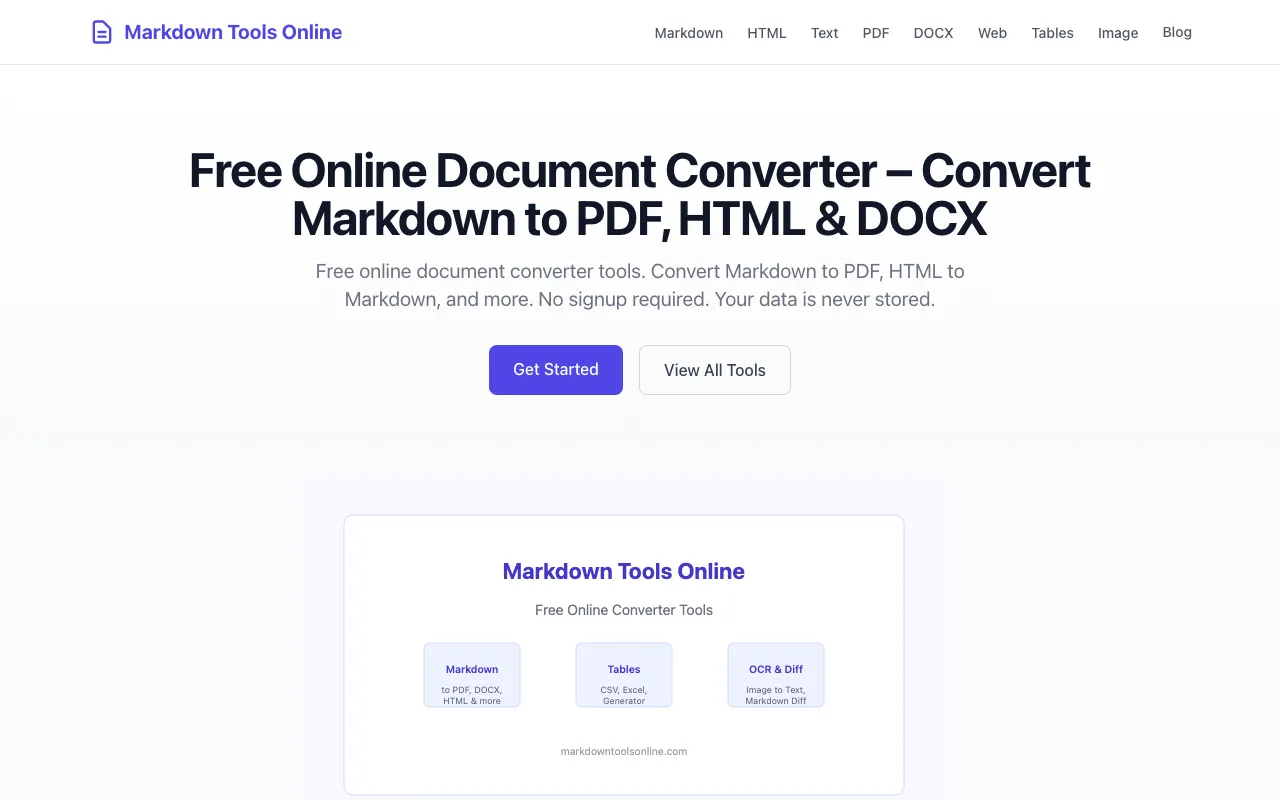
Markdown Tools Online is a free, privacy-first document converter toolkit featuring 16 browser-based tools designed for content professionals and developers. It supports seamless conversion between Markdown, PDF, HTML, DOCX, plain text, CSV, Excel, and multiple image formats. All processing happens locally within your browser with zero server uploads for most formats, ensuring complete privacy and protecting sensitive data from external transmission. The platform requires no user signup and stores no data on its servers. Documents are converted directly in your browser without being transmitted to external servers, making it ideal for users handling sensitive information. This is particularly valuable for professionals who need quick and secure document format conversions while maintaining complete control over their files and intellectual property.
Pixeely provides a collection of AI-powered image editing tools designed to work entirely within your web browser, without uploading files to remote servers. The suite includes tools for background removal to isolate subjects, a dedicated passport photo maker for creating compliant ID photos, an image upscaler for enhancing resolution and quality, a 3D maker for converting flat images into three-dimensional models, and an image describer that generates text descriptions of photographs. All processing occurs locally in your browser, prioritizing user privacy and enabling instant results. The tools feature straightforward interfaces optimized for common image manipulation tasks and are compatible with standard image formats. Users benefit from the convenience of browser-based processing without the typical delays or privacy concerns associated with server-side uploads.
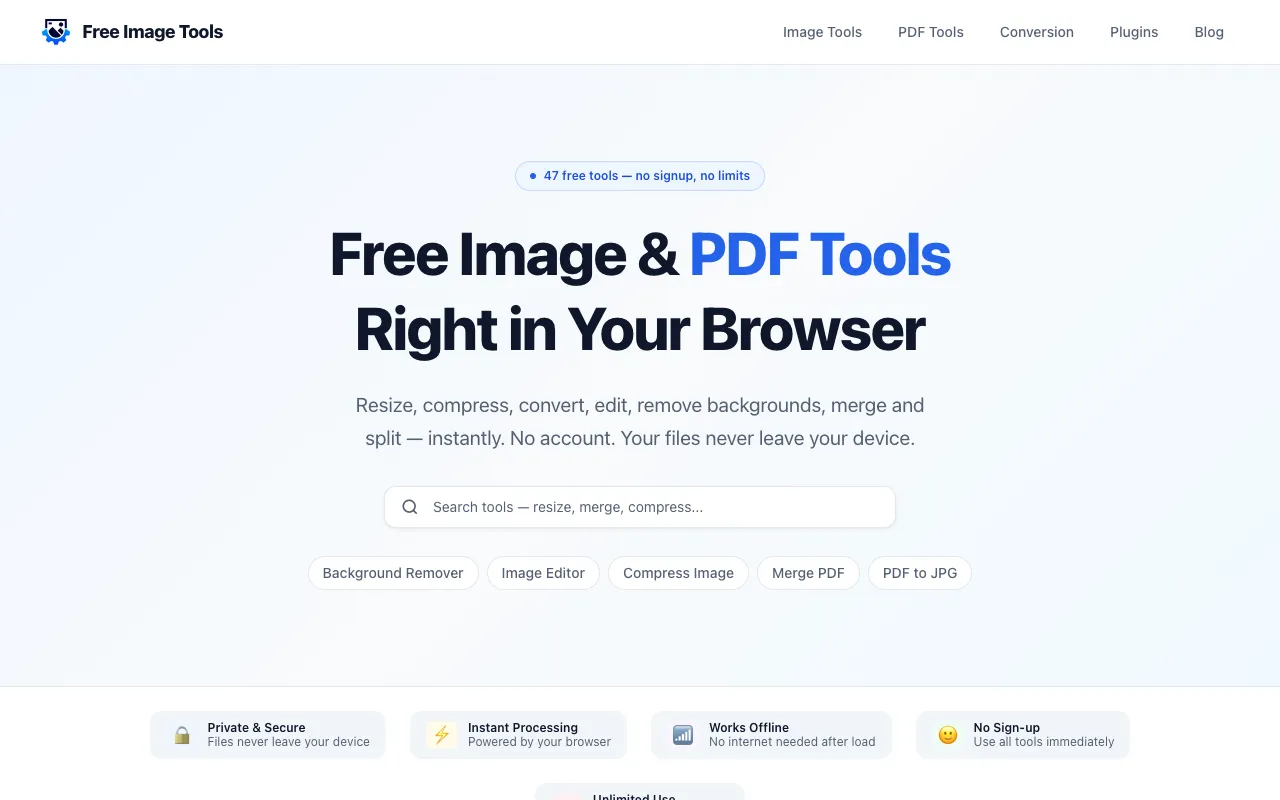
Free Image Tools is a browser-based suite for image and PDF editing, designed for users who need quick file operations without installing desktop software. The platform handles common tasks including image resizing, compression, cropping, format conversion, watermarking, and background removal, alongside PDF functionality like merging, splitting, page rotation, and compression. Processing happens locally in your browser, eliminating privacy concerns about file uploads. The service requires no signup, account creation, or confusing workflows—simply open the tool, add your file, adjust settings, and download the result. Ideal for creators, students, developers, marketers, and small business owners who regularly perform routine image and document editing.
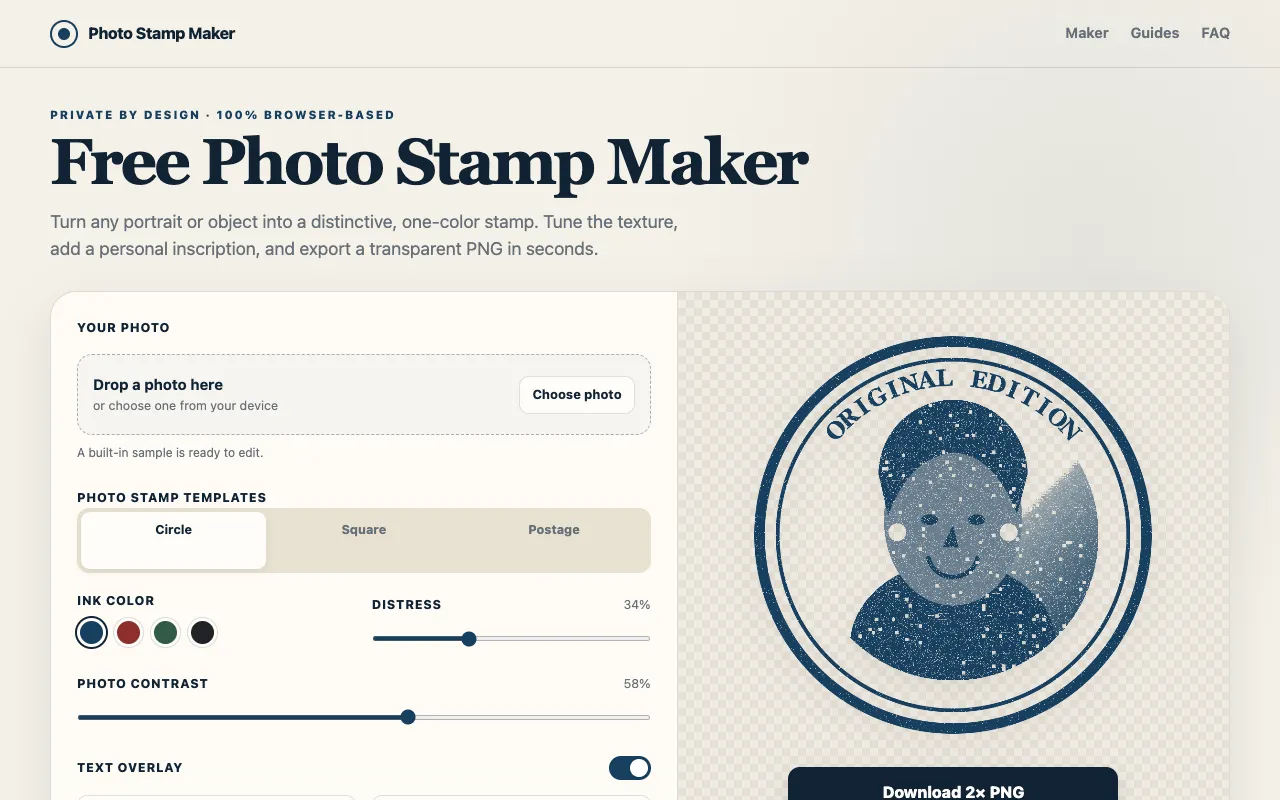
Photo Stamp Maker converts photos, logos, and portraits into vintage rubber-stamp PNG images with an authentic worn and used appearance. The tool offers adjustable settings for ink color, contrast, and wear effects, allowing you to create realistic-looking stamp designs from your original images. Templates and customization options make it ideal for branding, signature effects, or decorative applications. All image processing happens directly in your web browser locally without requiring user account creation or uploading files to external servers, ensuring your images remain private. The tool provides customizable templates and text overlays for personalizing your stamp designs. You maintain complete control over every design aspect and can download the final PNG output instantly without any data being sent elsewhere.
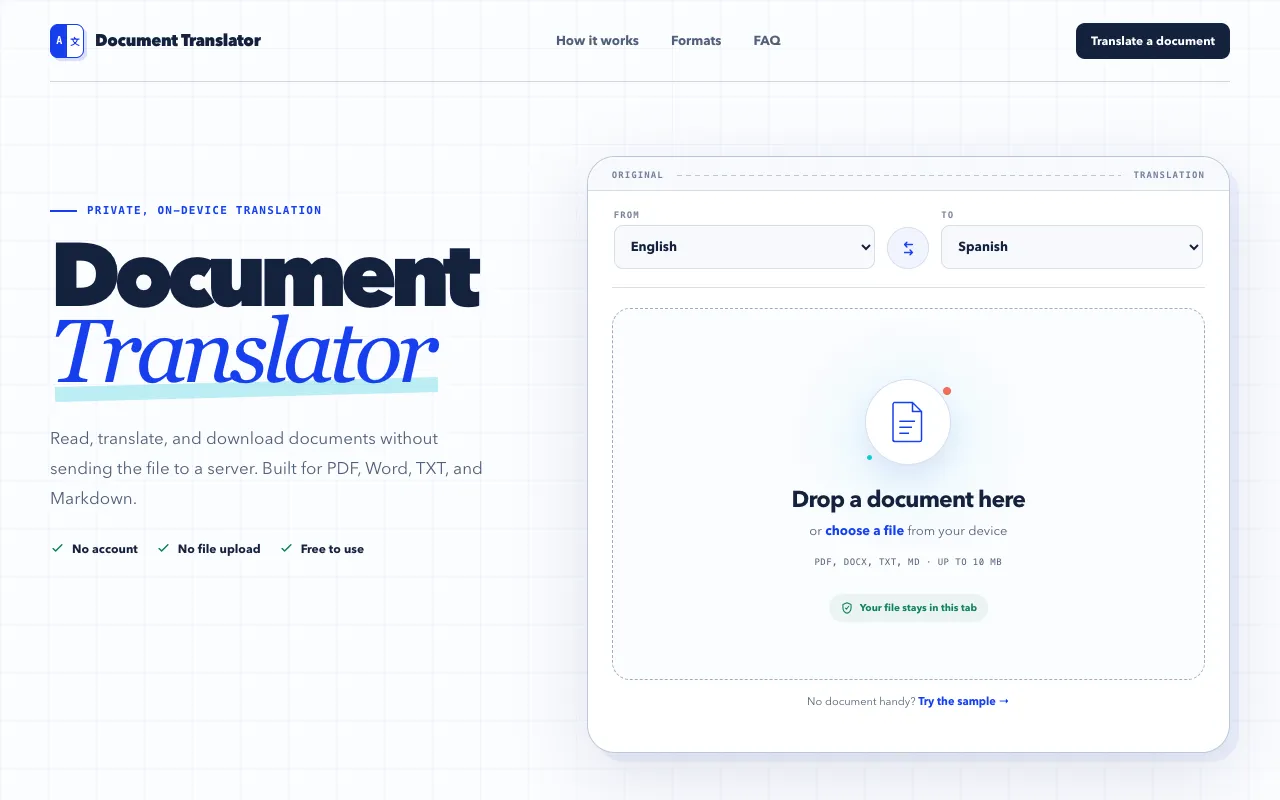
Document Translator is a browser-based tool that translates multiple file formats including PDF, DOCX, TXT, and Markdown documents. Processing happens locally in Chrome without uploading files to servers or requiring account creation, ensuring your documents remain private and stored only on your device. The tool supports batch translation of various document types, making it convenient for users who need to translate written materials across different formats. By handling files locally, it eliminates concerns about data privacy and cloud storage.
FreeImageEditor.io is a browser-based image editor designed for quick, everyday image editing without barriers to entry. It offers a straightforward set of tools including crop, resize, compress, convert, rotate, and flip functions. Unlike many online editors, it requires no account creation, software installation, or file uploads. All image processing occurs locally on your device for both privacy and instant results. The service is completely free with no watermarks, subscriptions, or sign-up requirements. Processing images locally ensures privacy and immediate availability without server uploads. This lightweight approach makes FreeImageEditor practical for casual image editing work and everyday adjustments. It provides a simple, direct alternative to more complex desktop editing software, online services with registration barriers, or subscription-based editing platforms.
NeatCompress offers free, browser-based compression for videos, images, and PDFs. All processing happens locally on your computer using WebCodecs acceleration, with an ffmpeg.wasm fallback for broader compatibility. Since files never leave your browser, nothing is uploaded to external servers, preserving complete privacy and data security. This approach keeps your sensitive media files entirely under your control without any server uploads. The tool supports compression across multiple file formats spanning three media categories: video, image, and document formats. It leverages modern web technologies to deliver efficient compression while maintaining your privacy through entirely local processing. The WebCodecs acceleration provides fast performance on modern browsers, while the ffmpeg.wasm fallback ensures compatibility on older systems or browsers lacking WebCodecs support. Processing speeds are optimized for real-time feedback.