01

Resizes JPG, PNG, SVG, and GIF images by percentage or specific dimensions using an online tool. Users upload an image and select new dimensions or a resize percentage before downloading the resized file. Ideal for web developers, graphic designers, and anyone needing to reduce file size without compromising quality for web use.
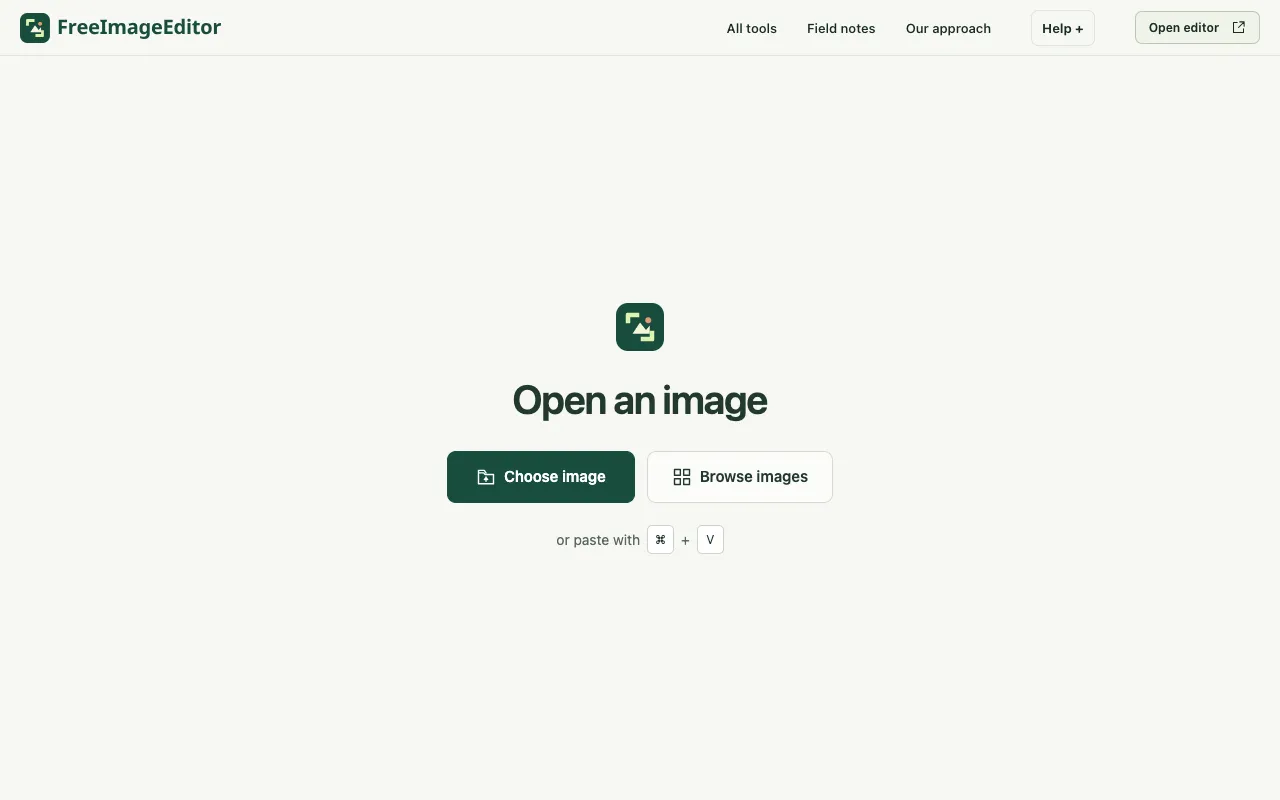
Set the width and height of a JPEG, PNG or WebP image. Keep its proportions, preview the result and export on your de...
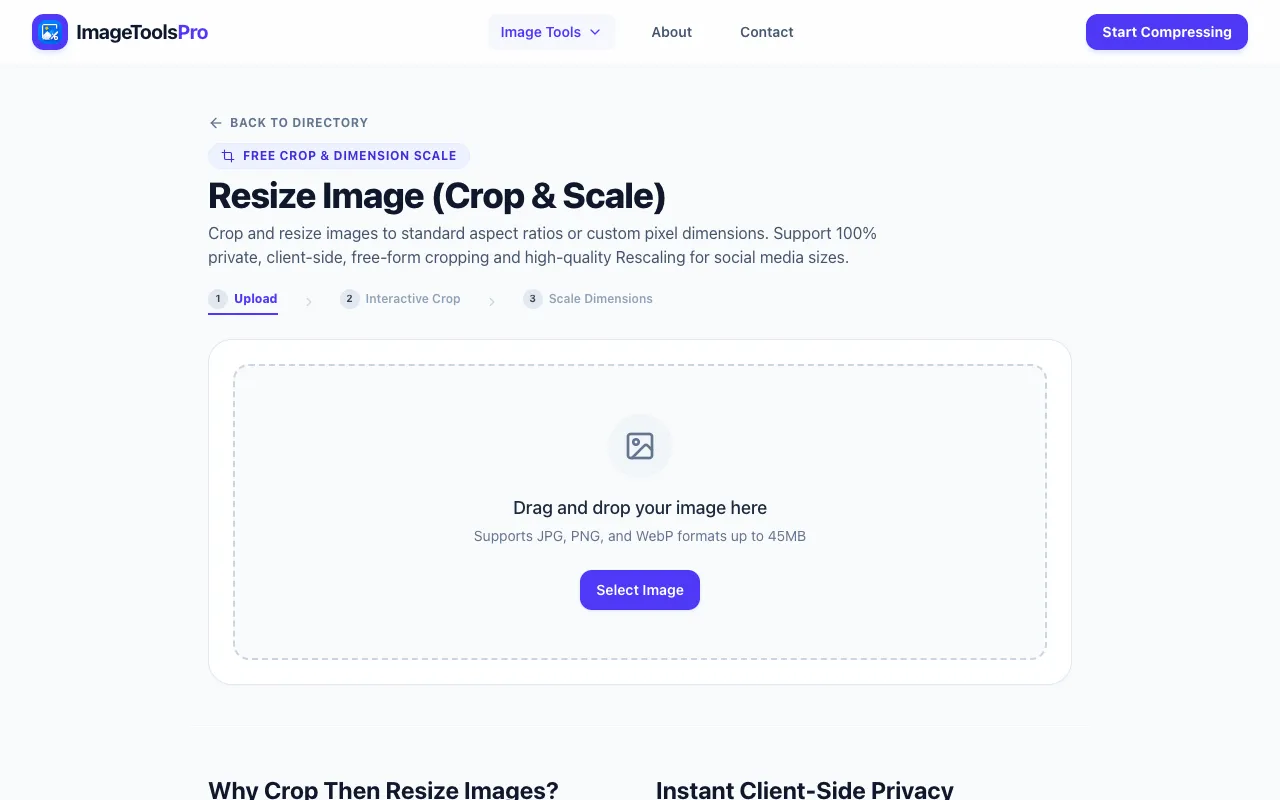
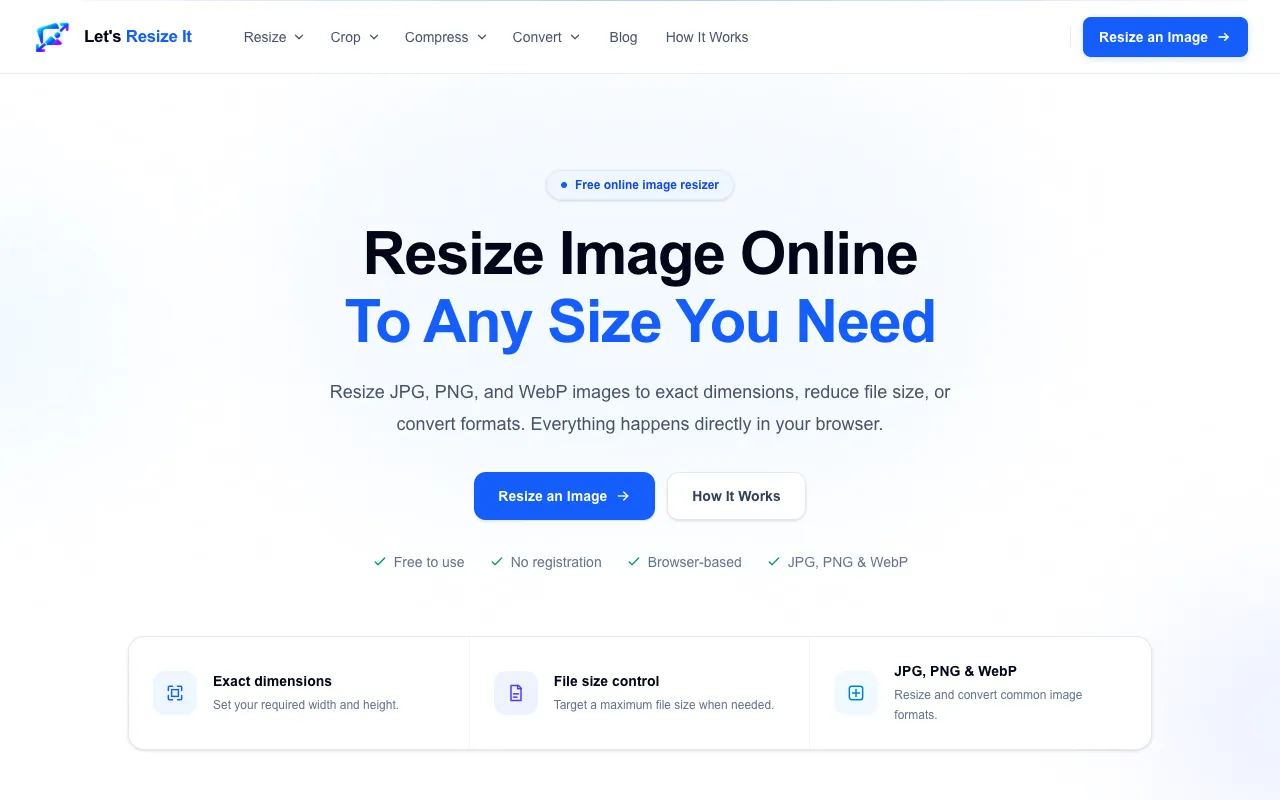
Resize images online for free with exact width and height controls. Reduce image file size, convert to JPG, PNG or We...

Side by side
| Tool | Best for | Strengths | Limitations |
|---|---|---|---|
| Ezgif ezgif.com | Animated GIF resizing |
|
|
| Free Image Editor freeimageeditor.io | Exact pixel resizing in browser |
|
|
| Let's Resize It letsresizeit.com | Simple resizing with file size control |
|
|
| ImageToolsPro imagetoolspro.in | Quick resize without details |
|
|
| iLoveIMG iloveimg.com | Bulk resizing of common formats |
|
|
Buyer's guide
When picking a tool for resizing images, first check which file formats you need — some tools only handle JPG and PNG while others include SVG, GIF, or animated formats. Then decide whether you need exact pixel dimensions or resizing by percentage; if you are preparing images for a website, targeting a maximum file size often matters more than exact dimensions. Finally, consider whether you are working with a single image or many at once, as bulk resizing can save significant time.
Questions