01
01
Free Image Editor
freeimageeditor.io
Reduce image file size with format and quality controls. Check the real encoded bytes before downloading JPEG, PNG or...
Compresses JPG, PNG, SVG, and GIF files while preserving quality. Helps users reduce file size without losing image clarity by using advanced compression algorithms. Ideal for web designers, social media managers, and anyone dealing with large image collections needing to save storage space or improve load times.
Reduce image file size with format and quality controls. Check the real encoded bytes before downloading JPEG, PNG or...
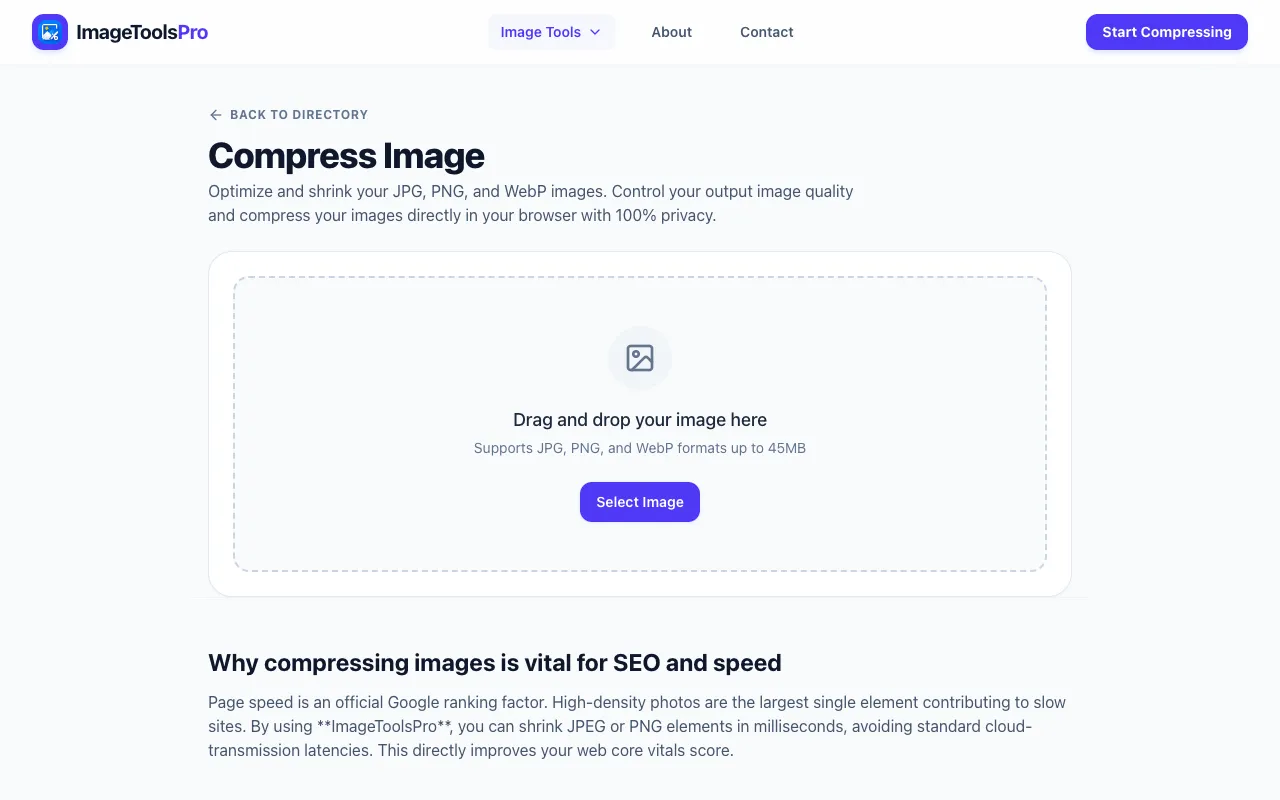
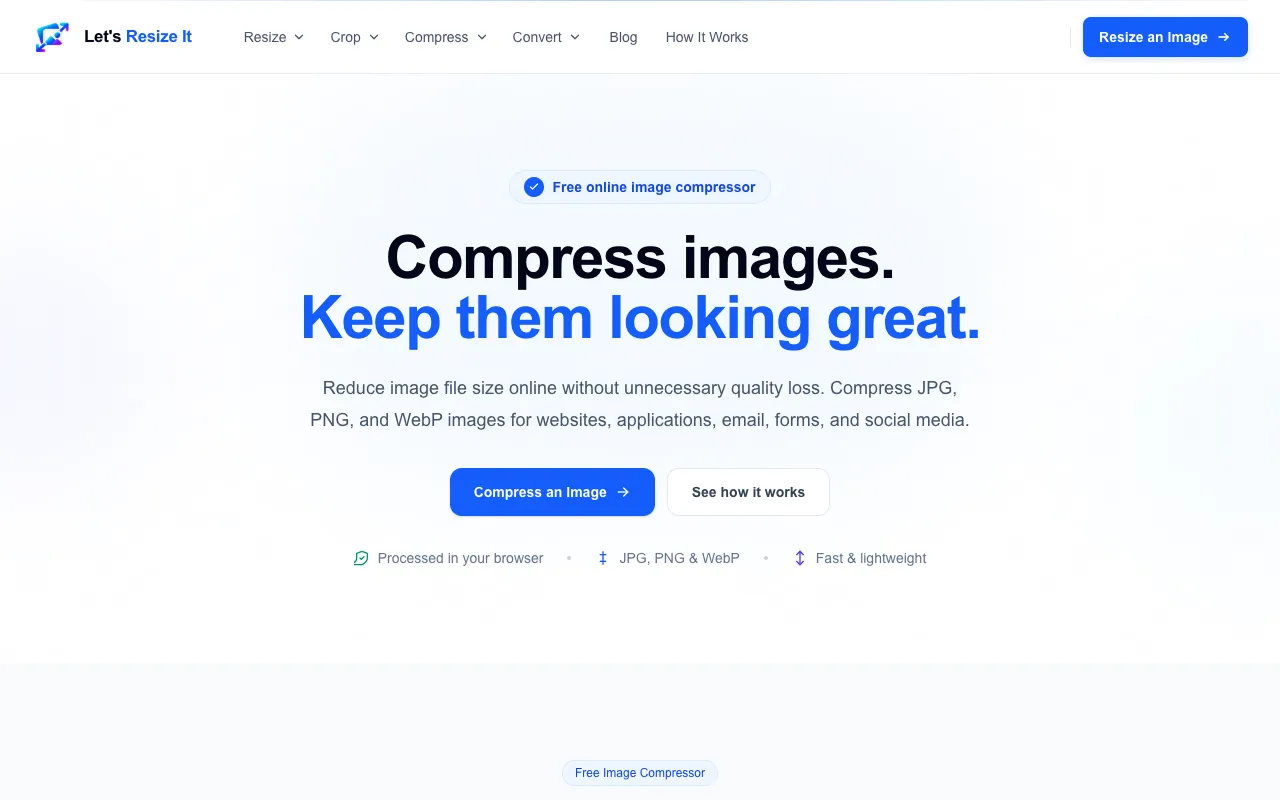
Compress JPG, PNG, and WebP images online for free. Reduce image file size, target 100KB, 200KB, 500KB or a custom si...
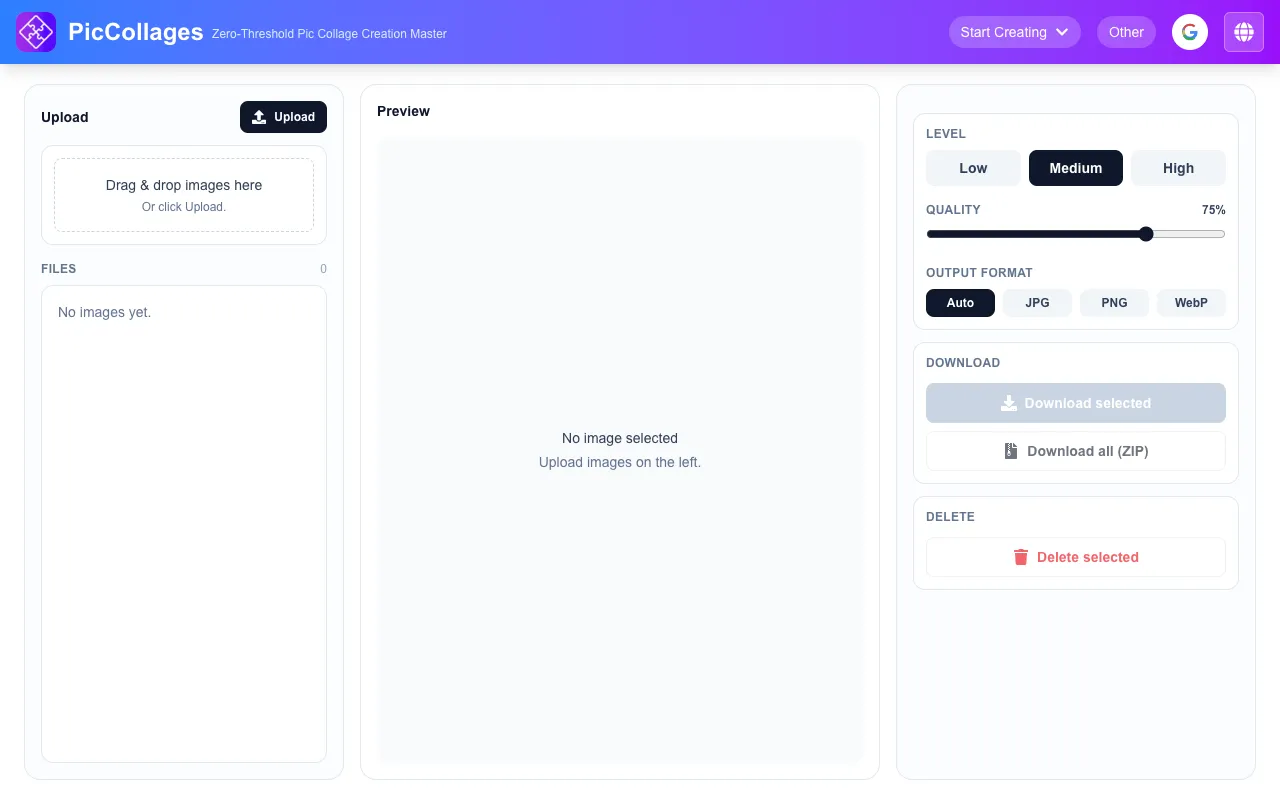
Free image compression tool. Upload images, preview results, download individually, or export all as a ZIP. 100% loca...

Side by side
| Tool | Best for | Strengths | Limitations |
|---|---|---|---|
| Free Image Editor freeimageeditor.io | Users who need format and quality controls |
|
|
| ImageToolsPro imagetoolspro.in | Quick ImageToolsPro compression |
| |
| Let's Resize It letsresizeit.com | Free compression with dimension preservation |
|
|
| Pic Collage piccollages.com | Batch compression with ZIP export |
|
|
| iLoveIMG iloveimg.com | Compressing multiple formats at once |
|
|
Buyer's guide
When picking an image compressor, first check which file formats you need — some tools only handle JPG and PNG, while others include SVG or GIF. Then decide whether you prefer a target size input (useful for hitting a specific KB limit) or simply want the smallest file possible without quality settings. Finally, consider privacy: tools that process files entirely in your browser keep your images private, whereas upload‑based services may store them temporarily on a server.
Questions