01

Crops images using either a visual editor or pixel coordinates for JPG, PNG, or GIF files. Users can upload an image and then crop it to their desired dimensions by either selecting areas with the mouse or entering specific pixel values. Ideal for users who need to resize images for social media posts, website optimization, or other digital projects requiring precise dimensions.
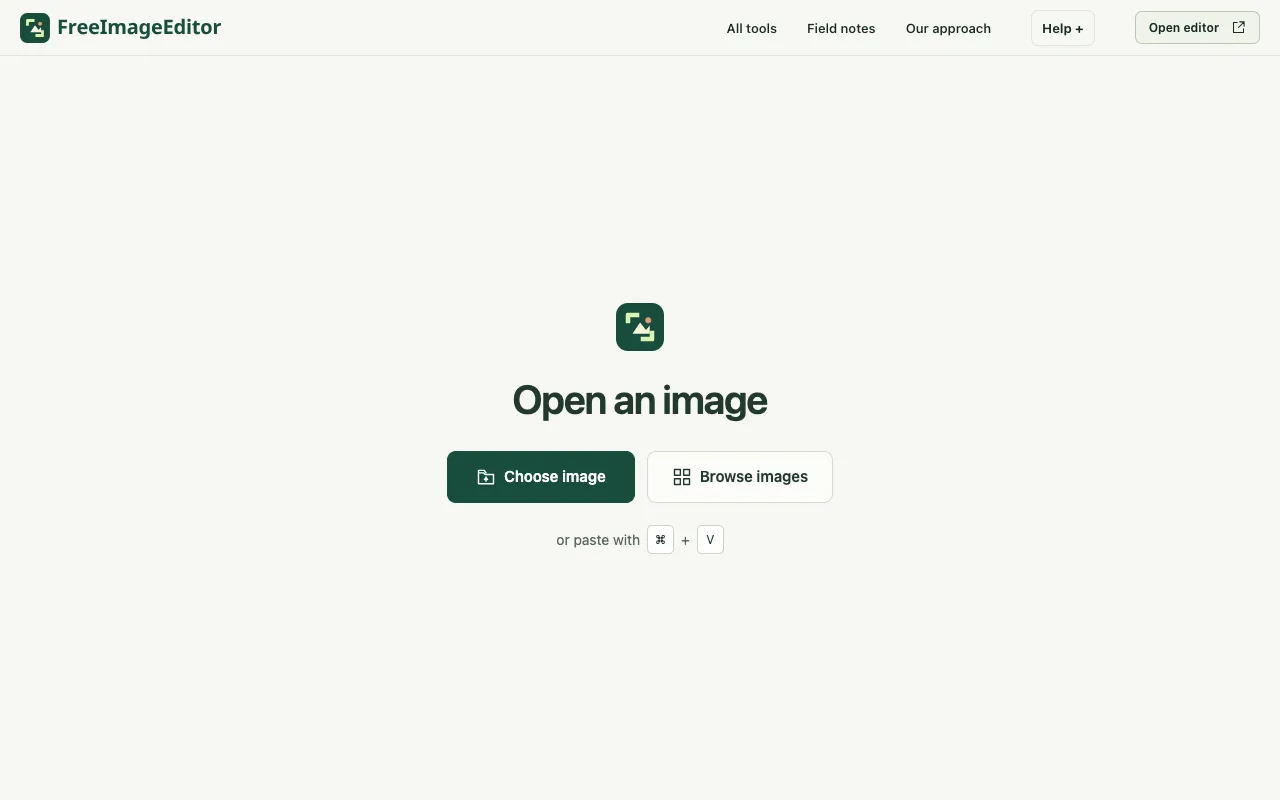
Remove unwanted edges from JPEG, PNG and WebP images. Use a crop ratio or exact coordinates, then export locally.
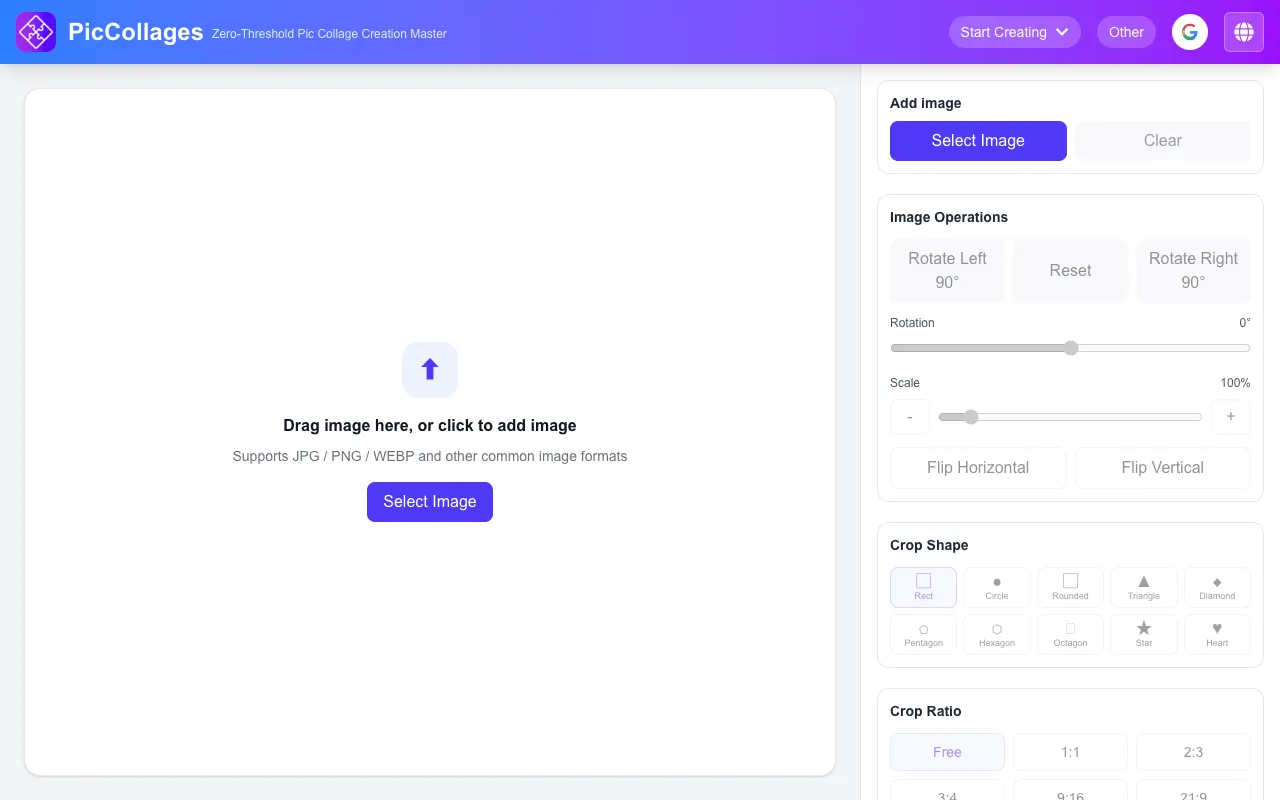
Free online image cropper. Drag & drop to crop with presets or custom ratio, rotate & flip, pick preset sizes...

Side by side
| Tool | Best for | Strengths | Limitations |
|---|---|---|---|
| Ezgif ezgif.com | Animated GIF and WebP cropping |
|
|
| Free Image Editor freeimageeditor.io | Exact coordinate cropping |
|
|
| Pic Collage piccollages.com | Quick social media cropping |
|
|
| iLoveIMG iloveimg.com | Simple JPG/PNG/GIF cropping |
|
|
Buyer's guide
When picking a crop tool, decide whether you need precise pixel coordinates or visual selection. If you are working with animated GIFs, look for autocrop or frame-specific controls. For one-off cropping without uploading files, choose a tool that processes locally. If you need preset sizes for social media or ID photos, prioritize tools with those ready-made ratios.
Questions